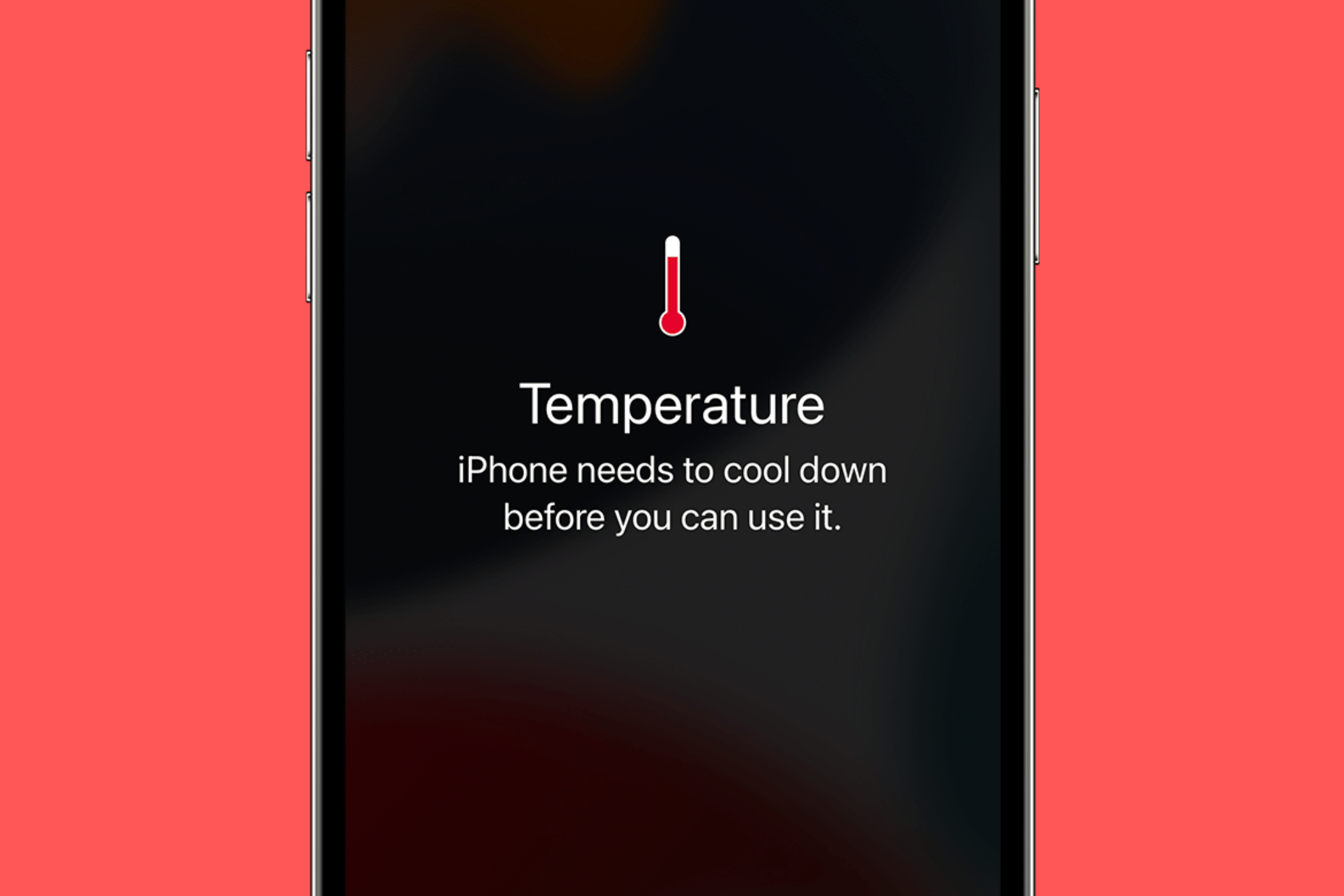
Okay, let's talk about something we all deal with: that *way-too-hot-to-handle* phone. You pull it out of your pocket, and BAM! It feels like it just ran a marathon. Why does this happen? And more importantly, why should you even *care*?
Think of your phone like a tiny, super-powered computer...because that's exactly what it is! And just like your laptop or desktop, it generates heat when it's working hard. That's completely normal, to a point. But when it gets *uncomfortably* hot, that's a sign something's up.
Why the Heat Wave?
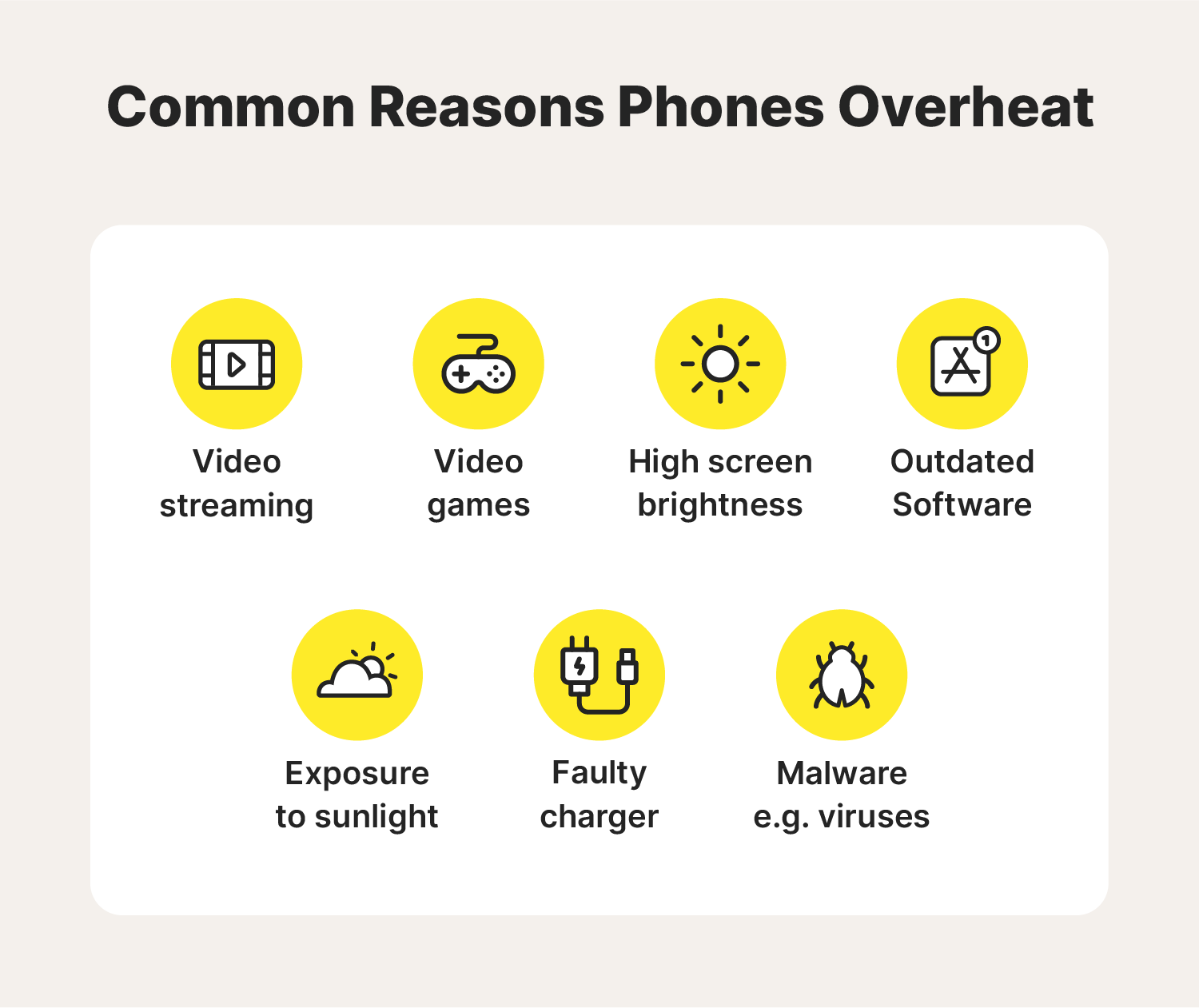
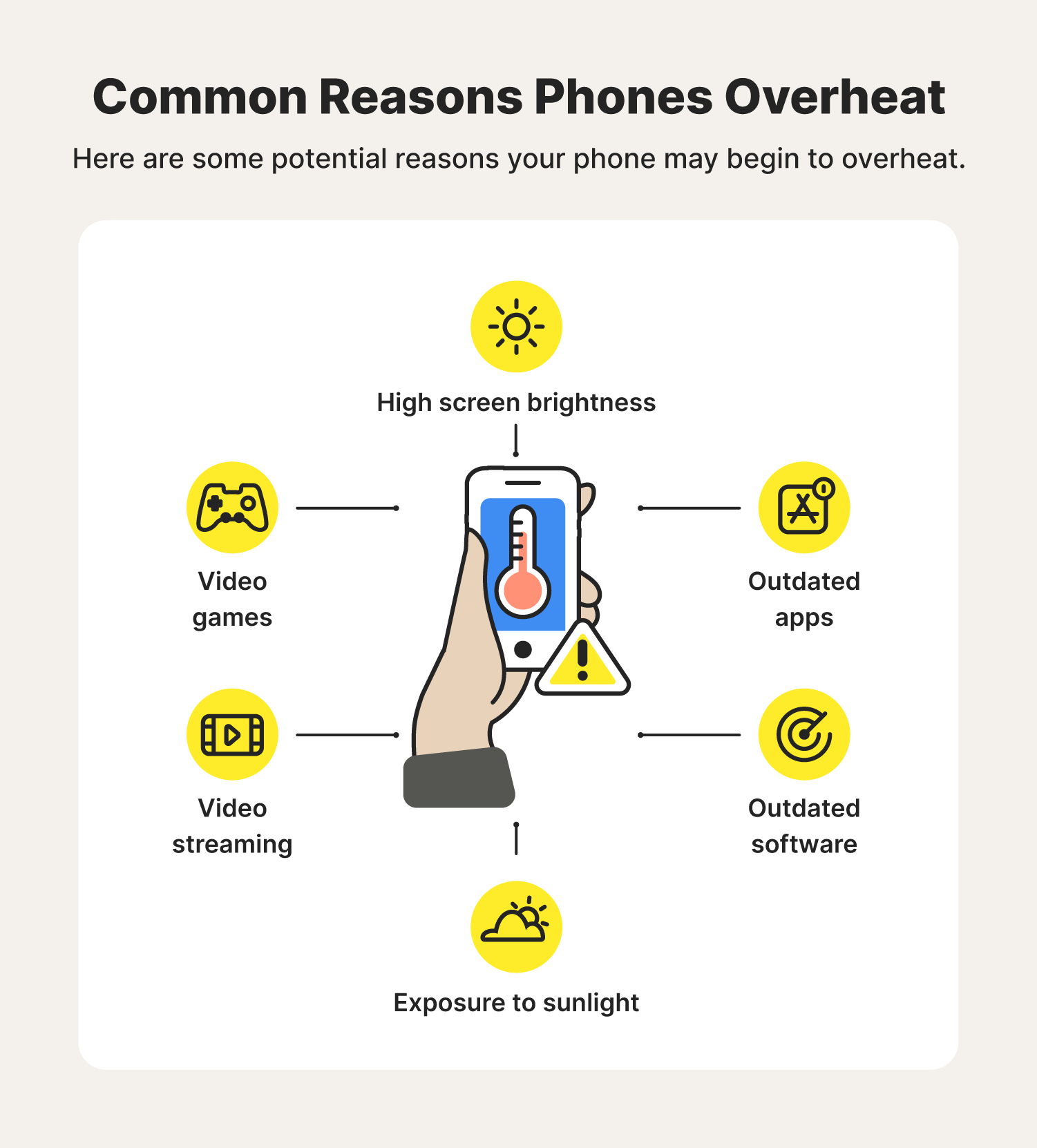
So, what are the usual suspects causing this mobile meltdown? Let's break it down:
- Processor Overload: Imagine your phone is a chef. When you're just checking a text message, they're casually slicing a cucumber. But when you're playing a graphics-intensive game like Fortnite or binge-watching Netflix in HD, they're juggling flaming torches while simultaneously whipping up a five-course meal! That's processor overload, and it generates a ton of heat.
- Battery Blues: Your battery is the phone's fuel source. As it gets older, it becomes less efficient. Like an old car engine, it has to work harder to deliver the same power, leading to increased heat. Also, if you're using a dodgy, cheap charger, it can mess with the battery and cause it to overheat. Always use a reputable charger!
- App-solutely Guilty: Some apps are just power hogs. They run in the background, constantly checking for updates or tracking your location, even when you're not actively using them. It's like having a little digital gremlin constantly fiddling with your phone's innards. Close those background apps! You might be surprised at the difference.
- Sun's Out, Heat's On: Leaving your phone baking in direct sunlight is a big no-no. It's like leaving a pet in a hot car. The sun heats up the phone's components, making it even harder for them to stay cool. Keep your phone out of direct sunlight, especially during the summer months. Find some shade!
- Software Shenanigans: Sometimes, a software bug or glitch can cause your phone to work harder than it needs to. Make sure you're running the latest version of your operating system and apps. Software updates often include performance improvements and bug fixes that can help keep your phone cool.
Why Should You Care? It's More Than Just Uncomfortable!
Okay, so your phone gets a little warm. Big deal, right? Wrong! Overheating can actually cause some serious problems:
- Battery Life Blues: Prolonged exposure to high temperatures can degrade your battery, shortening its lifespan. Nobody wants to be constantly tethered to a charger!
- Performance Problems: When your phone gets too hot, it might start to slow down or even freeze. It's like your phone is saying, "I'm too hot to think straight!" Nobody wants a lagging phone when trying to post that perfect selfie.
- Data Danger: In extreme cases, overheating can even damage your phone's internal components, potentially leading to data loss. Imagine losing all those precious photos and memories!
- Safety First!: In very rare cases, an overheated battery can pose a fire risk. It's unlikely, but it's definitely not something you want to mess with.
Chill Out! Tips to Keep Your Phone Cool
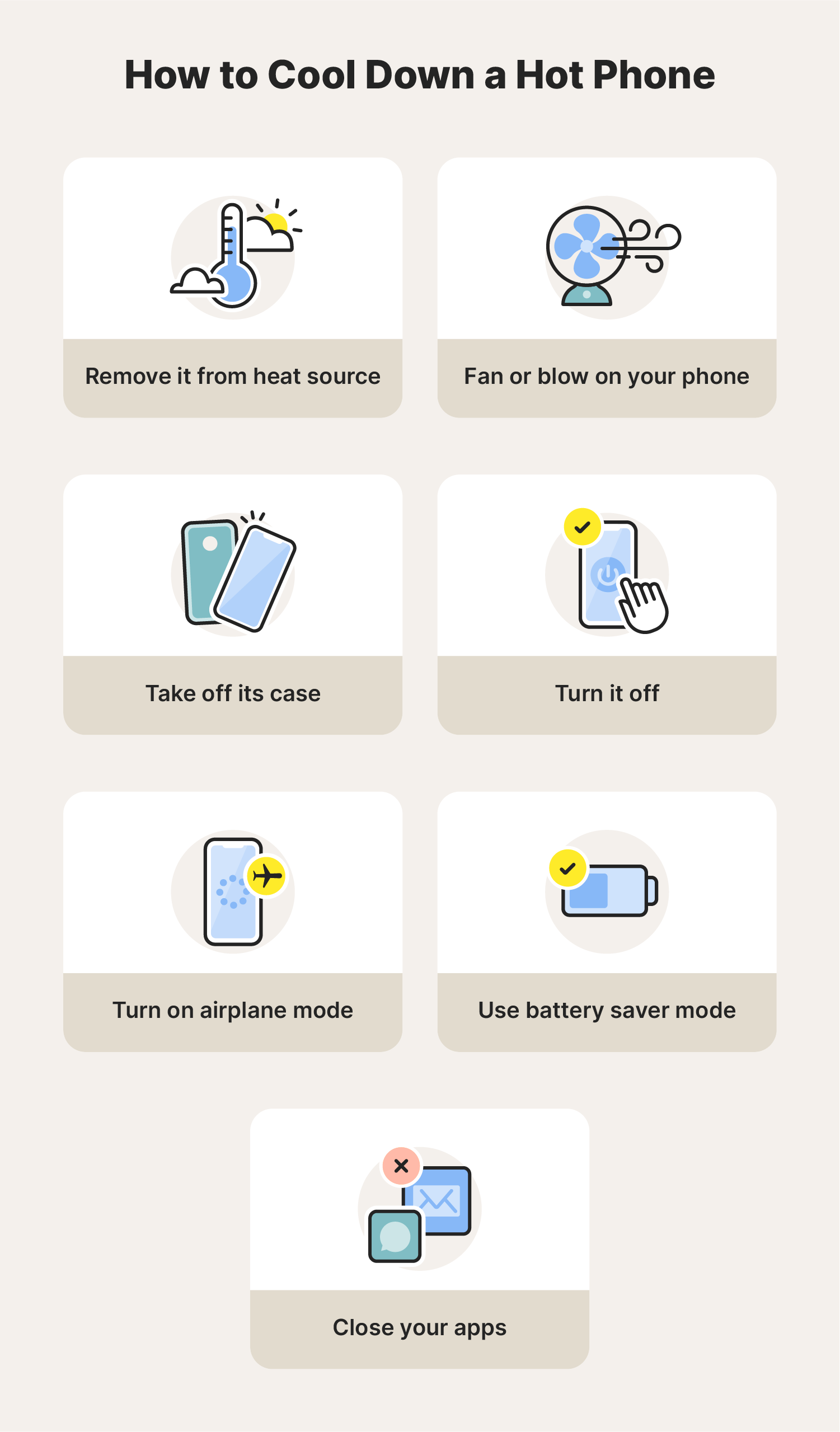
So, what can you do to prevent your phone from turning into a mini furnace? Here are a few simple tips:
- Close Unused Apps: As we mentioned before, those background apps can be sneaky energy vampires. Force-quit them when you're done using them.
- Dim the Brightness: A brighter screen consumes more power and generates more heat. Turn down the brightness or use auto-brightness. Your eyes (and your phone) will thank you.
- Limit Gaming Time: We know, it's tempting to play Candy Crush for hours on end. But try to take breaks to let your phone cool down. Maybe go outside and, you know, *experience real life* for a bit.
- Avoid Direct Sunlight: Keep your phone in your bag or pocket when you're out and about on a sunny day.
- Airplane Mode to the Rescue: If you're in an area with poor signal, your phone will work harder to maintain a connection, generating heat. Put it in airplane mode if you don't need to be connected.
- Update, Update, Update!: Keep your operating system and apps updated. These updates often include performance improvements and bug fixes that can help keep your phone running smoothly and cool.
- Give it a Rest: Turn off your phone completely every once in a while, especially at night. It gives it a chance to cool down and recharge (literally and figuratively).
So, there you have it! A simple guide to understanding why your phone gets hot and what you can do about it. Remember, a cool phone is a happy phone (and a happy you!). Take care of your pocket companion, and it will take care of you. Now go forth and keep your phone chill!