Hey there, fellow Airpod enthusiast! Ever find yourself staring forlornly at your Airpod case, willing it to magically show that sweet, sweet charging light? You plug it in, wait... and wait... and nothing. Zilch. Nada. Ugh, the frustration is real, right?
Well, fear not! You're not alone, and the good news is, your Airpod case probably isn't plotting against you. (Probably.) Let's dive into why your trusty charging companion might be on strike and, more importantly, how to get it back in action. Because let's face it, a dead Airpod case is a sad case indeed. And who wants to live a life devoid of instant access to our favorite tunes and podcasts?
Is it Just… Dead? (And How to Know)
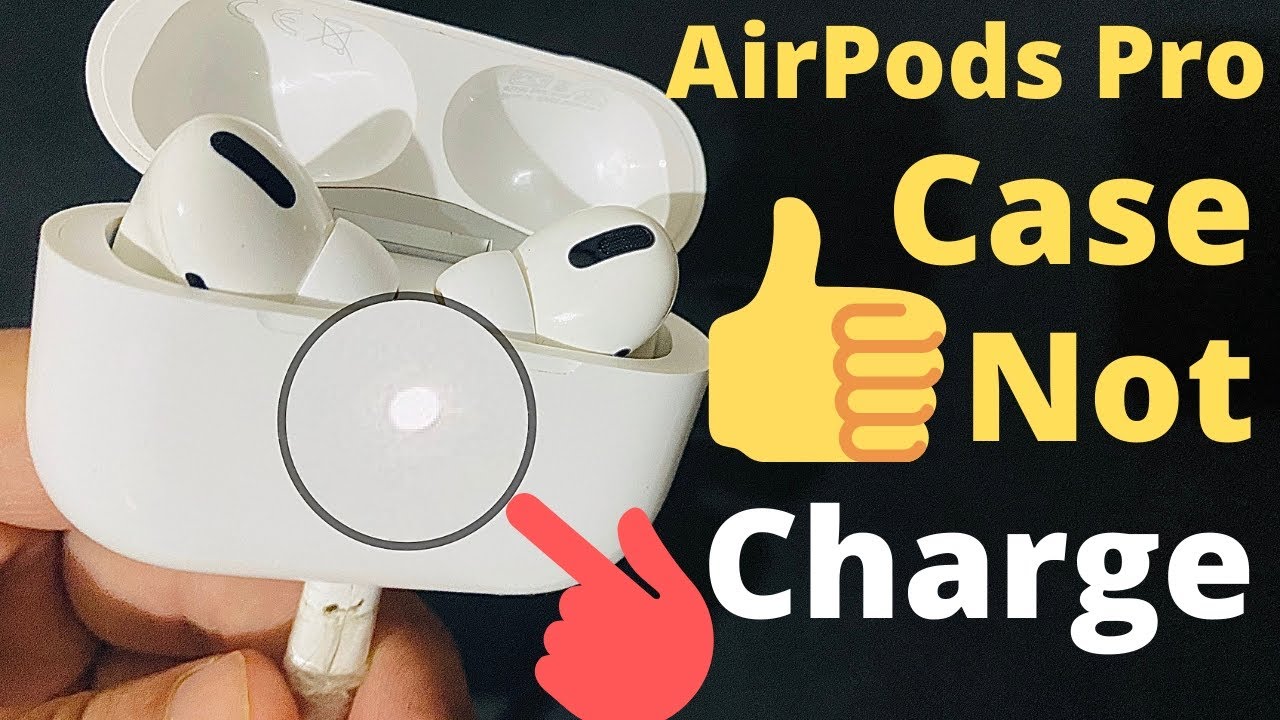
First things first, let's make sure we're not dealing with the obvious. Is your case completely out of juice? Sometimes, the simplest explanation is the right one. Check the charging light when you plug it in. If it doesn't light up at all, even after a few minutes, that's a pretty good indicator.
But wait! Don't despair just yet! Try a different charging cable and a different power adapter. Your cable might be frayed, your adapter might be faulty. It happens! Think of it like trying a different key when your car won't start. Basic troubleshooting, my friend!
The Pesky Port Problem
Okay, so you've swapped cables and adapters, and still nothing? Let's talk about the charging port itself. This little guy is a magnet for lint, dust bunnies, and all sorts of pocket debris. Seriously, take a look. You might be surprised at what you find lurking in there!
But proceed with caution! Don't go poking around with anything metal that could damage the connector. Instead, grab a can of compressed air and give the port a good blast. If you don't have compressed air, a soft-bristled brush (like a clean toothbrush) can work in a pinch. Just be gentle!
Bluetooth Blues and Resetting Your Case
Believe it or not, sometimes Bluetooth glitches can interfere with charging. It sounds weird, I know. But technology is weird! Try resetting your Airpod case. Here's how:
- Put your Airpods inside the case.
- Close the lid.
- Wait 30 seconds. Patience, young Padawan!
- Open the lid.
- Press and hold the setup button on the back of the case until the status light flashes amber, then white. This can take about 15 seconds.
This essentially gives your Airpods and case a little reboot. Think of it as a digital spa day. Ahhh...
The Software Saga
Sometimes, your Airpods or the case itself might be running on outdated software. Make sure your iPhone (or iPad) is updated to the latest version of iOS or iPadOS. Then, with your Airpods in the case and the lid open, hold the case near your iPhone. If there's a software update available for your Airpods, you should see a prompt on your screen. Follow the instructions to update them. Keeping things updated is like giving your tech a little boost of vitamins!
When to Throw in the Towel (and Seek Professional Help)
If you've tried everything above, and your Airpod case is still stubbornly refusing to charge, it might be time to consider that there's a hardware issue. This could be a faulty battery, a damaged charging port, or some other internal gremlin.
Don't attempt any DIY surgery unless you're a certified tech wizard! Your best bet is to contact Apple support or take your Airpods and case to an authorized service provider. They'll be able to diagnose the problem and offer a solution, whether it's a repair or a replacement.
Remember: AppleCare+ can be a lifesaver in situations like this! So, if you're prone to tech troubles, it might be worth considering for your future purchases.
Why Bother? The Joy of Functioning Airpods!
I know, troubleshooting tech can feel like a chore. But think about the reward! Imagine yourself cruising down the street, blasting your favorite tunes, completely lost in your own world. Or catching up on that captivating podcast while you're waiting in line. Or effortlessly taking calls on the go, hands-free and fabulous. That's the power of functioning Airpods! That's why it's worth the effort to get your case charging again.
So, go forth and conquer your Airpod charging woes! With a little patience and a few simple troubleshooting steps, you'll be back to enjoying your audio bliss in no time. And who knows, maybe you'll even learn a thing or two about tech along the way. Because let's be honest, understanding how our gadgets work is pretty empowering, right?
Ready to dive deeper into the world of tech troubleshooting? There's a wealth of information online, from Apple's support website to countless helpful articles and videos. Embrace the learning process, and you'll become a tech-savvy whiz in no time! The future is digital, and it's yours to explore!