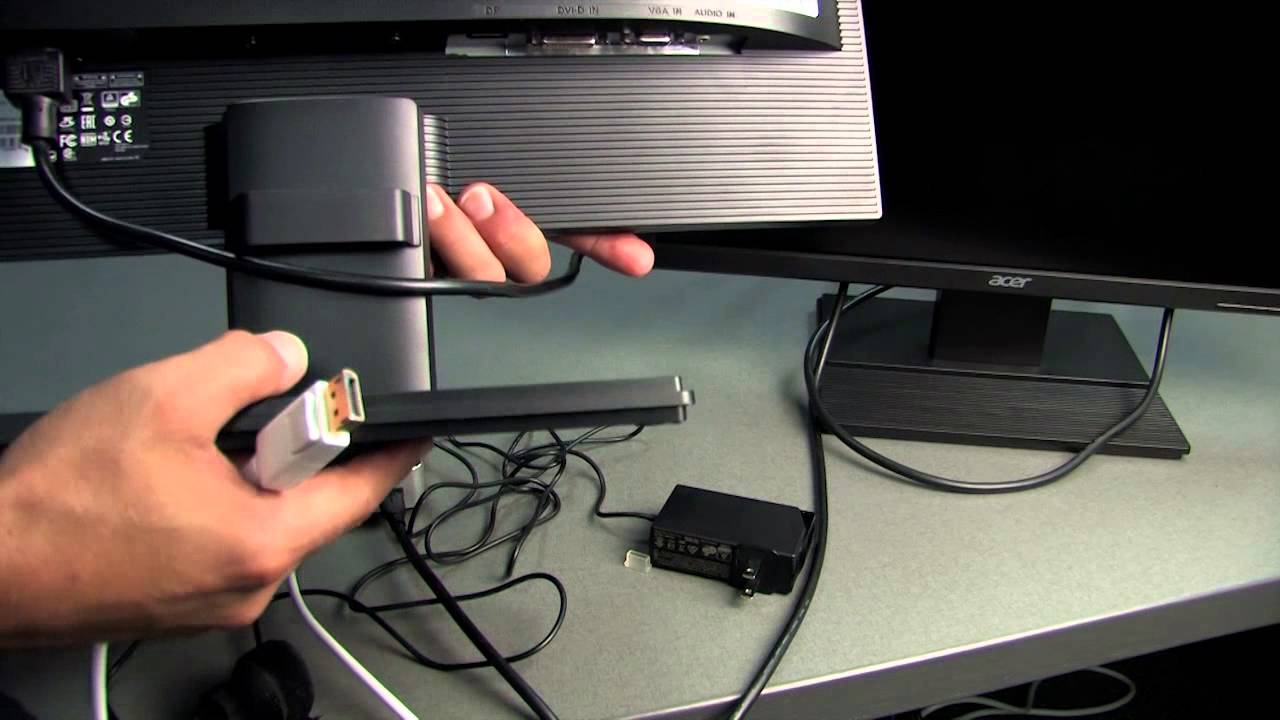
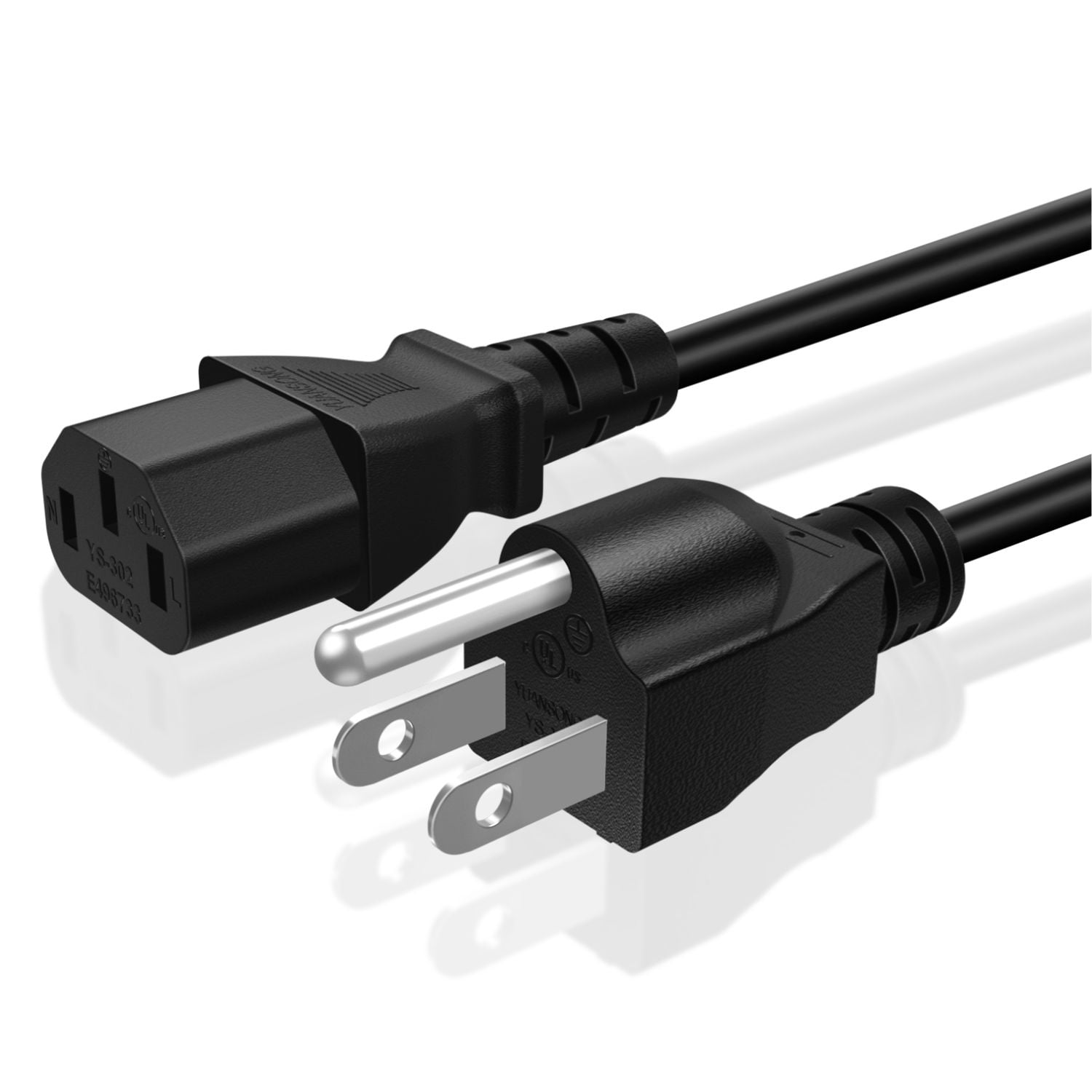
Have you ever stopped to think about the unsung hero that brings your computer to life? It's not a flashy component, and it rarely gets any credit, but without it, your digital masterpieces would be trapped inside a metal box. I'm talking about the humble, yet essential, cable that connects your computer to your monitor. While it goes by a few different names, let's just call it the "display cable" for simplicity’s sake. Think of it as the digital umbilical cord, feeding vibrant images and crisp text from your computer's brain to your viewing screen.
For artists, hobbyists, and even casual learners, this cable is a gateway to endless possibilities. Imagine an artist using a drawing tablet and seeing their strokes rendered in real-time on a large monitor. A high-quality display cable ensures color accuracy and minimal lag, allowing for a truly immersive and responsive creative experience. Hobbyists building complex 3D models need that sharp detail to come through. And for learners engaging with online tutorials or video editing software, a clear, stable display is critical for understanding the content and practicing their skills.
There are several types of display cables, each with its own strengths. HDMI (High-Definition Multimedia Interface) is probably the most common, known for carrying both video and audio signals. It's a versatile option for everything from gaming consoles to Blu-ray players. Then there's DisplayPort, often favored by gamers and professionals for its higher bandwidth and ability to support multiple monitors. Older standards like VGA (Video Graphics Array) and DVI (Digital Visual Interface) still exist, but they are being gradually phased out in favor of the newer, more capable options. The subjects displayed through these cables are as varied as the users themselves – from stunning landscape photography and intricate digital paintings to fast-paced action games and detailed architectural renderings.
Trying this out at home is incredibly simple. First, identify the available ports on your computer and monitor. Most modern devices will have HDMI or DisplayPort, while older devices might use VGA or DVI. Choose the appropriate cable based on the available ports. Ensure the cable is securely connected to both the computer and the monitor. You might need to adjust the display settings on your computer to properly recognize the monitor. This usually involves going to your operating system's display settings and selecting the correct resolution and refresh rate.
Why is it so enjoyable? Because it's the link between your digital imagination and the tangible world. It's the joy of seeing your creations come to life, the satisfaction of mastering a new skill through clear and accessible visuals, and the simple pleasure of enjoying your favorite movies and games in all their glory. So, next time you admire a stunning image on your screen, take a moment to appreciate the unassuming display cable that makes it all possible. It's a small component, but its impact is truly significant.