Ever feel like your iPhone is your lifeline? From scrolling through TikTok to ordering that late-night pizza, it keeps us connected. But what happens when you're away from Wi-Fi? That's where cellular data swoops in like a superhero! Understanding cellular data on your iPhone is like unlocking a secret superpower. It lets you stay connected, informed, and entertained, basically anywhere. Let's dive into what it is and why it's so essential.
So, what exactly *is* cellular data? Think of it as the internet delivered wirelessly, but instead of relying on your router at home, it uses the same network that your phone calls use. Your mobile carrier (like Verizon, AT&T, or T-Mobile) provides this data service. When you're not connected to Wi-Fi, your iPhone automatically switches over to cellular data to keep you online. This allows you to browse the web, send emails, stream music, use apps, and everything else you normally do online, all without needing a Wi-Fi connection.
The purpose of cellular data is simple: to give you internet access on the go. The benefits are numerous! Imagine you're lost in a new city. Cellular data lets you use Google Maps to find your way. Or perhaps you need to check your email urgently while waiting in line at the grocery store. Cellular data to the rescue! It allows for constant connectivity, regardless of your location (as long as you have cellular service, of course!).
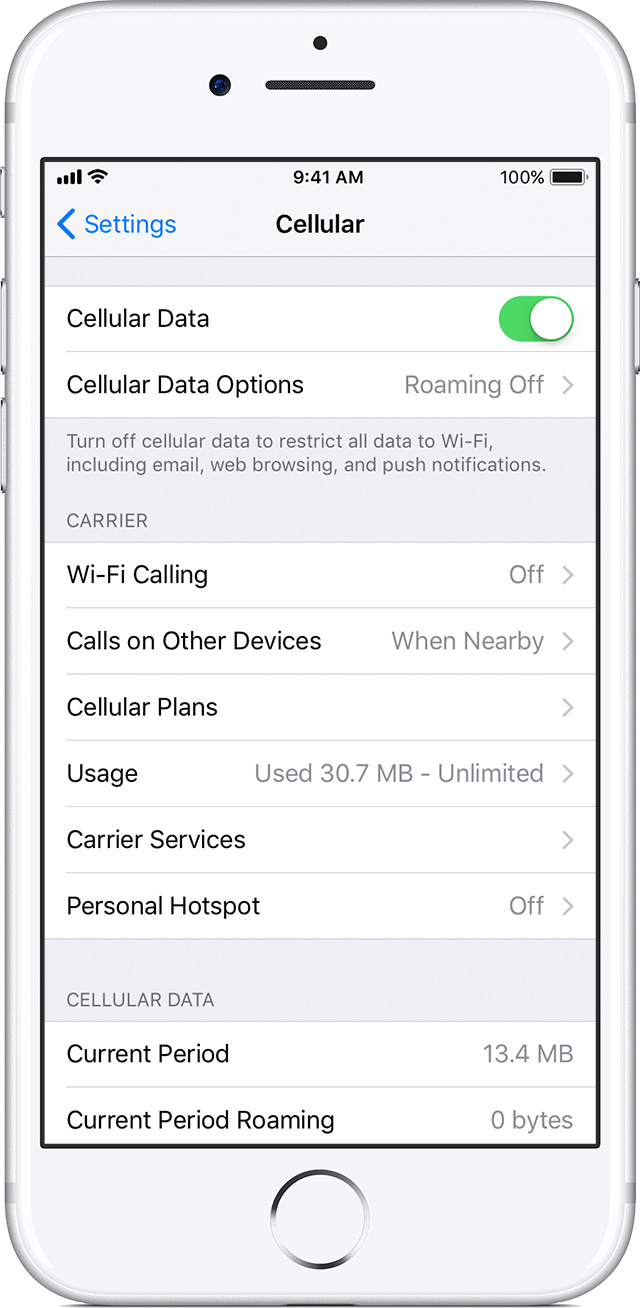
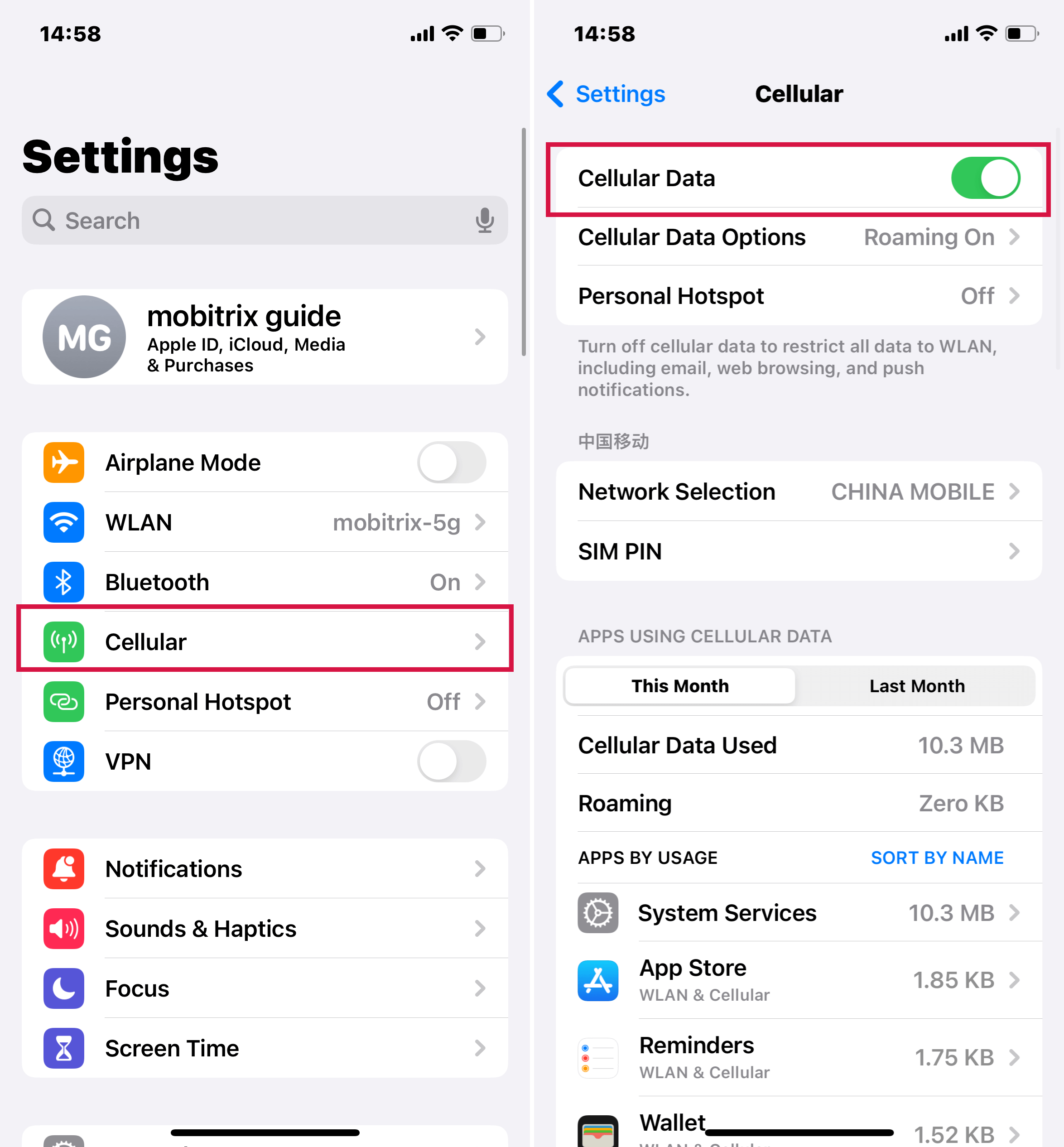
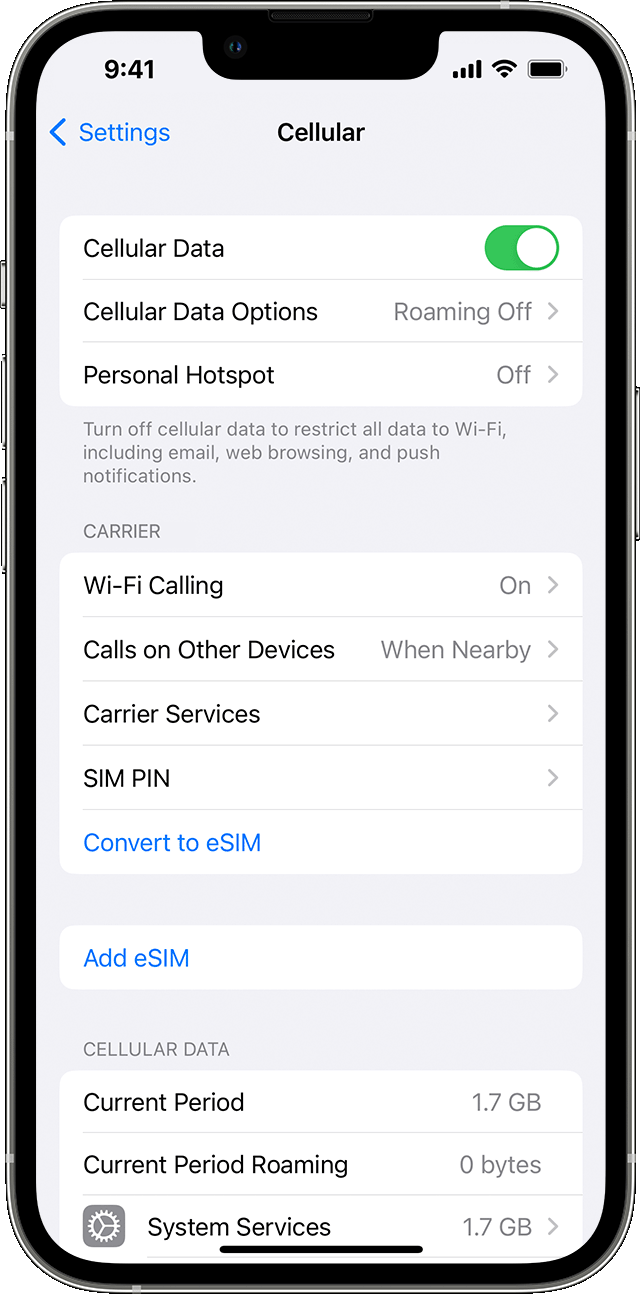
But here's the catch: cellular data isn't unlimited for most of us. Your mobile plan typically includes a certain amount of data each month. If you exceed that amount, you might face slower speeds or extra charges. That's why it's important to manage your data usage. You can check your data usage in your iPhone's settings by going to "Cellular" (or "Mobile Data"). This will show you which apps are using the most data.
Tips for managing your cellular data:
- Connect to Wi-Fi whenever possible: This is the easiest way to save on cellular data.
- Disable cellular data for apps you don't need it for: In your iPhone's settings, you can turn off cellular data for individual apps.
- Download content ahead of time: Download music, podcasts, and videos when you're on Wi-Fi to avoid streaming them over cellular data later.
- Use data-saving features: Many apps, like YouTube and Spotify, have options to reduce data usage by lowering video or audio quality.
- Monitor your data usage: Regularly check your data usage in your iPhone's settings to see where your data is going.
Understanding cellular data on your iPhone is key to staying connected without breaking the bank. By being mindful of your usage and employing these tips, you can enjoy the freedom and convenience of mobile internet while keeping your data bill under control. So go forth and explore the world, knowing that your iPhone and cellular data have your back!