Okay, so picture this: I’m super excited. I’ve spent, like, an entire weekend designing the *perfect* miniature dragon. Scales, tiny little horns, the works. I hit "export," feeling all proud of myself, and then… my 3D printer just stares back at me, completely blank. It’s like I just handed it a napkin with scribbles and expected it to build the Taj Mahal. The problem? I'd saved it as a weird file type that was totally useless to the machine. We've all been there, right? (Please say yes, for my ego's sake.)
That got me thinking – what *exactly* is the magic file format that makes 3D printers tick? Let’s dive in, shall we?
The King of the 3D Printer Jungle: G-Code
The short answer? The most common file type 3D printers use is called G-Code. But it's not *quite* that simple. G-Code isn't a design file like you'd create in a CAD program (like Tinkercad, Blender, or Fusion 360). Think of it as the instruction manual for your printer. It's like giving it a very, very detailed step-by-step guide on how to create your object.
Basically, G-Code is a programming language that tells the 3D printer exactly what to do. Things like:
- Where to move the print head (x, y, and z coordinates)
- How fast to move the print head
- What temperature to set the nozzle and bed
- How much filament to extrude
- And a gazillion other tiny, crucial details.
It’s seriously intense. You probably *don't* want to try and write G-Code by hand (unless you're some kind of robot whisperer). Trust me on this one.
From Design to Reality: The Slicing Process
So, if we design in, say, a .STL file (we’ll get to that!), how does that turn into G-Code? That's where slicing software comes in. Think of it like this: you design your masterpiece in a 3D modeling program, then the slicer takes that model and chops it up into thin layers (like slicing a loaf of bread). Each layer gets its own set of G-Code instructions.
Popular slicing software options include:
- Cura (super popular and often free!)
- PrusaSlicer (another excellent free option)
- Simplify3D (a paid option with some advanced features)
The slicer lets you tweak a *ton* of settings to optimize your print. Things like layer height, infill density, print speed, and support structures can all be adjusted to get the best possible result. Experiment! That's half the fun, right? Or half the frustration, depending on the day.
Other Important File Types: STL and OBJ
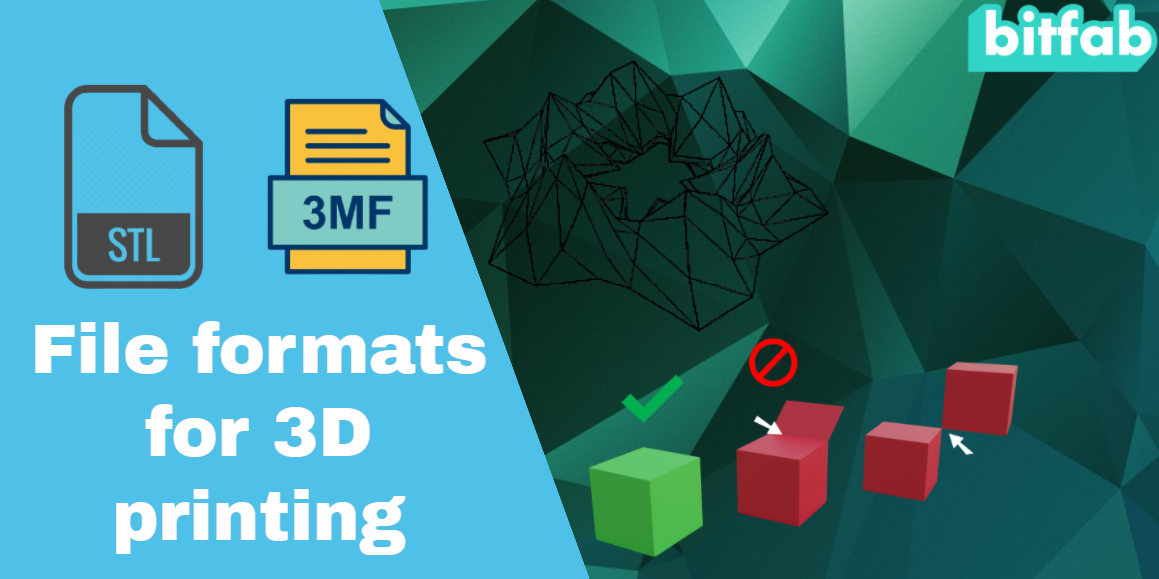
Okay, so G-Code is the language the printer understands. But what about the actual 3D model itself? That's usually stored in a file format like .STL or .OBJ.
.STL (Stereolithography) is probably the most common file format for 3D printing. It represents the surface geometry of your model as a collection of triangles. More triangles usually mean a smoother, more detailed model, but also a larger file size. Pro tip: sometimes you can simplify your model in the CAD software to reduce triangle count without losing too much detail!
.OBJ is another popular format that, unlike .STL, can also store color and texture information. This is useful if you want to print a multi-colored object, but it's not always supported by all 3D printers (especially simpler models). And frankly, most of us are just rocking the plain white filament anyway. Am I right?
You'll export your design from your 3D modeling software as either an .STL or .OBJ file, then import it into your slicing software. The slicer then does its magic and spits out the G-Code file that your printer can actually understand.
In Conclusion: It's a Team Effort!
So, there you have it. While G-Code is the direct instruction set for your 3D printer, the whole process involves a team of file formats working together. You design in .STL or .OBJ, slice it into G-Code, and then your printer brings your creation to life! It's a bit like a digital relay race, if you think about it.
Now go forth and print! And don't forget to double-check your file types before you hit that print button. Save yourself from the blank stares and the silent frustration. Happy printing!