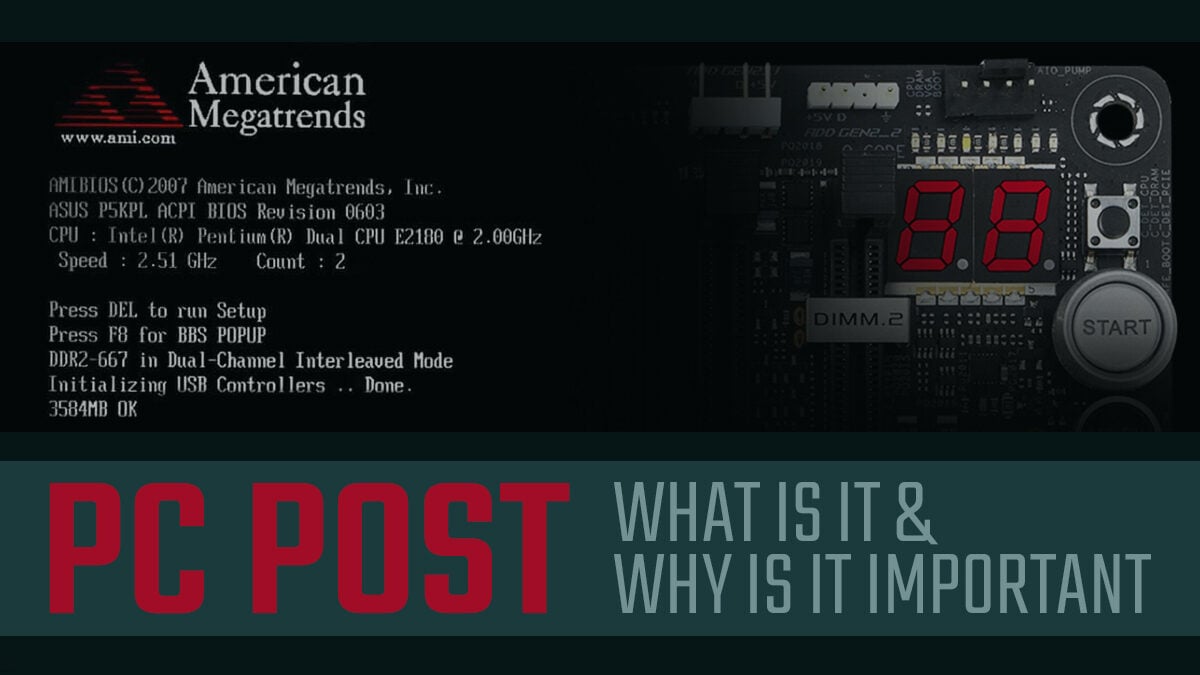
Ever fired up your computer and been greeted by a flurry of seemingly random text before Windows, macOS, or Linux even think about loading? It might seem like your machine is just showing off its internal monologue, but that cryptic display is actually a crucial process called POST. But what does POST stand for in the computer world, and why should you even care? Let's unravel this tech mystery together!
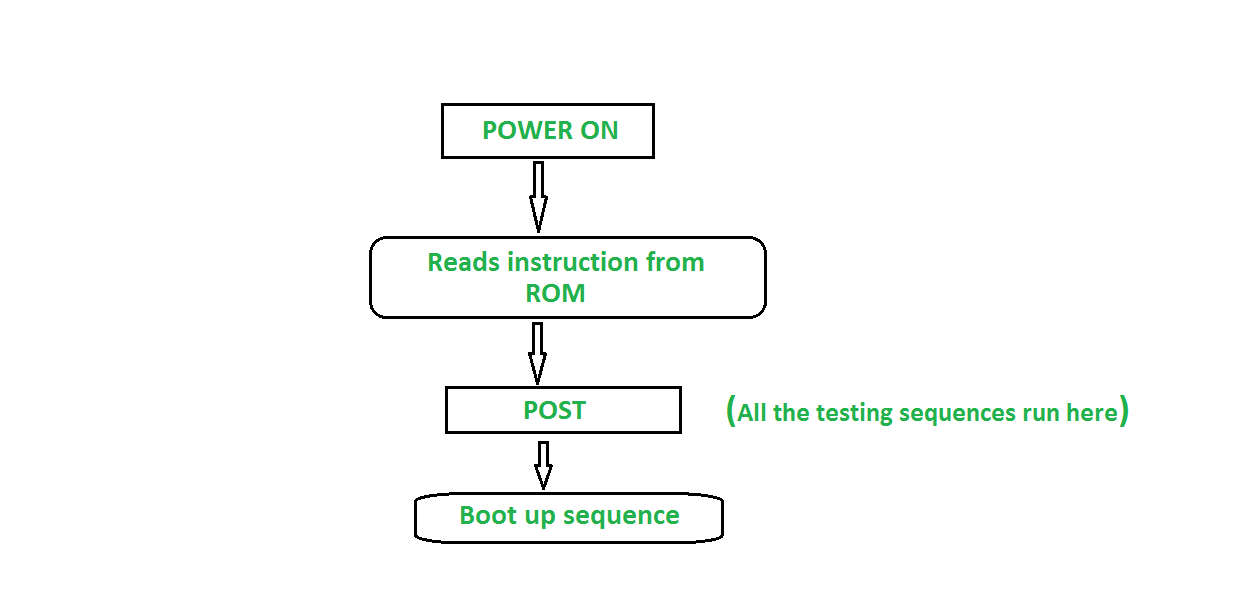
Think of it like this: your computer is a complex machine, a team of specialized components all working together to bring you cat videos, spreadsheets, and video calls. Before sending the team out to play, a good coach (in this case, your computer's BIOS or UEFI) needs to make sure everyone's present, accounted for, and ready to perform. That's exactly what POST does. It stands for Power-On Self-Test, and it's essentially a hardware health check that occurs every single time you turn on your machine.
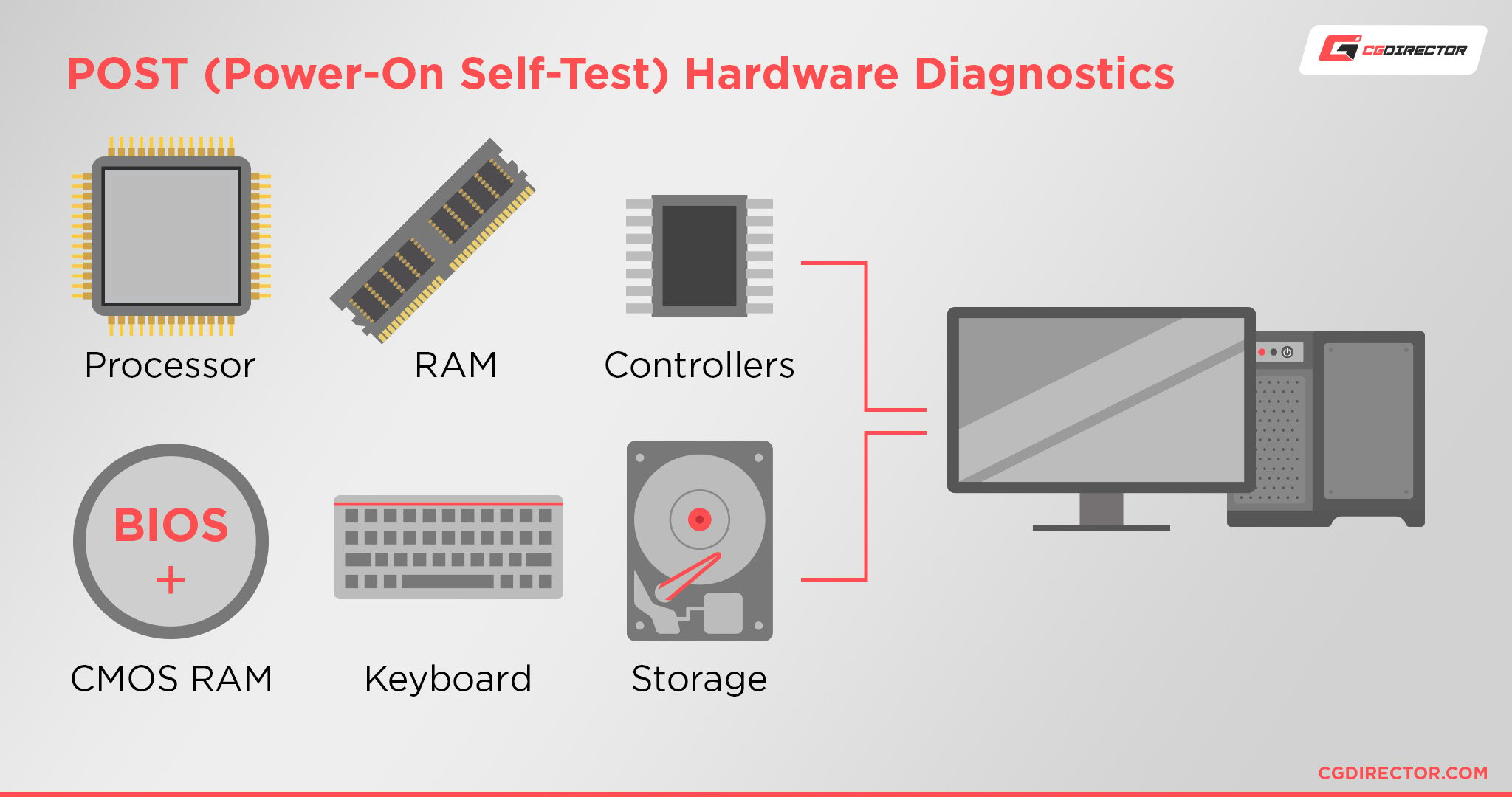
So, what are the benefits of this seemingly obscure process? Well, without POST, your computer would be stumbling blindly into operation. It confirms that the CPU, RAM, motherboard, storage devices (like your hard drive or SSD), and other essential peripherals are functioning correctly. It's a fundamental step that ensures your system is stable and avoids potential data corruption or even hardware damage. Imagine trying to drive a car without checking the engine oil or tire pressure – POST is that crucial pre-flight inspection for your computer.
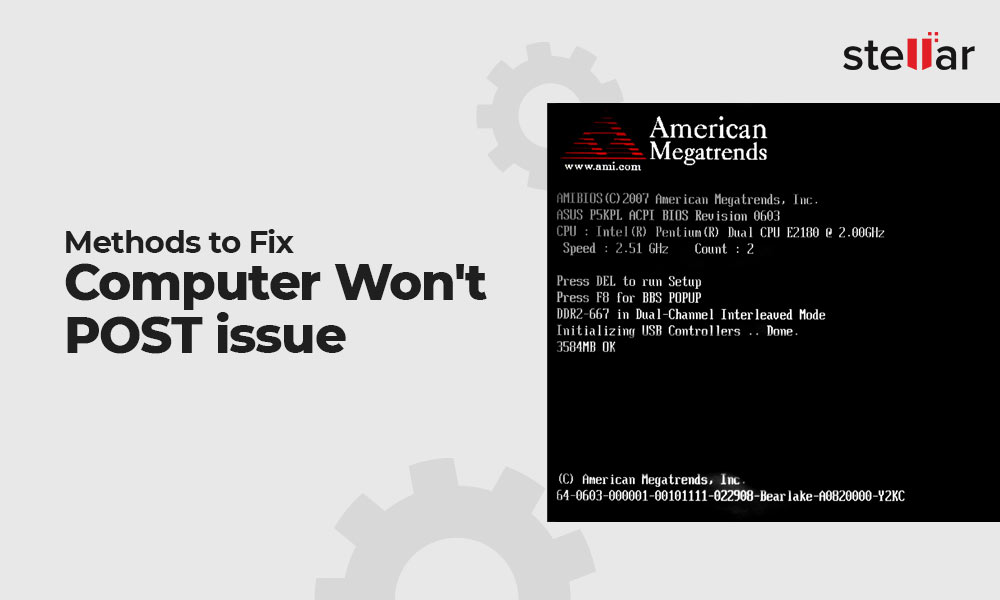
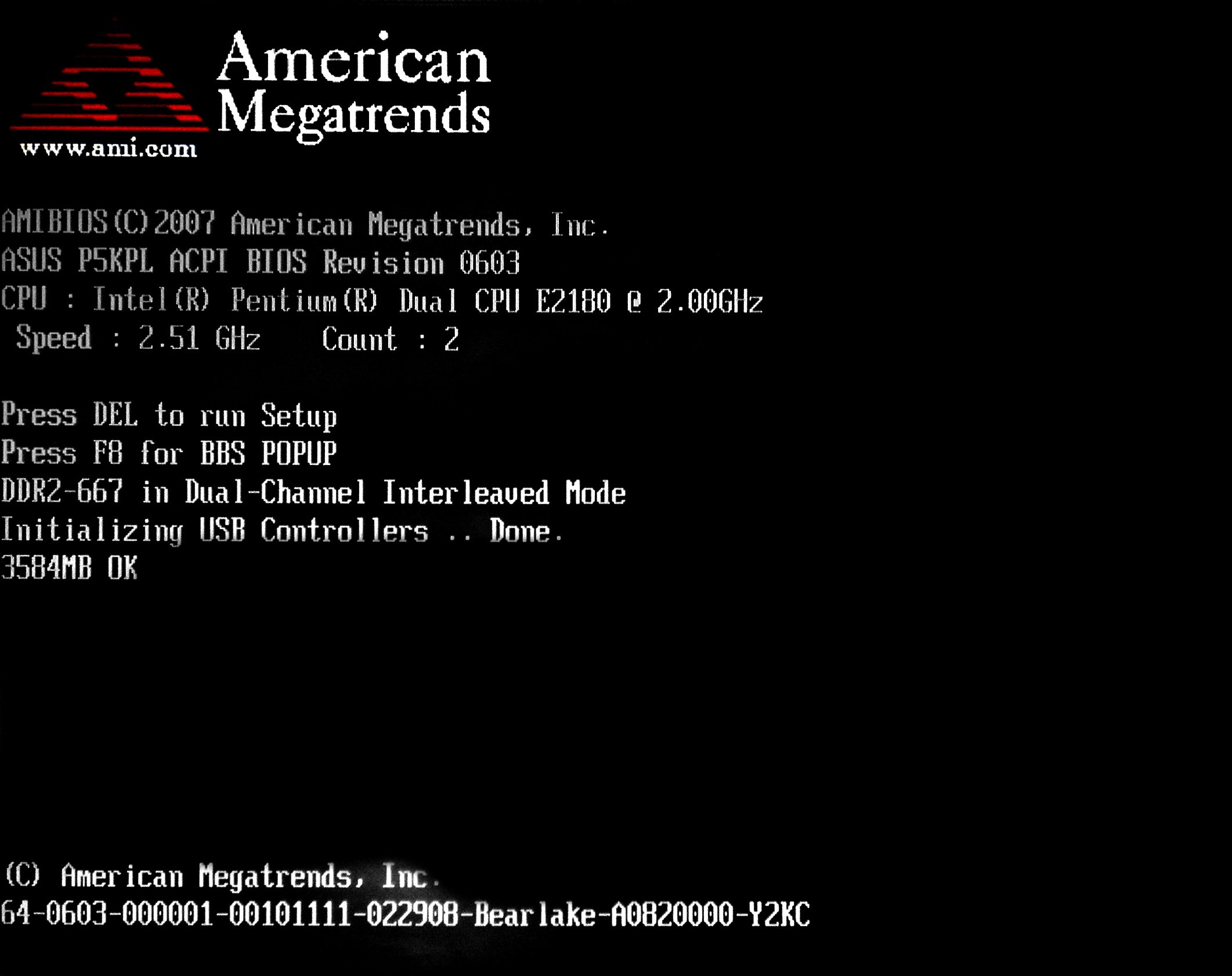
You see POST in action every day, whether you realize it or not. That brief text scrolling across your screen, the beeps you might hear, are all part of the POST routine. More modern computers with UEFI BIOS often replace this text with a manufacturer's logo, but the testing is still happening behind the scenes. If POST detects an error, it will usually halt the boot process and display an error message, or emit a specific beep code, indicating the problematic component. This is incredibly helpful for troubleshooting hardware issues.
While you can't directly "enjoy" POST, understanding it can empower you to troubleshoot problems more effectively. Here are a few tips:
- Pay attention to the beeps: Different beep codes often correspond to specific hardware problems. Consult your motherboard manual (or search online) to decipher these codes.
- Observe the POST screen: Even if it's fleeting, try to catch any error messages displayed. These messages can provide clues about the faulty component.
- Consult your motherboard manual: Your manual will provide detailed information about POST error codes and troubleshooting steps.
- Use a POST card: For more advanced troubleshooting, you can purchase a POST card, which plugs into a PCI or PCIe slot and displays detailed diagnostic information during the POST process. This is more common for serious hardware enthusiasts or technicians.
Ultimately, while POST might seem like a technical detail, it's the unsung hero of your computer's startup process. Understanding its role can not only help you troubleshoot problems but also give you a deeper appreciation for the complex machinery that powers your digital life.