Hey there, wanna build stuff out of thin air? Well, almost! Let's talk 3D printers. Think of it like a super-powered hot glue gun controlled by a robot. Cool, right?
So, what do you *actually* need to get started? Don't worry, it's not rocket science (though you *could* print rocket parts…!).
The Obvious Stuff: The 3D Printer Itself!
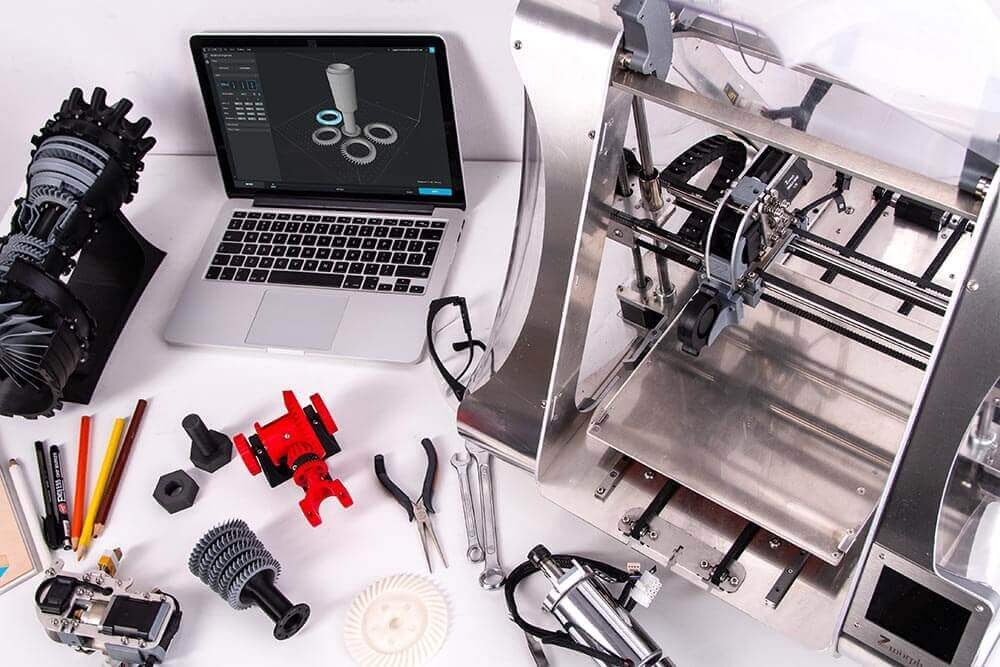
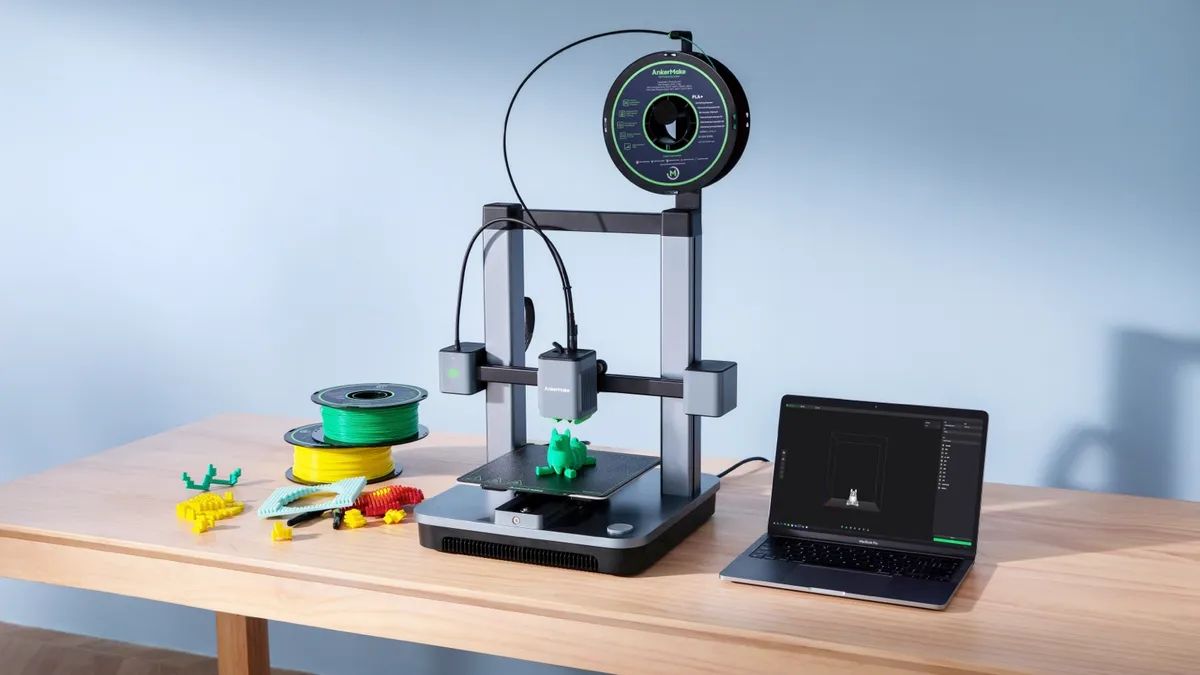
Duh! But which one? They range from tiny desk buddies to fridge-sized behemoths. Cost-wise, you can get a decent entry-level printer for a few hundred bucks. Some cost as much as a car! Choose wisely, padawan.
Think about what you want to print. Tiny figurines? Big cosplay helmets? That'll dictate the size and type of printer you need. Do your research!
Fun fact: Did you know some 3D printers can even print in metal? Forget plastic toys, imagine printing custom car parts! Mind. Blown.
The Lifeblood: Filament (aka Plastic Spaghetti)
Filament is the "ink" for your 3D printer. It's basically plastic thread that gets melted and squirted out to form your masterpiece. It comes in tons of colors and materials. PLA is popular and eco-friendly. ABS is tougher but needs more ventilation.
Don't skimp on filament! Cheap filament can clog your printer and cause headaches. Invest in good stuff. Think of it like buying decent coffee beans instead of gas station swill. Your printer (and your sanity) will thank you.
Quirky fact: You can even get filament that glows in the dark! Imagine printing spooky Halloween decorations! BOO!
The Brains: Slicing Software
Your printer doesn't magically know what to build. You need slicing software! This takes a 3D model and "slices" it into layers, giving the printer instructions on where to move and how much filament to use.
There are tons of free and paid options. Cura and PrusaSlicer are popular and beginner-friendly. It sounds complicated, but it’s mostly dragging and dropping, and pressing a "slice" button. You got this!
Funny detail: Imagine trying to explain slicing software to someone from the 1800s. They'd probably think you're a wizard!
The Blueprint: 3D Models
Okay, so you have a printer, filament, and software. Now what? You need something to print! You can either create your own 3D models using software like Blender or TinkerCAD, or download them from online repositories like Thingiverse.
Creating your own models is super rewarding, but it takes time and practice. Downloading existing models is a great way to start. There are literally *millions* of free models available. From phone stands to dragon figurines, the possibilities are endless. Explore!
Did you know? People are 3D printing prosthetic limbs for animals! How awesome is that?!
The Essentials: Tools and Supplies
Don't forget the basics! Here's a quick checklist:
- Scrapers: To remove prints from the build plate.
- Flush cutters: To trim excess filament.
- Sandpaper: To smooth out imperfections.
- Isopropyl alcohol: To clean the build plate.
- Glue stick or hairspray: To help prints stick to the build plate (if needed).
These are the unsung heroes of 3D printing. You'll be surprised how much you use them. Don't underestimate the power of a good scraper!
Optional Extras (But Highly Recommended)
Okay, these aren't *essential*, but they'll make your life much easier:
- A good workspace: Keep your printer in a well-ventilated area.
- Calipers: For accurate measurements.
- A Raspberry Pi with OctoPrint: To remotely control and monitor your printer.
- A community: Join online forums and groups for help and inspiration.
3D printing can be a solitary hobby, but it's much more fun when you share your creations and learn from others. Don't be afraid to ask questions!
The Final Ingredient: Patience!
3D printing isn't always perfect. Expect some failures. Prints might warp, supports might break, and nozzles might clog. Don't get discouraged! It's all part of the learning process.
Treat each failed print as a learning opportunity. Tweak your settings, adjust your design, and try again. With a little patience and perseverance, you'll be printing amazing things in no time!
So, there you have it! A crash course in what you need for 3D printing. Now go forth and create! Happy printing!