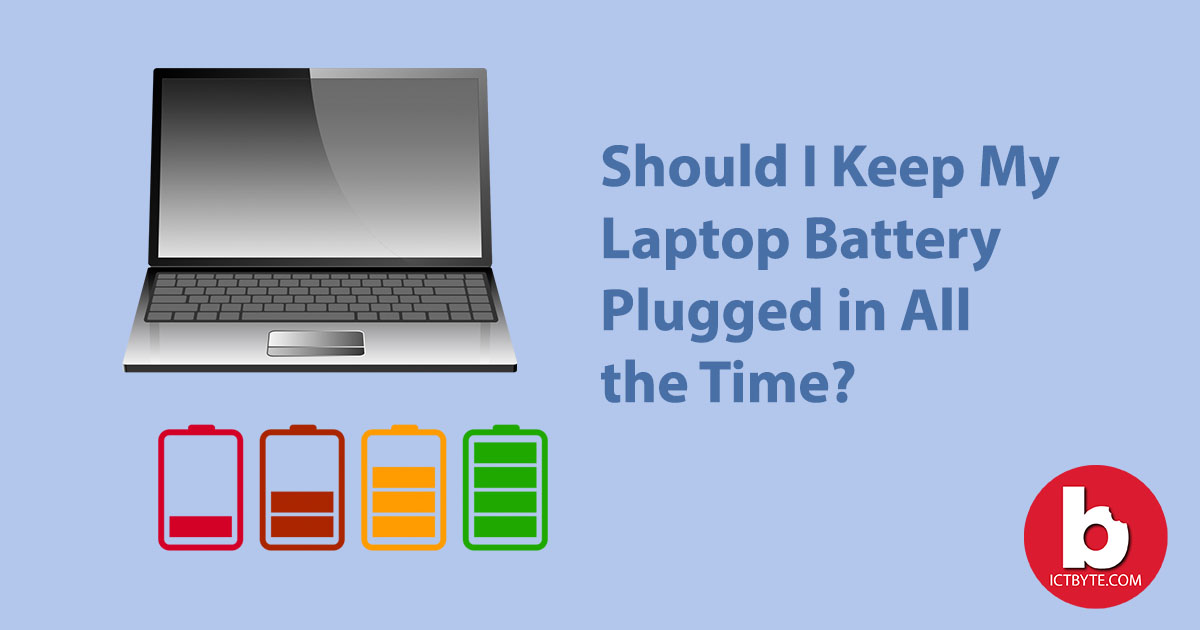
Hey there, tech enthusiast! Ever wondered if you're slowly murdering your laptop's battery? Yeah, the whole "plugged-in-all-the-time" debate. It's a real head-scratcher. Let’s dive into this electrifying topic!
The Great Battery Myth: Unplug or Not?
Okay, first things first. Remember those old nickel-cadmium batteries? You *had* to drain them completely before recharging. Otherwise, they’d develop “memory” and hold less juice. Nightmare fuel!
Good news! Modern laptops mostly use lithium-ion (Li-ion) or lithium-polymer (Li-Po) batteries. They're way smarter. They don't suffer from that memory effect. Hooray for progress!
But wait, there's more! These batteries *do* degrade over time. Think of it like tires on your car. The more you use 'em, the more worn out they get. Bummer.
Heat: The Battery's Arch-Nemesis
Heat is the ultimate villain in this story. High temperatures accelerate battery degradation. Keeping your laptop plugged in constantly can generate more heat, especially if you're doing demanding tasks. Like, rendering a movie or playing a graphically intense game. Ouch.
Imagine your battery is a tiny, delicate flower. Heat is like a flamethrower pointed right at it. Not a pretty picture, right?
So, leaving your laptop plugged in *all* the time might not be the best idea, *especially* if it tends to get hot. But don't panic just yet!
The Charging Cycle Conundrum
Batteries have a limited number of charging cycles. A cycle is basically going from 100% to 0% (or a combination that adds up to 100%). The fewer cycles you use, the longer your battery potentially lasts.
Here's the thing: tiny top-ups don't count as a full cycle. So, keeping your laptop between, say, 40% and 80% can actually *extend* its lifespan. It’s like giving your battery a spa day!
Some manufacturers even offer software that lets you limit the maximum charge to, say, 80%. Pretty neat, huh?
The Power Adapter's Role
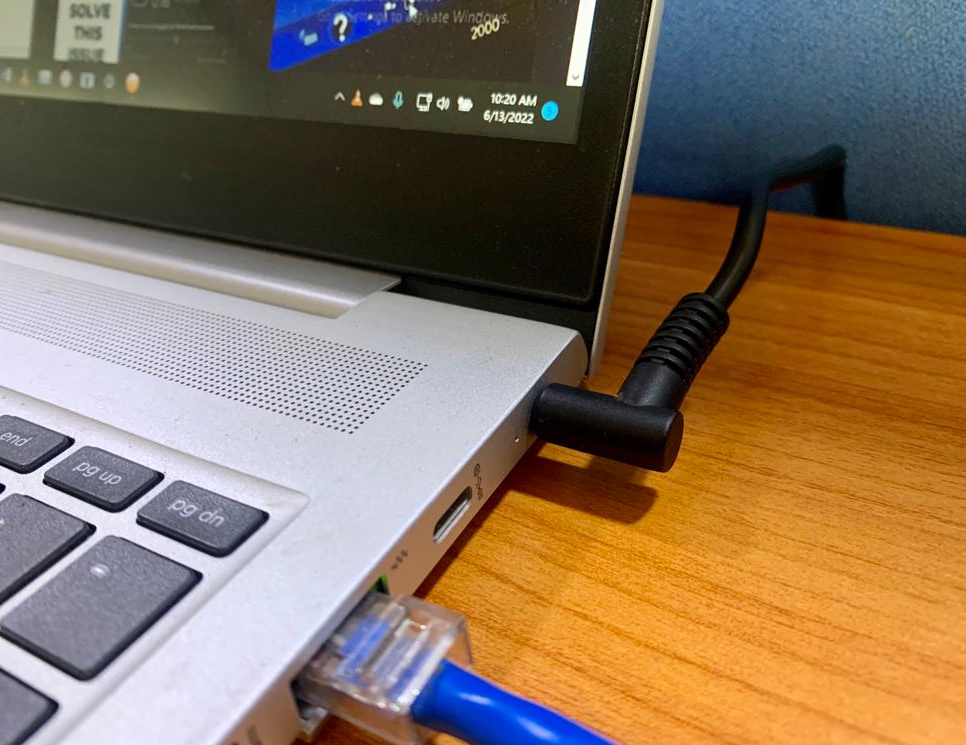
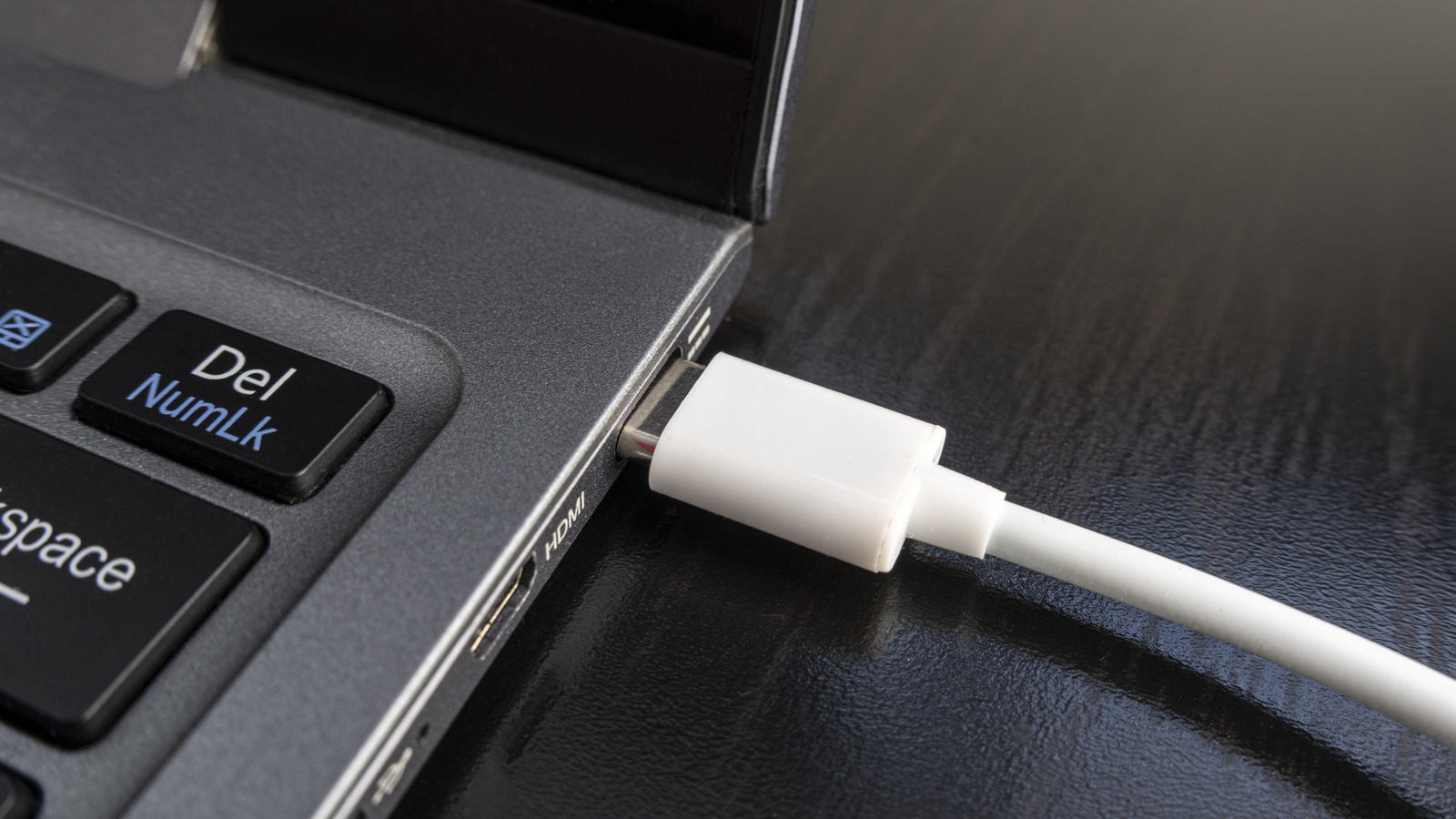
When your laptop is plugged in and fully charged, the power adapter essentially bypasses the battery. Your laptop runs directly from the power outlet. The battery chills out and takes a break. Cool, right?
Think of it as your battery taking a permanent vacation. It's still *there*, but it's not actively doing anything. It's sipping margaritas on a digital beach.
However, even in this state, the battery can still experience some trickle charging. That's when it tops itself off to compensate for natural discharge. This *can* generate a bit of heat, but usually it’s minimal.
So, What's the Verdict?
Okay, deep breaths. Here's the deal: There's no single right answer. It depends on your usage and your laptop.
If you're constantly on the go, unplug and use your battery regularly. Let it discharge within a reasonable range (like 20%-80%).
If your laptop mostly sits on your desk, plugged in, try to keep the charge level between 40% and 80% if your laptop settings allow. Or unplug it periodically and let the battery drain a bit.
Avoid extreme temperatures. Don't leave your laptop in direct sunlight or a hot car. That's just asking for trouble.
The Bottom Line
Don't obsess! Batteries are consumable items. They're going to degrade eventually. Just try to be mindful of heat and charging cycles.
Think of it like this: your laptop battery is like a houseplant. A little care goes a long way, but it’s not going to live forever. Enjoy your tech, don't stress too much, and replace the battery when the time comes.
Ultimately, the goal is to *use* your laptop, not worry about it constantly. Go forth and compute!
Now, go enjoy your perfectly (or imperfectly) charged laptop! You've earned it!