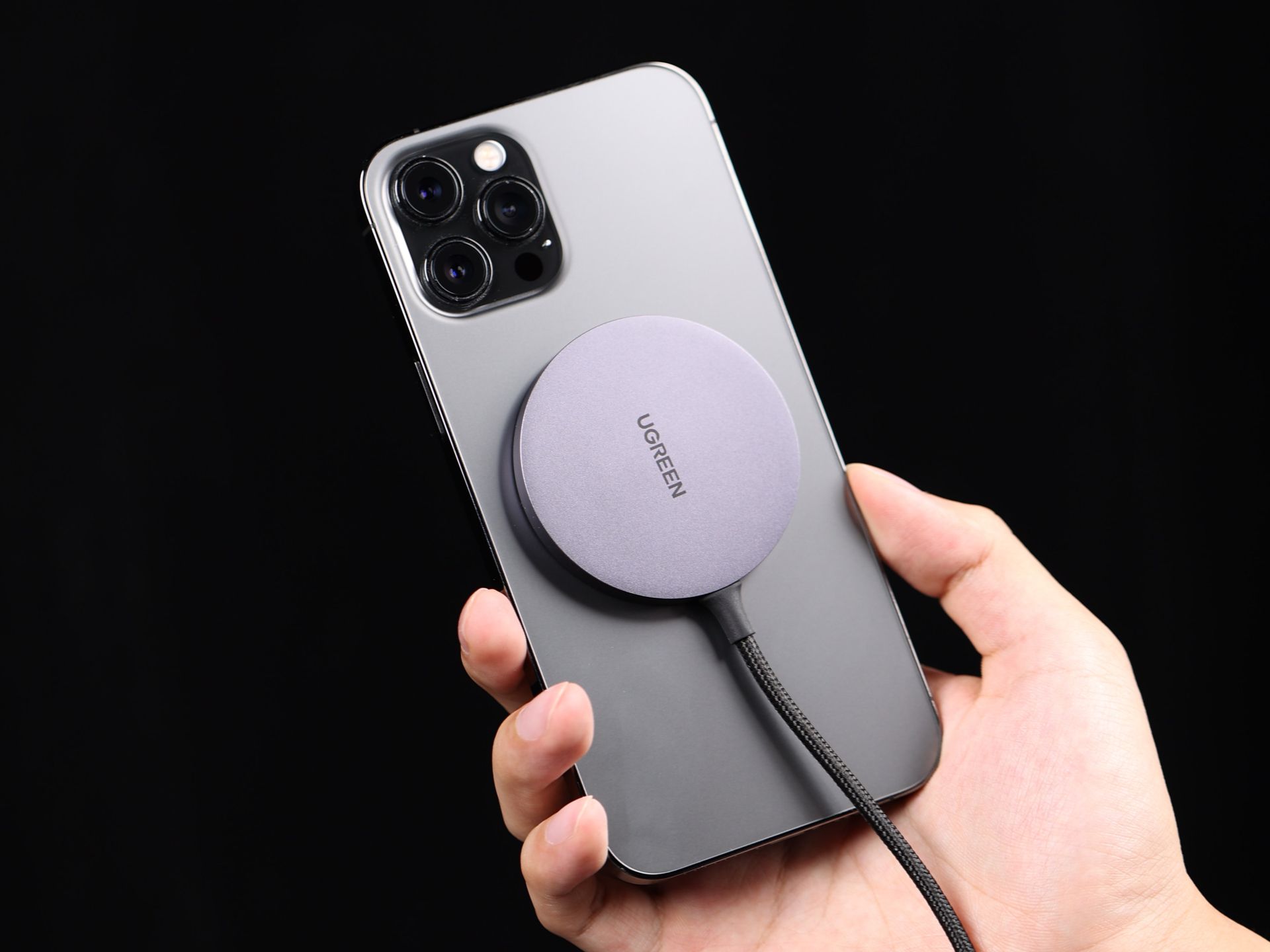
Okay, picture this: I'm at the coffee shop, desperately trying to Instagram my latte art (because, priorities), and my phone's battery is blinking red. I rummage through my bag, find the tangled mess of charging cables, and sigh dramatically. Sound familiar? Then I saw someone nonchalantly plop their phone onto a little pad, and BAM! Charging. I was mesmerized. That, my friends, was the magic of Qi charging, and I immediately needed in on it.
So, you're intrigued, right? You want to ditch the cable chaos and embrace the wireless future. Good choice! But here’s the thing: not all Android phones are born with Qi charging superpowers. Let's figure out if yours does, and if not, how to grant it those powers anyway. (Spoiler alert: sometimes it involves a tiny bit of DIY, but don't worry, we'll hold your hand.)
Is My Android Already a Qi Master?
First things first, let's see if your phone is already secretly a Qi-charging ninja. The easiest way? Google it! Seriously. Just type "[Your Phone Model] Qi Charging" into the search bar. Google usually knows best.
If the search results scream "YES! Qi charging enabled!", then congratulations! You're halfway there. You just need a Qi-compatible charging pad. (We'll talk about those later.)
But what if the results are a big, fat "NOPE"? Don't despair! There's still hope for a wireless future for you. (Think of it as a phone upgrade without actually buying a new phone. Pretty cool, huh?)
Giving Your Android the Qi Upgrade: The Aftermarket Option
Okay, so your phone missed out on the factory-installed Qi goodness. No problem. We can add it ourselves. This usually involves a Qi charging receiver. Think of it as a tiny backpack that gives your phone wireless charging abilities.
These receivers typically come in two flavors:
- Internal Receivers: These are the sleekest option. They require you to open your phone and install the receiver internally. This can be a bit daunting if you're not comfortable with phone surgery. (Disclaimer: I am not responsible if you accidentally turn your phone into a paperweight. Proceed with caution!)
- External Receivers: These are the easiest option. They're thin pads that plug into your phone's charging port (usually USB-C or Micro-USB) and then tuck neatly under your phone case. They're not as elegant as the internal ones, but they get the job done without any tools or phone dismantling.
For most people (including me, because I'm terrified of taking my phone apart), the external receiver is the way to go. They're cheap, easy to install, and they work surprisingly well.
Important Note: Make sure you buy a receiver that's compatible with your phone's charging port (USB-C or Micro-USB). And read the reviews! You want a receiver that's reliable and doesn't overheat.
Choosing Your Qi Charging Pad: The Power Source
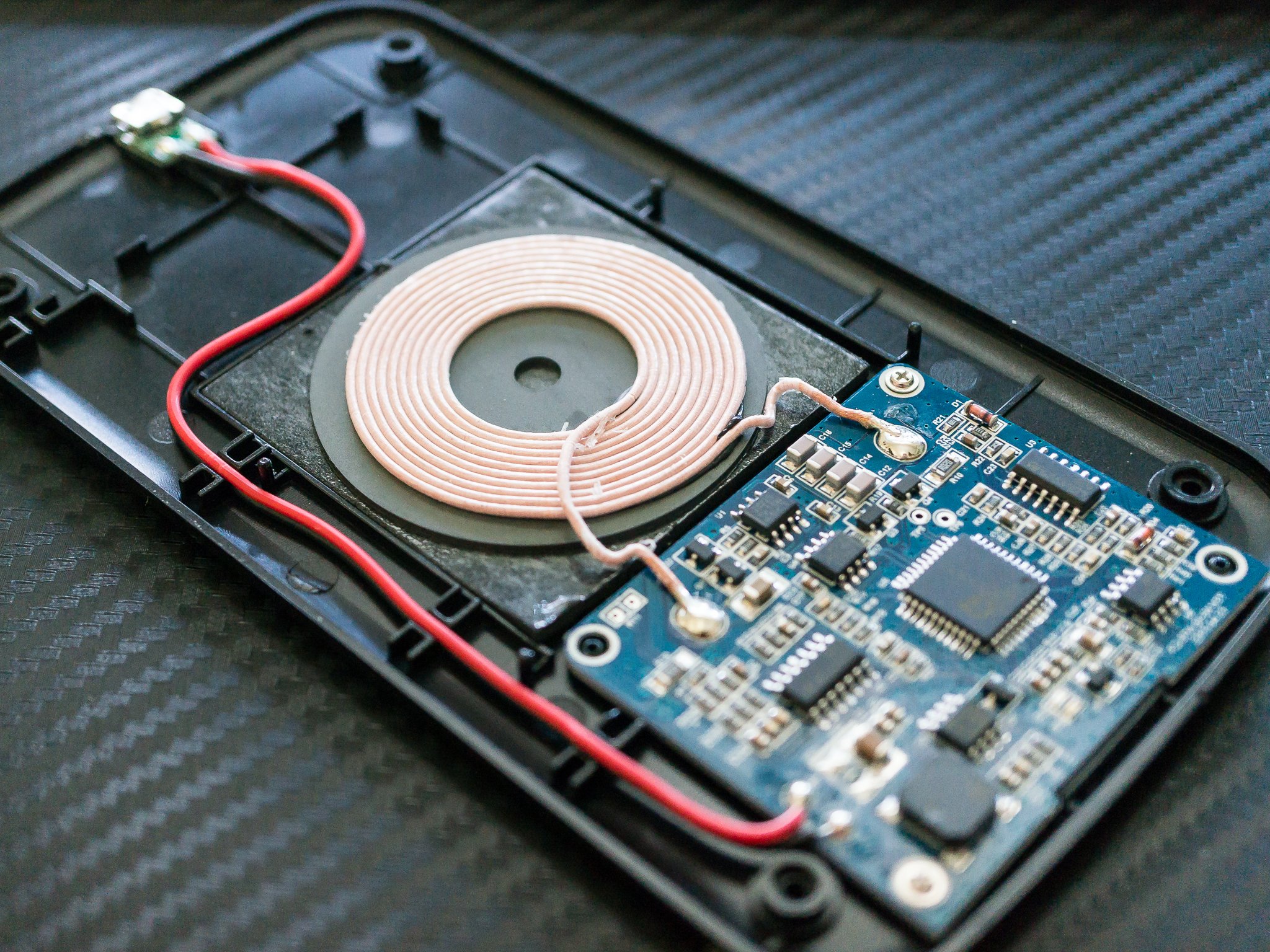
Now that your phone is Qi-ready (either natively or through the magic of aftermarket receivers), you need a Qi charging pad. There are tons of options out there, from basic, budget-friendly models to fancy ones with built-in fans and multiple charging coils.
Here are a few things to consider when choosing a charging pad:
- Charging Speed: Some pads offer faster charging speeds than others. Look for one that supports the fast charging standard that your phone (or receiver) supports. (For example, 15W is generally considered fast charging).
- Number of Coils: Pads with multiple charging coils are more forgiving when it comes to phone placement. You don't have to be *perfectly* aligned to get a charge.
- Design: Do you want a sleek, minimalist pad that blends into your decor? Or something more functional with a built-in stand? The choice is yours!
Pro Tip: Don't cheap out *too* much on the charging pad. A reputable brand is usually a safer bet than a no-name one that could potentially damage your phone. (Remember, you're trusting this thing to power your precious device!)
Putting it All Together: Charging Time!
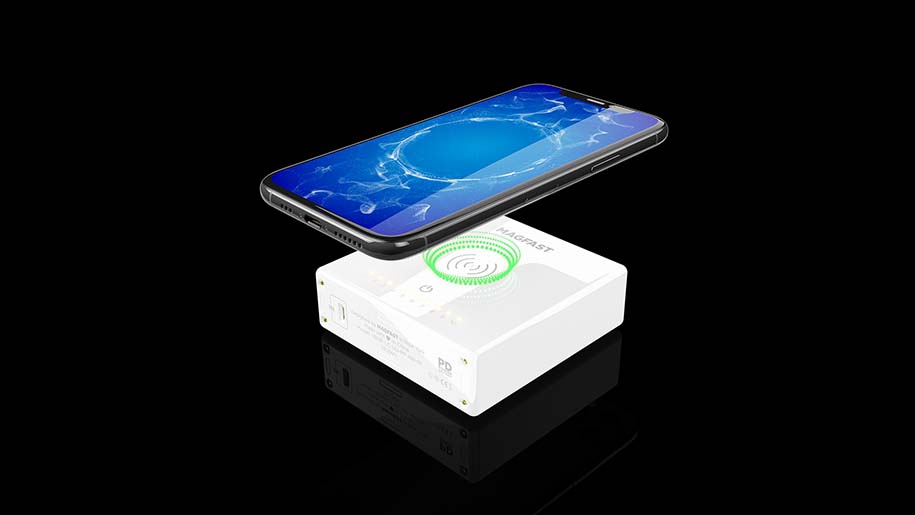
Alright, you've got your Qi-enabled phone and your charging pad. Time to experience the wireless bliss! Just plug your charging pad into a power source, place your phone on the pad, and watch the magic happen. (Hopefully, it charges. If not, double-check your connections and make sure your phone is properly aligned.)
And that's it! You've successfully turned on Qi charging on your Android phone. Now you can ditch the cables, impress your friends at the coffee shop, and enjoy the convenience of wireless charging. Go forth and charge wirelessly!