Ever held a perfectly formed object in your hand and thought, "Wow, someone made this exactly the way they wanted it"? Chances are, 3D printing played a part! From hobbyists crafting custom figurines to engineers prototyping complex machinery, 3D printing is empowering people to bring their ideas to life in a tangible way. It’s like having a personal manufacturing plant right on your desk, and the possibilities are truly endless.
But before the printer whirs and the plastic melts, there's a crucial first step: creating the digital file that tells the printer what to build. Think of it as the blueprint for your dreams. This is where the magic of 3D modeling comes in.
So, why bother with learning how to make your own 3D printing files? The benefits are huge. For starters, you gain complete creative control. No more settling for commercially available options that are "close enough." Need a custom phone stand designed to perfectly fit your oddly shaped device? Done. Want to create a unique gift that nobody else could possibly have? You got it. Beyond personal projects, 3D printing is revolutionizing various fields. Dentists use it to create dental models and guides, architects use it for scaled models of buildings, and manufacturers use it for rapid prototyping of new products. It’s even being used in the medical field to create custom prosthetics and implants!
Common examples are everywhere. Look around! That intricate phone case, the model car on your desk, even some of the buttons on your appliances – they might have been 3D printed. The technology's versatility is a major reason for its widespread adoption.
Ready to dive in and start creating your own files? Here are some practical tips to make the process smoother and more enjoyable:
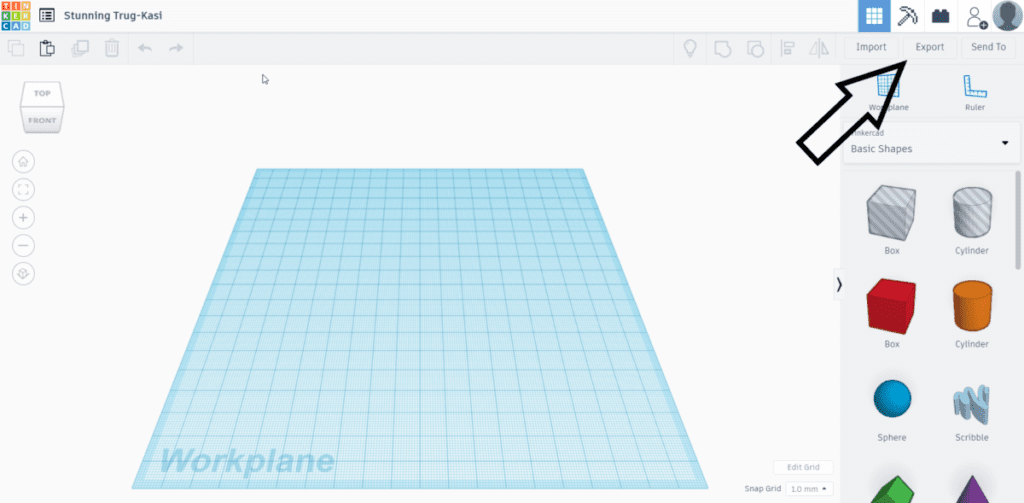
1. Choose the Right Software: Don't get overwhelmed by the options! There's software for every skill level. TinkerCAD is a fantastic, free, and easy-to-learn option for beginners. For more advanced users, Fusion 360 and Blender offer powerful tools and greater flexibility. Experiment and find what feels right for you.
2. Start Simple: Don't try to design a complex spaceship on your first try. Begin with basic shapes and gradually work your way up to more intricate designs. YouTube tutorials are your best friend here!
3. Consider Printability: Not every design is easily printable. Overhanging parts without support can be a challenge. Think about how your design will be oriented on the print bed and whether it will need support structures.
4. Optimize for Your Printer: Different printers have different capabilities and limitations. Research your printer's settings and design accordingly. For example, know your printer's minimum feature size so you don't design details that are too small to print.
5. Don't Be Afraid to Experiment: 3D printing is all about trial and error. Don't be discouraged if your first few prints aren't perfect. Learn from your mistakes and keep iterating.
6. Join a Community: There are tons of online communities dedicated to 3D printing. Share your designs, ask for advice, and learn from others. Websites like Thingiverse and MyMiniFactory are great resources for finding inspiration and connecting with fellow enthusiasts. And don’t underestimate the power of local maker spaces – they often offer workshops and access to equipment.
Creating your own 3D printing files is a rewarding and empowering experience. So, fire up your computer, download some software, and unleash your inner designer! You might be surprised at what you can create.