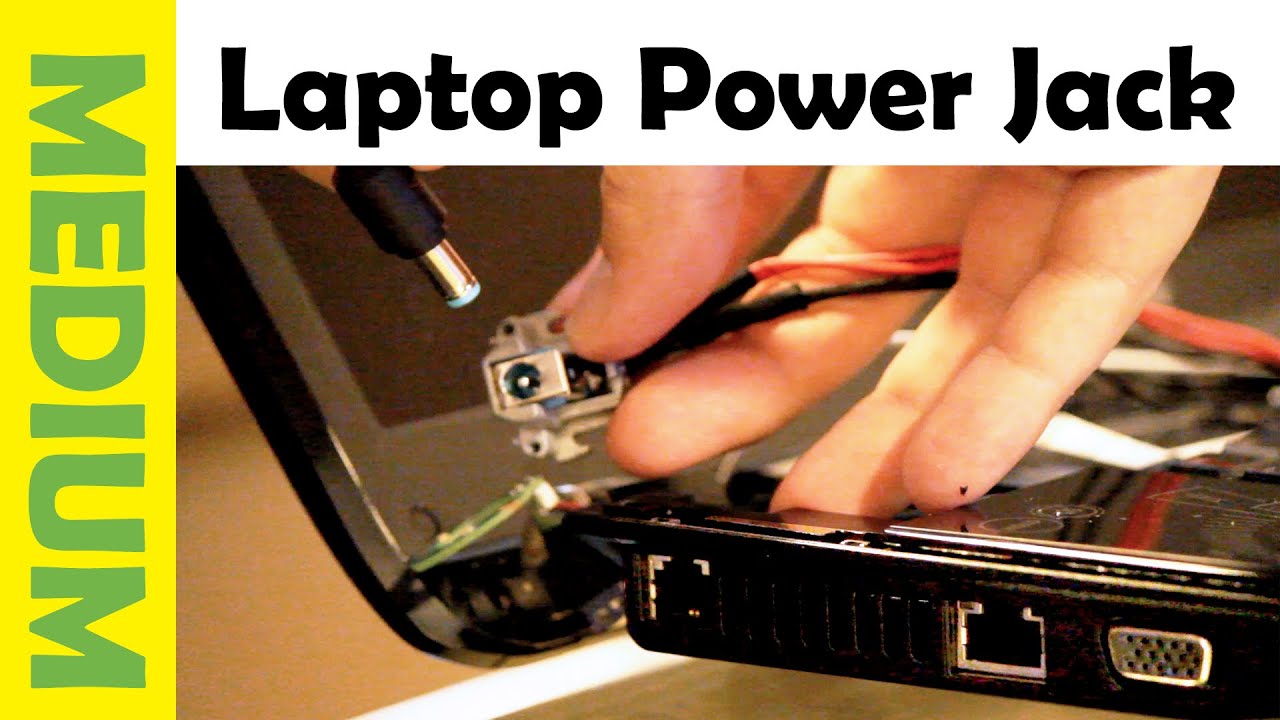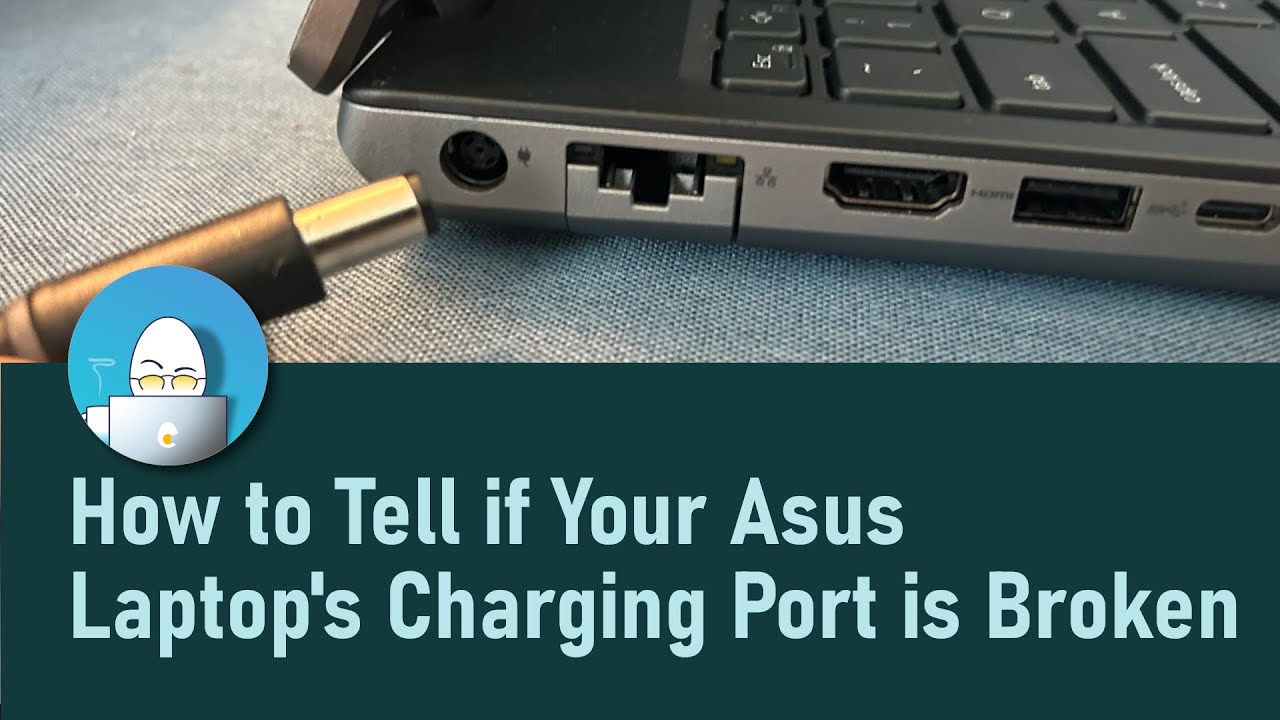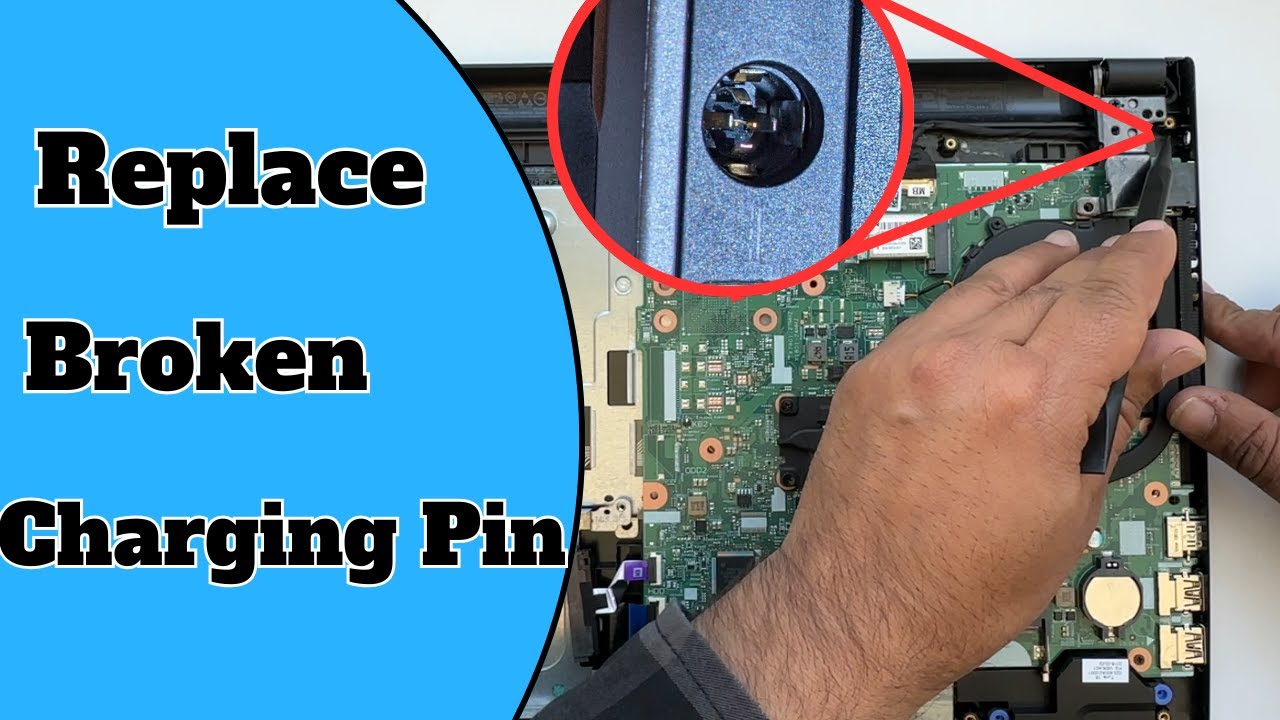
Oh no! Your laptop's power light is blinking… or worse, completely dark. It's plugged in, but nothing's happening. Sounds like a charging port problem! Don't panic. You might be able to fix it yourself. Think of it as a fun little puzzle with a rewarding outcome – a powered-up laptop!
First Things First: The Visual Inspection
Grab a flashlight. Really! A bright light is your best friend here. Take a good, hard look at the charging port. Is it dusty? Is there anything obviously broken? Maybe a bent pin or some debris lodged inside? This is like being a tech detective, searching for clues!
Compressed air is your next weapon of choice. Give the port a gentle blast. You'd be surprised how much fluff and grime can accumulate in those tiny spaces. Think of it as giving your laptop port a mini spa treatment.
The Wiggle Test
Insert the charging cable into the port. Gently wiggle it. Does it feel loose? Does the power flicker on and off? A loose connection is a classic sign of a worn-out port. This is where things get a little more… interesting.
Sometimes, just a slight adjustment can do the trick. Try holding the cable at a slightly different angle. If you find a sweet spot where it charges consistently, you've temporarily conquered the beast!
The Cable Caper
Before you go tearing your laptop apart (please don't do that yet!), rule out the obvious. Try a different charging cable. Cables can wear out over time, especially if they're frequently bent or tangled. This is like checking if the lightbulb is blown before rewiring the whole house.
Borrowed a charger from a friend? Great! If your laptop springs back to life, you've found the culprit. It’s always the usual suspect, isn't it?
Software Shenanigans (Maybe!)
Okay, this is a long shot, but sometimes it's a software issue. Check your laptop's power settings. Are there any funky configurations that might be preventing it from charging properly? This is like double-checking you haven't accidentally told your laptop to only charge on Tuesdays.
A simple restart can sometimes resolve these types of glitches. It's the digital equivalent of taking a deep breath and trying again.
Time to Get Slightly More Serious
If none of the above worked, it might be time for some slightly more advanced troubleshooting. But don't worry, we're not talking rocket science here.
Check the battery health. Most operating systems have built-in tools to assess battery performance. A failing battery can sometimes mimic a charging port problem. It’s the old "disguise" trick.
The "Take it to a Pro" Moment
Alright, if you've tried everything and your laptop is still stubbornly refusing to charge, it might be time to call in the professionals. A damaged charging port can sometimes require soldering or replacement, which is best left to the experts. Think of it as admitting defeat and calling in the cavalry.
Find a reputable repair shop. Read reviews and ask for recommendations. Replacing a charging port isn't usually too expensive, and it can save you the cost of buying a whole new laptop. It is like hiring a professional gardener to keep your roses alive and happy.
Important Note: Before you take your laptop in, back up your data! It's always a good idea to protect your precious files in case something goes wrong. Consider it the digital equivalent of packing a parachute before jumping out of a plane.
The Joy of the DIY Fix
Even if you end up needing professional help, you've learned something about your laptop and how it works. And if you managed to fix it yourself? High five! You've saved money, gained a new skill, and experienced the satisfaction of solving a technical puzzle. Now go forth and conquer the digital world with your newly powered-up laptop!
Remember, a little patience and a systematic approach can go a long way. And even if you don't succeed, you'll have a good story to tell. Now, go check that charging port! What are you waiting for?
Consider this: Before tackling any repairs, it's best to disconnect the power adapter and, if possible, remove the battery. Safety first! Also, remember that opening your laptop might void the warranty, so check those details before proceeding. It's like reading the fine print on a treasure map before you dig!
Fixing a charging port is often a process of elimination. Start with the simplest solutions and work your way up. You might be surprised at what you can accomplish. Remember, even experts started somewhere. So, channel your inner tech wizard and give it a shot!