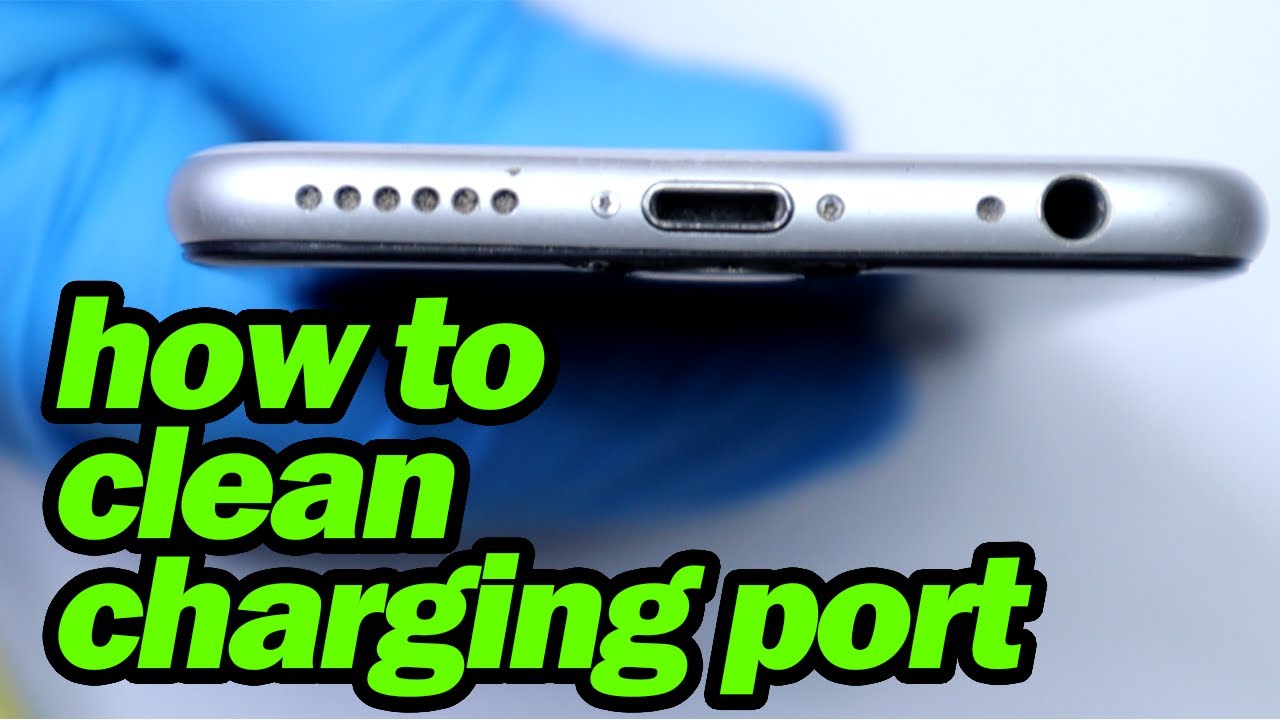
Okay, so picture this: I’m at a crucial moment. GPS guiding me to a coffee shop (because, priorities, right?), phone at a dangerously low 3%. I plug in… nothing. Zip. Nada. My heart actually skipped a beat. It's 2024, a dead phone is basically social suicide!
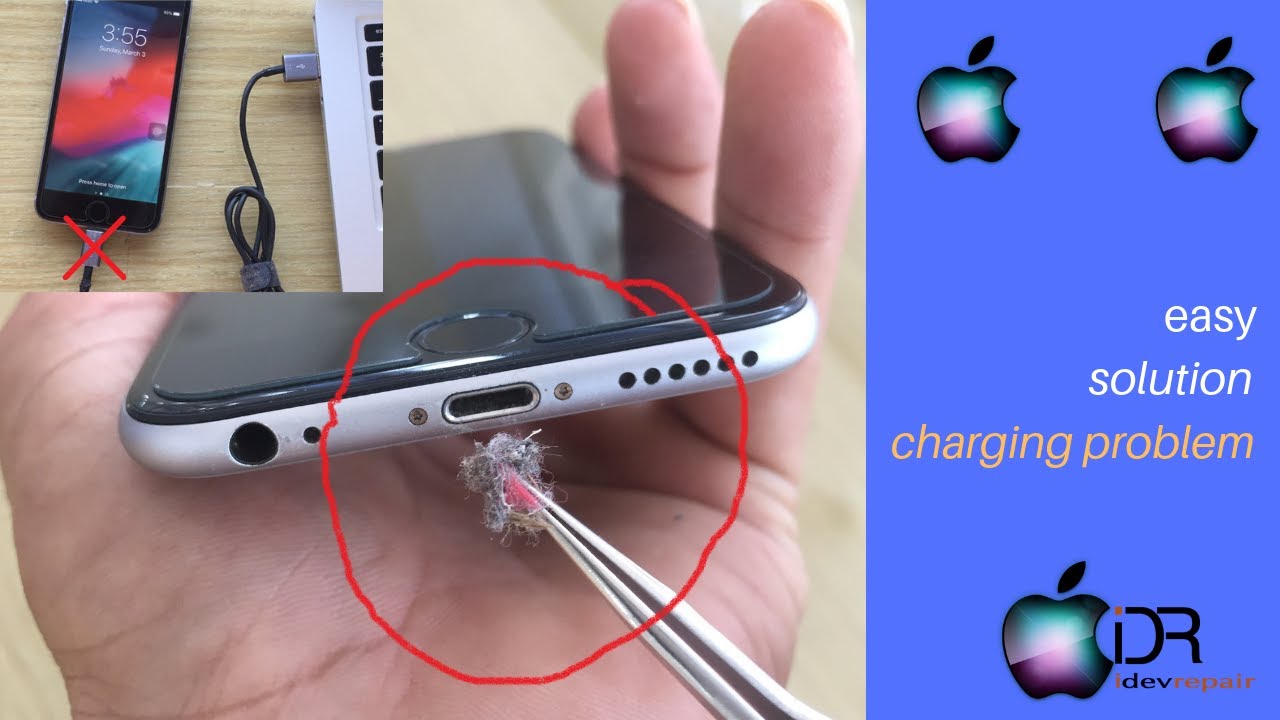
Turns out, the culprit wasn't a faulty charger or a dying battery (thank goodness!), but a disgustingly clogged-up charging port. Seriously, it was like a lint and dust convention in there. And that, my friends, is why we're here today – to talk about how to clean that little portal to phone-charging heaven and prevent future existential crises.
Why a Clean Charge Port Matters (More Than You Think!)
You might be thinking, "Eh, a little dust never hurt anyone." And to that, I say, think again! A dirty charging port isn't just unsightly; it can actually cause some real problems:
- Charging Issues: The most obvious. Debris blocks the connection, leading to slow charging, intermittent charging, or no charging at all. Which, as we established, is basically a modern tragedy.
- Damage to the Port: Forcing a charger into a clogged port can damage the delicate pins inside. (Trust me, you don't want to go there. Repair costs are *not* fun.)
- Overheating: A poor connection can lead to overheating while charging, which isn't good for your battery's lifespan.
So, yeah, keeping things clean is pretty important. Think of it as preventative phone maintenance – like changing the oil in your car, but way less messy.
The Tools of the Trade (Don't Worry, It's Not Rocket Science)
Before we dive in, let's gather our supplies. Thankfully, you probably already have most of these lying around. (If not, a quick trip to the drugstore is all you need.)
- Compressed Air: This is your best friend. A few short bursts can dislodge a surprising amount of gunk. (Just don’t go overboard and blow it right into the phone's internals!)
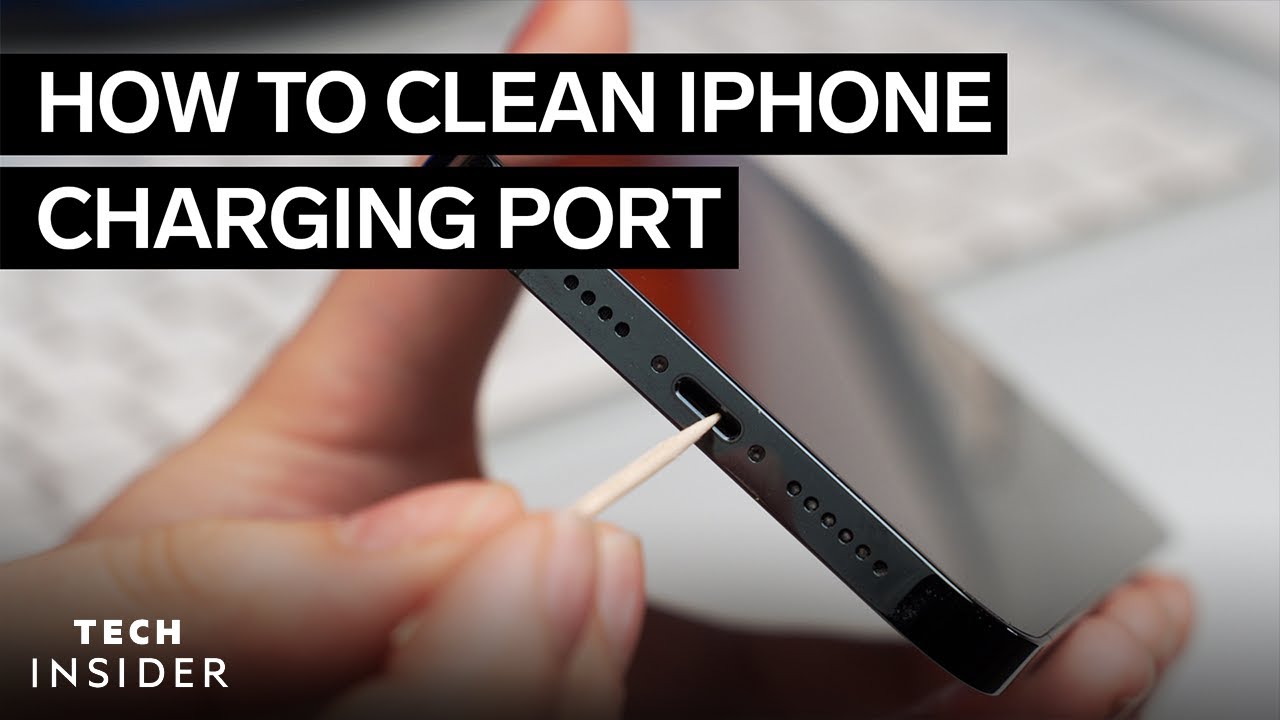
- A Toothpick or SIM Ejector Tool: These are perfect for gently coaxing out stubborn debris. Be careful not to use anything metal! You don't want to scratch or damage the charging pins. A plastic toothpick works wonderfully.
- A Soft Brush (Optional): A small, soft brush (like a clean toothbrush) can help loosen dust and lint.
- Good Lighting: You need to be able to *see* what you're doing. Grab a flashlight or work in a well-lit area.
That’s it! Nothing too complicated. Now, let's get to cleaning.
The Step-by-Step Guide to a Sparkling Clean Charge Port
Alright, here’s the breakdown. Prepare to be amazed (and maybe slightly disgusted) by what comes out of that tiny hole.
- Power Down: Always turn off your iPhone before cleaning anything electronic. Safety first, people!
- Compressed Air Blast: Aim the nozzle of the compressed air can into the charging port and give it a few short bursts. This is usually enough to get rid of loose dust and lint. (Don't hold the can upside down, or you'll spray liquid propellant into the port. Nobody wants that.)
- Gentle Pickings: If compressed air isn't enough, grab your toothpick or SIM ejector tool. Gently insert it into the port and carefully scrape along the sides and bottom to loosen any stubborn debris. Be patient and don't force anything!
- Brush It Off (Optional): If you're using a brush, gently sweep it inside the port to remove any remaining dust or lint.
- Repeat as Needed: Keep blasting and picking until the port is visibly clean. You might be surprised at how much stuff accumulates in there!
- Power Up and Test: Once you're satisfied with the cleaning, power on your iPhone and plug in your charger. Hopefully, you'll see that sweet, sweet charging symbol.
If it's still not charging, repeat the cleaning process. You might have missed a particularly stubborn piece of debris. If, after several attempts, it's still not working, it might be time to consult a professional. (Sorry, but sometimes DIY just doesn’t cut it.)
Prevention is Key (aka Don't Let it Get That Bad Again!)
Now that your charging port is squeaky clean, let's talk about keeping it that way. A little prevention goes a long way.
- Keep it Covered: Consider using a charging port plug when you're not charging your phone. You can find these online for just a few bucks, and they're a great way to keep dust and lint out.
- Be Mindful: Pay attention to where you're keeping your phone. Avoid putting it in pockets or bags filled with loose debris. (Seriously, check your purse – it’s probably a lint factory in there.)
- Regular Cleaning: Make cleaning your charging port part of your regular phone maintenance routine. A quick blast of compressed air every few weeks can prevent build-up.
So there you have it! Everything you need to know to keep your iPhone's charging port clean and happy. Now go forth and charge without fear! And maybe grab a coffee to celebrate. You deserve it.