The Apple Pencil has revolutionized the way we interact with iPads, transforming them from simple tablets into powerful creative canvases. Now, with the arrival of the Apple Pencil Pro, that revolution takes another leap forward. Whether you're a seasoned digital artist or just enjoy doodling during your lunch break, understanding how to keep your trusty tool powered up is key to unlocking its full potential. After all, a dead Pencil is a creatively crippling experience!
But why all the fuss about a stylus? For artists, the Apple Pencil Pro offers unparalleled precision. Think of finely detailed illustrations, realistic digital paintings, and even intricate architectural sketches – all made easier and more intuitive. Hobbyists can benefit just as much. Imagine learning calligraphy with the Pencil's pressure sensitivity, creating personalized greeting cards, or designing your dream home in minute detail. And for casual learners, the Apple Pencil Pro transforms note-taking and annotation into a tactile and engaging experience. Suddenly, learning becomes less about staring at a screen and more about actively participating in the process.
The possibilities are truly endless. Consider the vibrant, almost photographic realism of digital portraits created with shading and subtle pressure variations. Or think of the bold, graphic designs made with sharp, clean lines using tilt and barrel roll. You could even explore whimsical watercolor effects, mimicking the flow and blend of real paints on a virtual canvas. The Apple Pencil Pro opens the door to all of these styles and many more, limited only by your imagination.
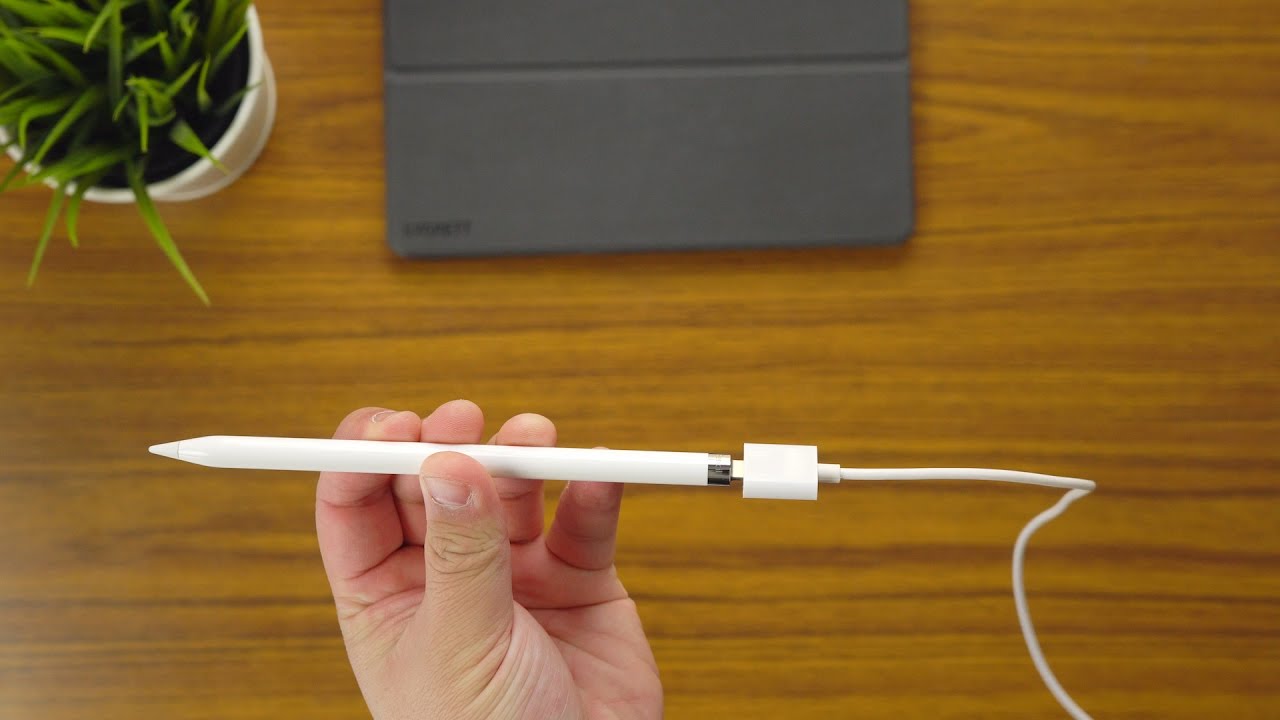
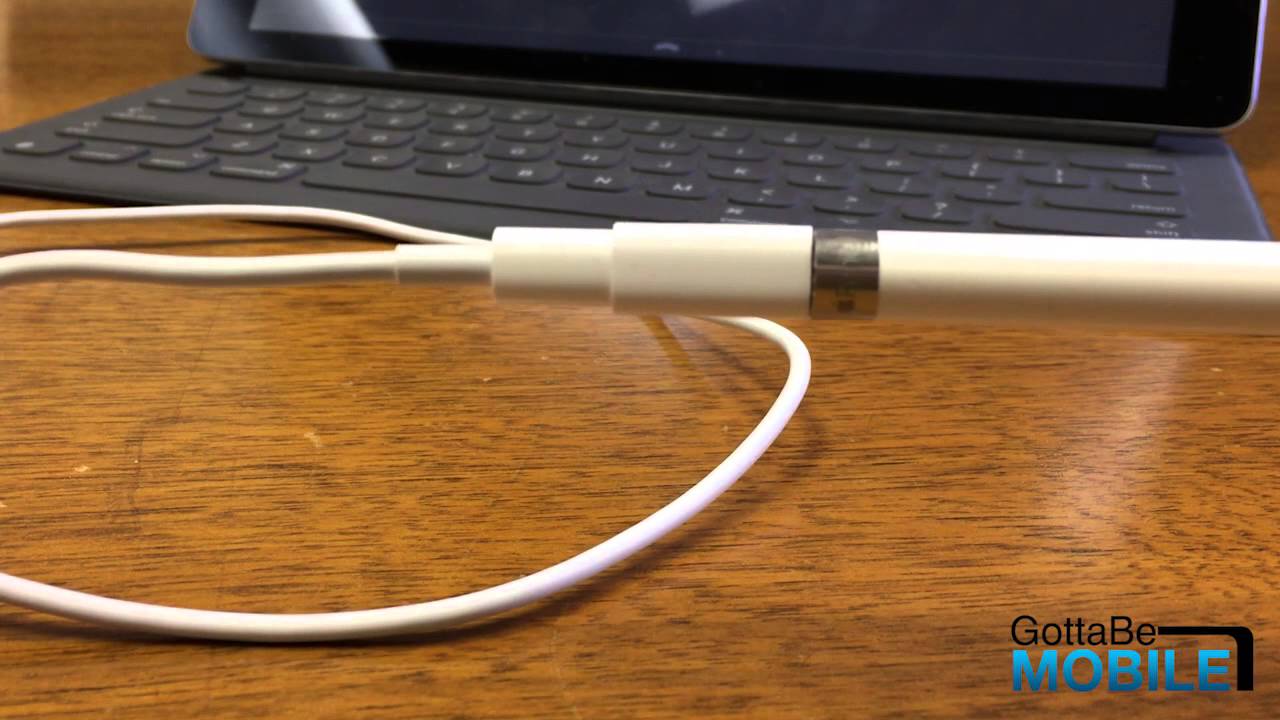
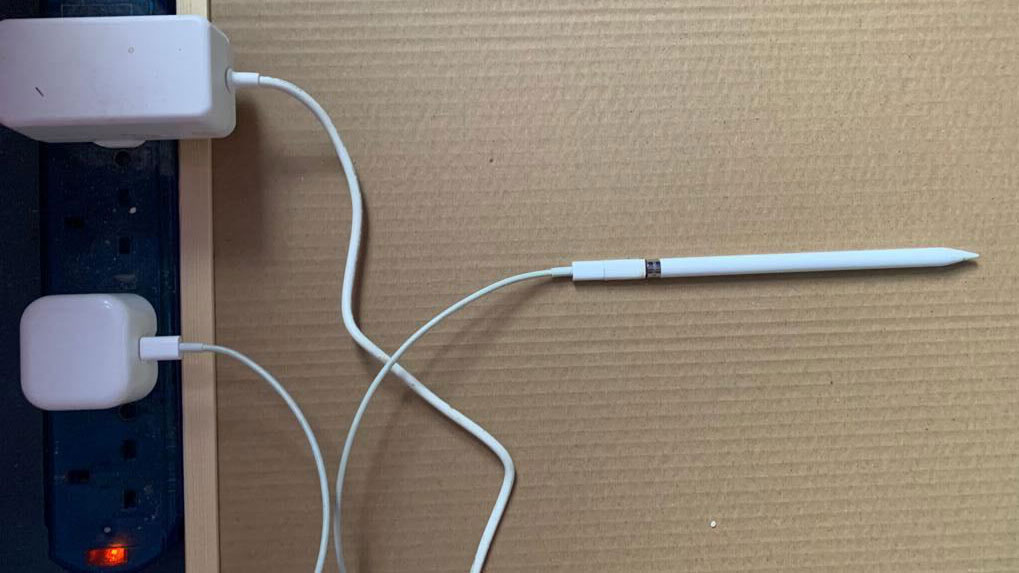
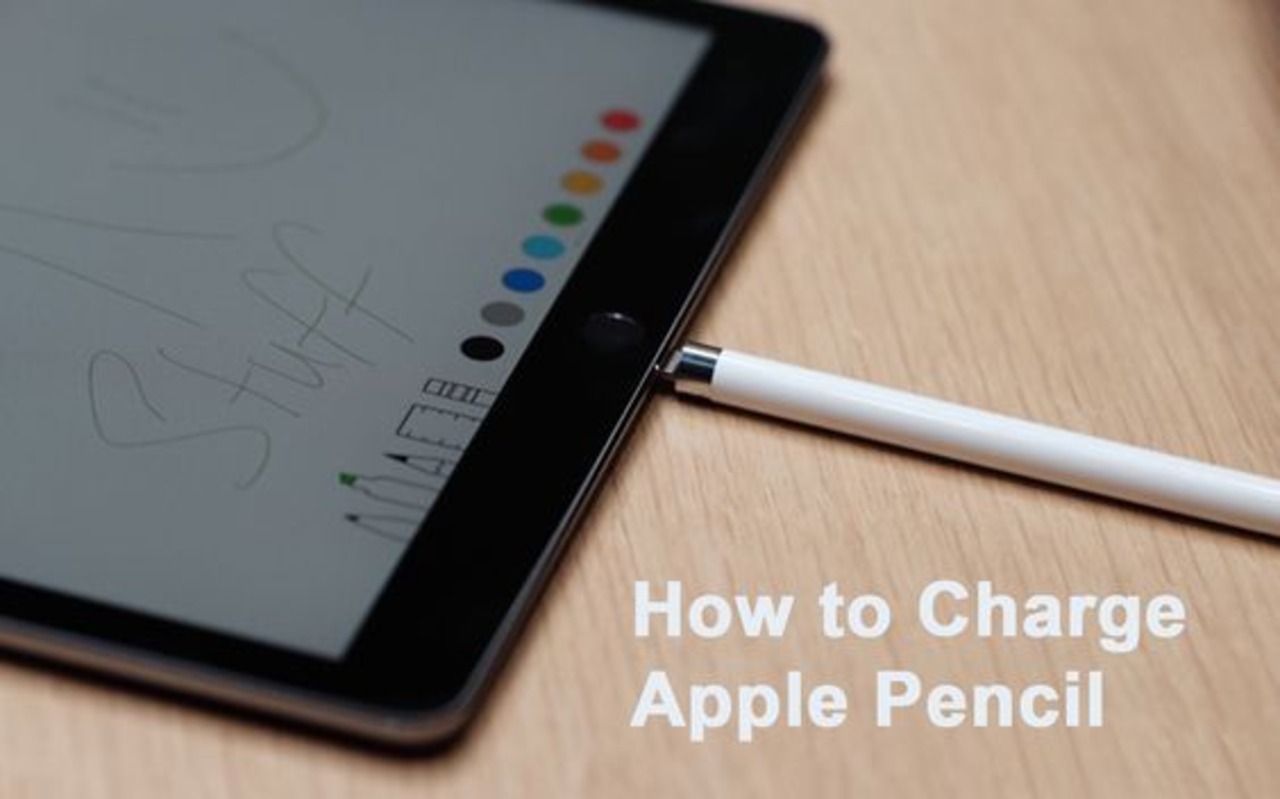
So, how do you keep this amazing tool ready for action? Charging the Apple Pencil Pro is thankfully incredibly simple. It magnetically attaches to the side of your compatible iPad. Just snap it on, and charging begins automatically. You'll see an on-screen notification confirming the connection and displaying the charging status. No cables, no fuss – just effortless power-up. A full charge typically takes around an hour, and even a short 15-minute charge can provide a significant boost to your drawing time. Check your iPad's battery widget for real-time updates on your Pencil's power level.
Want to try it out at home? Start with a simple sketch. Don't worry about perfection; just explore the different pressures and angles. Experiment with different brush types in your favorite drawing app. Maybe try recreating a photo you love, or design your own emoji. There are countless free tutorials and resources available online to help you get started. Download a free drawing app, grab your iPad and Apple Pencil Pro, and let your creativity flow. You might be surprised at what you can create!
Ultimately, the Apple Pencil Pro isn't just about functionality; it's about the joy of creating. It’s about the satisfaction of seeing your ideas come to life on screen, the feeling of control and precision in your hand, and the endless possibilities that unfold with every stroke. It’s a tool that empowers you to express yourself, learn new skills, and simply have fun. So, keep that Pencil charged, and get ready to unleash your inner artist!