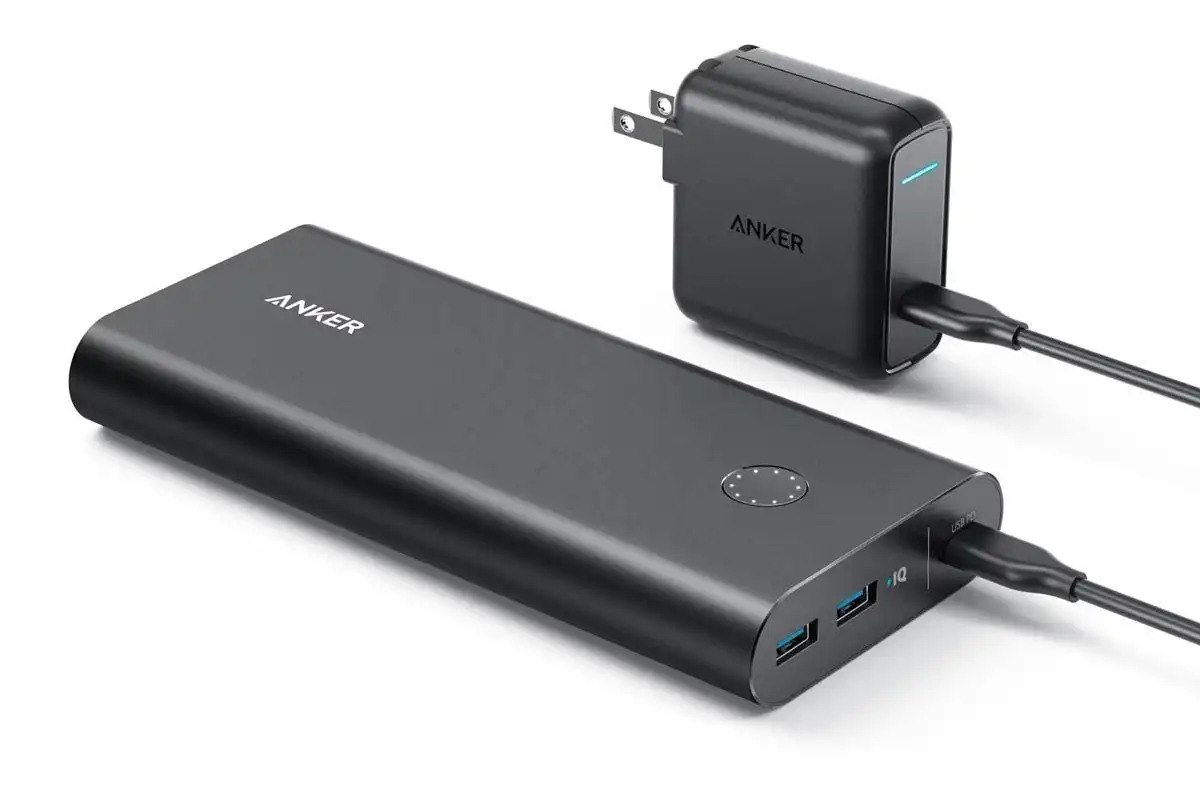
So, you've snagged yourself an Anker Power Bank! Awesome choice! Get ready to unleash portable power like never before. But hold on a sec, even the mightiest power bank needs a little juice to get the party started. Let's talk about feeding this little energy beast!
The Joy of USB: Your Anker's Favorite Snack
Think of your Anker Power Bank as a hungry little robot. Its favorite food? Good ol' USB power. That's right, the same connection you use for your phone, your tablet, maybe even your fancy coffee warmer (we don't judge!).
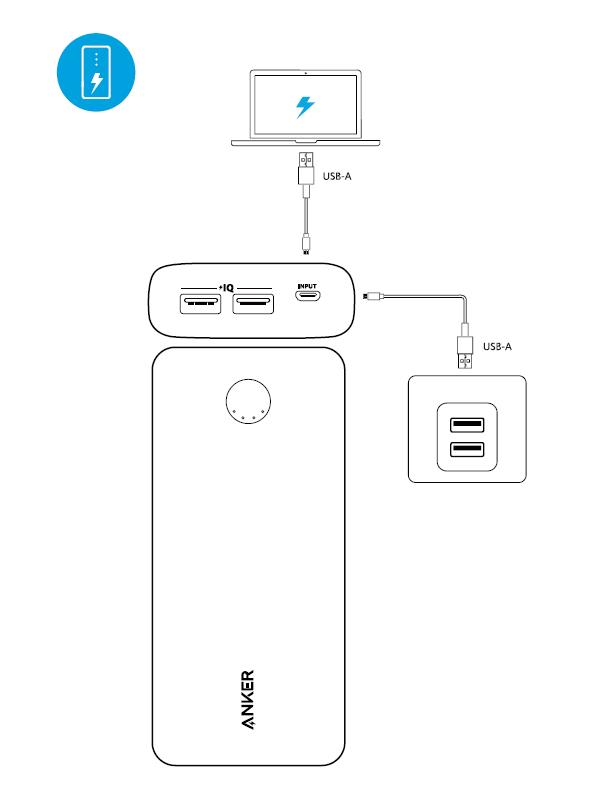
Most Anker power banks come with a USB-A to Micro-USB cable. Find it! This is your key to unlocking a world of charging possibilities. One end, the bigger one, goes into your wall adapter. The smaller end? That's for your power bank. There's a little port on the side or end of the device, just waiting to be filled with electrifying goodness.
Plug it in! You might see some lights blinking, doing a little dance. That's your Anker telling you, "Yum! Energy!"
Level Up with USB-C
Got a swankier, newer Anker Power Bank? You might have a USB-C port! Consider yourself lucky. USB-C is like the express lane for charging. It's faster, more efficient, and frankly, just cooler.
If your power bank has a USB-C port (often marked with a little "C" or a slightly different shape), and you have a USB-C to USB-C cable, use that! You'll be amazed at how quickly your Anker can refuel. It's like giving it a super-powered energy shot!
The Wall Adapter: Your Power Bank's Personal Chef
The wall adapter is the chef that prepares the USB energy for your Anker. Most phone chargers will do the trick. These usually output 5V/2A or something similar. Look for that printed on the adapter itself. These are generally fine.
If you *really* want to spoil your Anker Power Bank (and who wouldn't?), consider a higher-wattage wall adapter. Think of it like upgrading from a microwave dinner to a gourmet meal. A higher wattage adapter, like one you might use for a laptop, can significantly reduce charging time. Just make sure it's compatible with the power bank's input specifications (check the user manual or the power bank itself!).
Pro Tip: Don't skimp on the wall adapter! Using a cheap, low-quality adapter can not only slow down the charging process but could also potentially damage your precious Anker Power Bank. Think of it as feeding your race car cheap gas – not a good idea!
The Light Show: Decoding Your Anker's Mood
Those little lights on your Anker Power Bank? They're not just for decoration! They're actually communicating with you, telling you how much juice is left and what's going on. Usually, a solid light or a series of lights indicates the battery level. All lights lit up? You're fully charged and ready to conquer the world (or at least your local coffee shop). Blinking lights? It's charging!
Consult your Anker Power Bank's user manual for the exact meaning of each light pattern. It's like learning a secret language. Once you crack the code, you'll be a charging master!
Patience, Young Padawan
Charging an Anker Power Bank isn't an instant process. Depending on its capacity and the power of your wall adapter, it can take a few hours to fully charge. Don't get impatient! Think of it as a nice, relaxing meditation session for your power bank. Let it soak up all that energy and prepare for its next adventure.
Just plug it in before you go to bed, and in the morning, you'll have a fully charged Anker Power Bank, ready to fuel your phone, your tablet, your portable disco ball... whatever your heart desires! Enjoy the portable power!
And remember, a fully charged Anker Power Bank is a happy power bank!