Okay, so picture this: you're about to leave the house, jamming to your perfectly curated playlist in your AirPods Pro. You reach for the case to pop them in...and BAM! The dreaded red light. Zero juice. We've all been there, haven't we? It's like your tech is actively plotting against you. But fear not, dear reader, because today we're diving deep into the surprisingly complex (kidding!) world of charging your AirPods Pro case.
Seriously though, keeping that little white pod powered up is crucial. No power, no tunes. No tunes, no… well, let's not even go there. Let's just say your commute gets a whole lot less bearable. So, let's get you up to speed (pun intended) on all the ways you can resurrect your AirPods Pro case from the electronic graveyard.
The Classic: Lightning Cable Charging
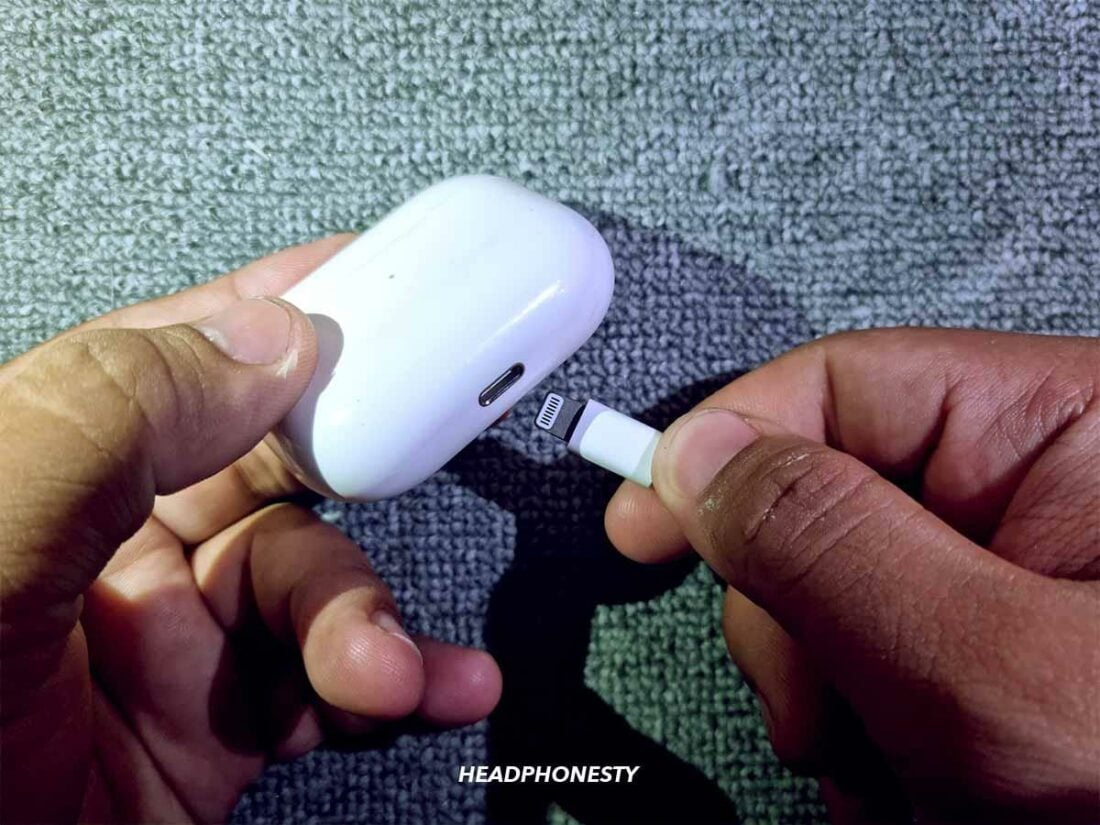
Ah, the old faithful. Remember when Apple included these in the box? Pepperidge Farm remembers. Anyway, the most common way to charge your AirPods Pro case is with a Lightning cable. You know, the one that probably lives permanently attached to your phone charger. It's super straightforward:
- Plug the Lightning end into the port on the bottom of your AirPods Pro case. (Yep, that little hole.)
- Plug the USB-A or USB-C end (depending on your charger) into a power adapter or a computer.
- Wait. (This is arguably the hardest part.)
See? Not rocket science. But, you're probably thinking, "How long do I wait?" Great question! A full charge from empty takes roughly 2 hours. A quick 5-minute charge will give you around an hour of listening time. So, if you're in a pinch, you can snag a little juice to get you through that important phone call (or that crucial part of your workout playlist!).
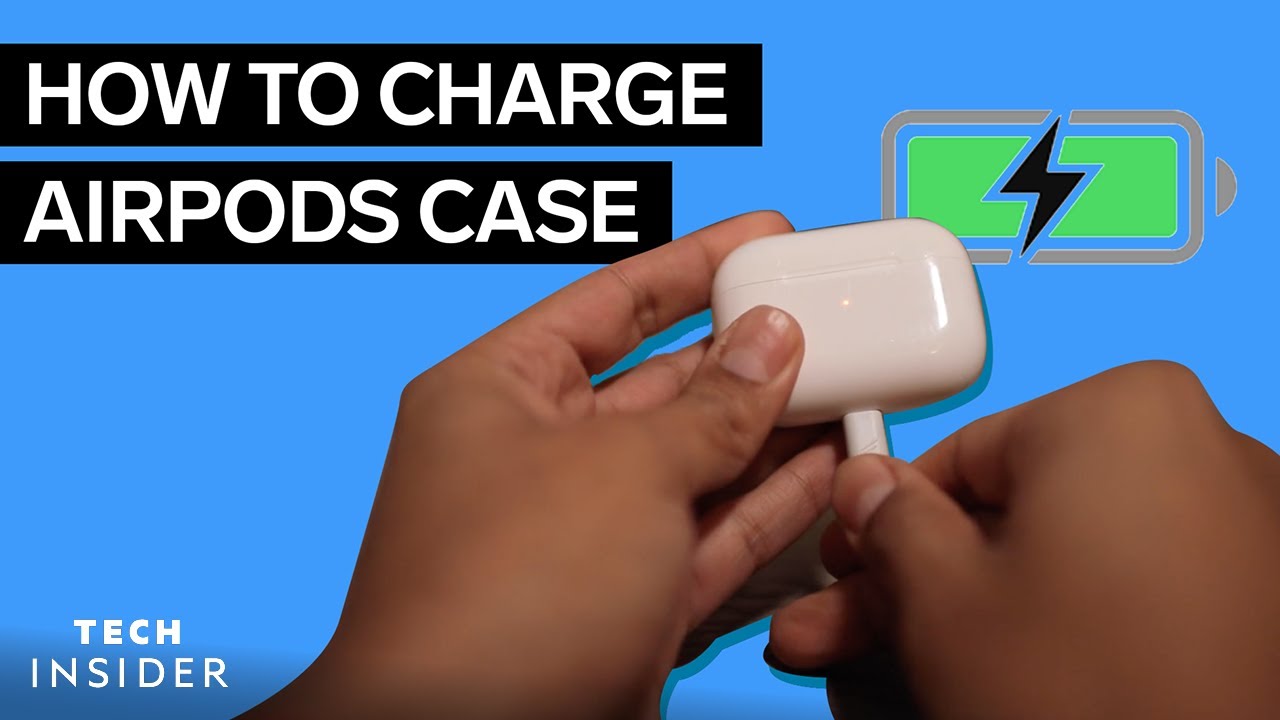
Keep an eye on the status light on the front of the case (or inside if you have the newer version with MagSafe). Amber means it's charging. Green means it's fully charged. No light? Something's wrong, or you're not plugged in properly. Double-check everything!
Wireless Charging: Embrace the Future! (Sort Of)
If you're feeling fancy (and have a Qi-compatible wireless charging pad), you can ditch the cable altogether. Wireless charging is undeniably convenient, but it's also noticeably slower than using a cable. Still, it's a great option for overnight charging or just topping up throughout the day.
Here's the wireless charging lowdown:
- Place your AirPods Pro case, with the charging side facing down, onto your wireless charging pad. (It’s usually the side with the status light).
- Make sure the case is centered on the pad. (Sometimes it takes a little wiggle to get it just right. Don’t feel bad, we’ve all been there.)
- Wait. (Again with the waiting! Patience is a virtue, or so they say.)
The charging time for wireless charging is longer than using a Lightning cable, so plan accordingly. Check the status light on the case to see the charging progress. If it doesn't light up, try repositioning the case on the charging pad.
MagSafe Charging: Snapping into Action
The AirPods Pro (2nd generation) case supports MagSafe charging, which is basically wireless charging with magnets. Think of it as wireless charging that's less likely to slip off the pad in the middle of the night.
Just slap the case onto a MagSafe charger, and the magnets will align it perfectly. It's a slightly faster and more reliable version of wireless charging. If you have an iPhone with MagSafe, you likely already have a charger. Bonus!
Troubleshooting: When Things Go Wrong
Sometimes, even the best tech has a hiccup. If your AirPods Pro case isn't charging, here are a few things to try:
- Clean the Lightning port. Lint and debris can get stuck in there and prevent a good connection. Use a toothpick or compressed air (gently!) to clear it out.
- Try a different cable and charger. It's possible the cable or charger is faulty.
- Make sure the case is actually making contact with the wireless charging pad. Reposition it and try again.
- Restart your AirPods Pro. Put them in the case, close the lid, wait 30 seconds, then open the lid and hold the setup button on the back of the case until the status light flashes amber.
If none of these steps work, it might be time to contact Apple Support. Nobody wants to hear that, I know. But sometimes, you gotta call in the experts. And hey, maybe they'll just send you a new one! Worth a shot, right?
So there you have it: your comprehensive guide to charging your AirPods Pro case. Now go forth and conquer your day, fully powered and ready to groove to your favorite tunes! Just remember to check that battery level before you leave the house. Learned that the hard way... more than once.