Okay, folks, let's talk about something near and dear to every gamer's heart: keeping that Xbox controller powered up! We've all been there, right? You're in the middle of an epic boss battle, your palms are sweaty, your heart is pounding, and then... *blip*... controller dead. Total buzzkill. That's why understanding how to charge your Xbox battery pack is crucial. Think of it as knowing how to gas up your car before a road trip – essential for a smooth ride!
Why should you even care? Well, beyond avoiding those tragic mid-game power outages, using rechargeable battery packs is way better for the environment. Think about all those disposable batteries you're *not* throwing away. You're basically saving the planet, one charged controller at a time! Plus, it’s easier on your wallet in the long run. All those batteries add up, wouldn’t you rather spend that money on the game instead of the power source?
What Kind of Battery Pack Do You Have?
First things first, let's identify what kind of battery pack you're working with. Most likely, you've got one of two options:
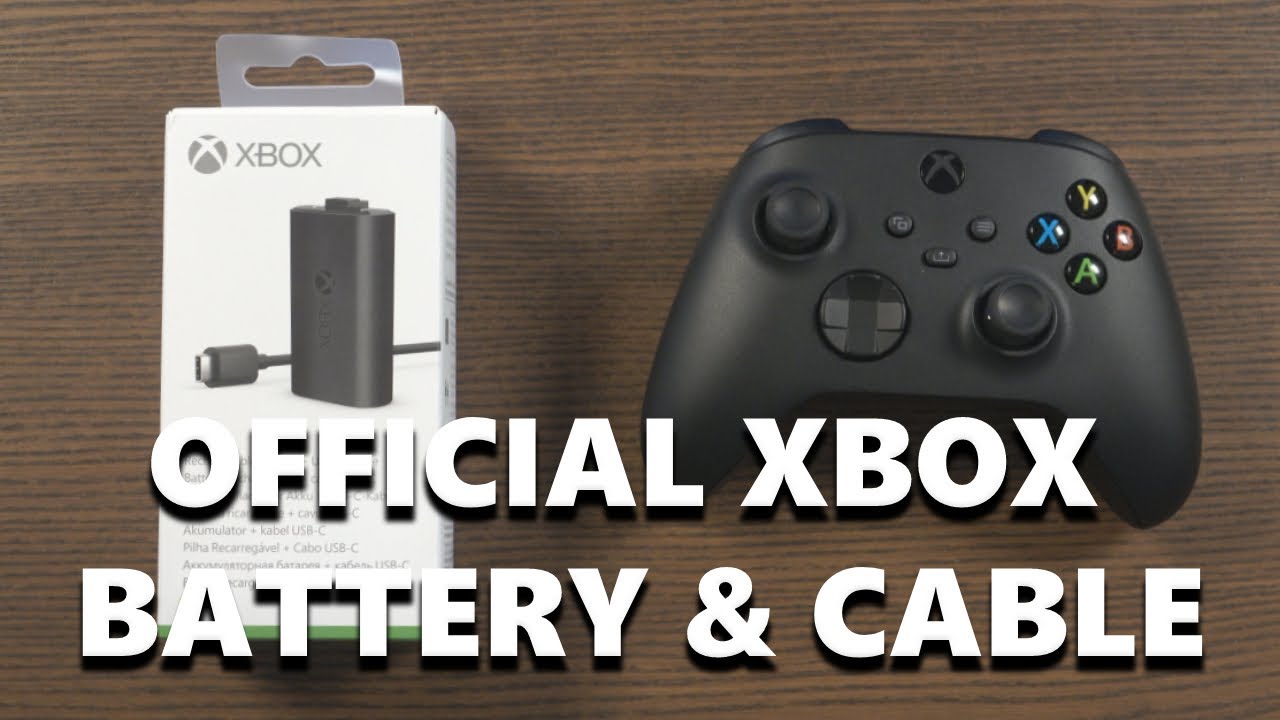
- The Official Xbox Rechargeable Battery Pack: This is the one Microsoft sells directly. It's designed specifically for Xbox controllers and usually comes with a charging cable.
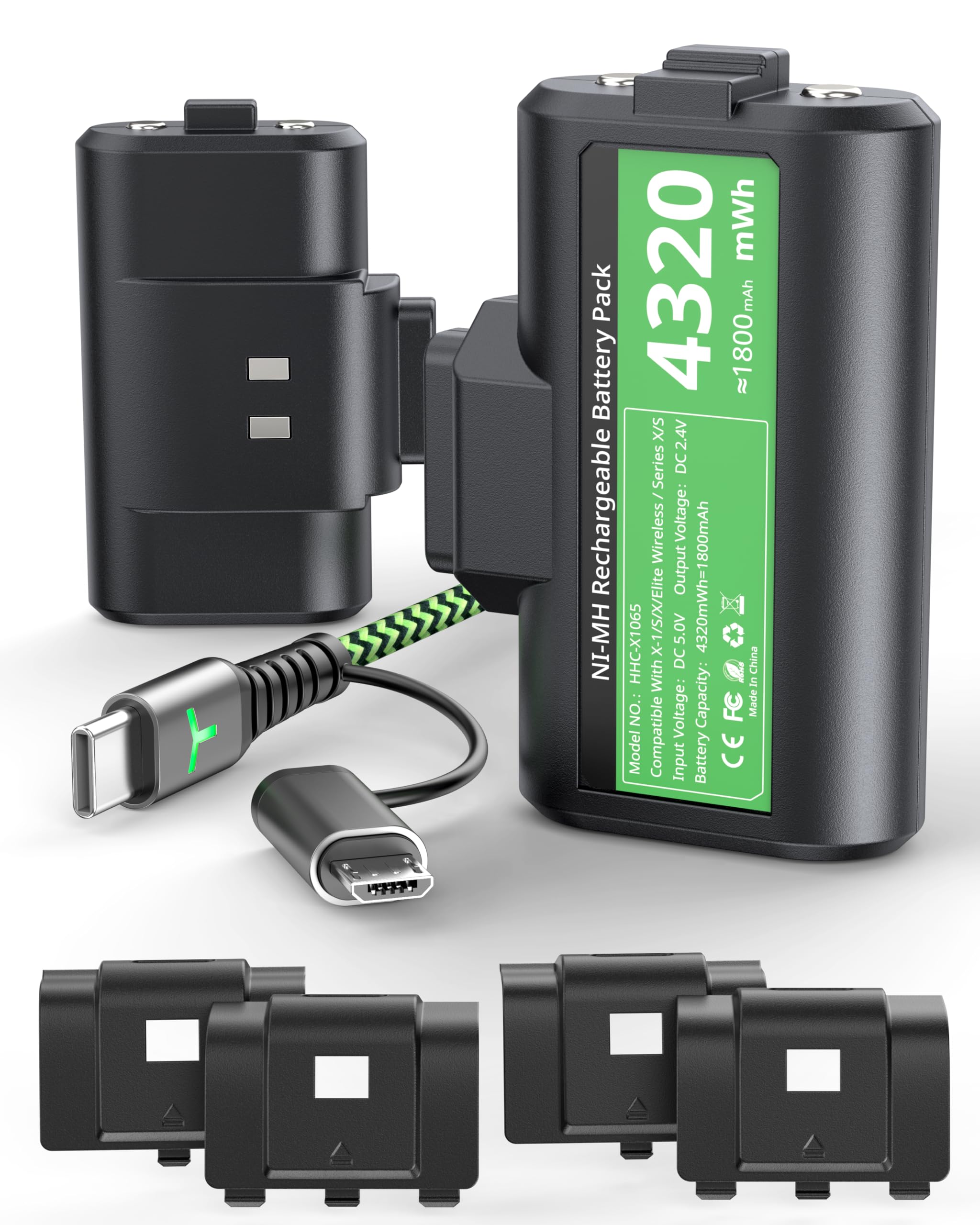
- Third-Party Rechargeable Battery Packs: These are made by other companies and can be a bit cheaper. They often come with different charging solutions, like a charging dock.
Knowing which one you have is important because the charging method might differ slightly.
Charging the Official Xbox Rechargeable Battery Pack
This is probably the most common setup. The process is pretty darn simple, thankfully.
Step 1: Plug It In! Take the USB charging cable that came with your battery pack and plug the smaller end (usually a USB-C or Micro-USB) into the charging port on the battery pack. This port is located on the top of the battery pack, where it sits inside the controller.
Step 2: Find a Power Source. Now, plug the other end of the USB cable into a power source. You have a few options here:
- Your Xbox Console: This is the most convenient option. Just plug it into one of the USB ports on the front or back of your Xbox. Keep in mind that your Xbox needs to be turned on (or in instant-on power mode) for the controller to charge.
- A Wall Charger: You can use any USB wall charger, like the one you use for your phone. This is often faster than charging through the console.
- Your Computer: Plugging into your computer's USB port will also work, though it might be a bit slower than the other options.
Step 3: Wait (Patiently). The charging time varies depending on the battery level, but it usually takes around 4 hours to fully charge. While it’s charging you will see a LED indicator that will let you know that it is charging. When the light is green, you know it is fully charged and ready to go! So maybe do some stretching, hydrate, and prepare to beat that boss you have been facing!
Charging Third-Party Battery Packs
Third-party battery packs often come with their own charging solutions. The most common is a charging dock.
Charging Docks: These are little cradles that you slot your battery packs (or sometimes even the whole controller) into. Simply slide the battery pack (or controller) into the dock and it will start charging. The dock usually has indicator lights to show the charging status.
USB Cables: Some third-party battery packs also use USB cables, similar to the official ones. Just follow the same steps as above – plug the cable into the battery pack and a power source.
Important Note: Always follow the manufacturer's instructions for your specific battery pack. They'll have the most accurate information on charging times and any specific precautions.
Tips for Keeping Your Battery Pack Healthy
Just like any battery, your Xbox battery pack will last longer if you take care of it.
- Don't let it completely die: Try to charge your battery pack before it's completely empty. Regularly, partial charging can extend the lifespan of the battery.
- Avoid extreme temperatures: Don't leave your controller in direct sunlight or a freezing cold car. Extreme temperatures can damage the battery.
- Unplug it when it's full: Once your battery pack is fully charged, unplug it from the power source. Overcharging can also shorten its lifespan.
- Use the right charger: Always use the charger that came with your battery pack, or one that's specifically designed for it. Using the wrong charger can damage the battery.
So there you have it! Charging your Xbox battery pack is a breeze. Now you can get back to saving the world, scoring that winning goal, or whatever epic adventure awaits you. Happy gaming!