The Apple Pencil. It’s more than just a stylus; it's a gateway to unleashing your inner artist, a precision tool for note-taking ninjas, and a playful way to interact with your iPad. Whether you're doodling whimsical creatures, crafting intricate designs, or simply jotting down grocery lists, the Apple Pencil has become a beloved accessory for countless users. But let's face it, the question of battery life and charging always looms – especially when inspiration strikes!
For artists, the Apple Pencil offers unparalleled control. Imagine effortlessly transitioning from delicate shading to bold strokes, mimicking the nuances of charcoal, watercolor, or even oil paint, all within the digital realm. Hobbyists, too, can benefit immensely. Learning a new skill like calligraphy or digital painting becomes more intuitive and enjoyable with the Pencil's precision. And even for casual learners, the Apple Pencil makes note-taking more engaging and effective. Say goodbye to messy handwriting and hello to beautifully organized digital notebooks!
The possibilities are truly endless. Picture this: a vibrant watercolor landscape painted with Procreate, a meticulously detailed architectural sketch created in Concepts, or a series of charming character designs brought to life in Adobe Fresco. Perhaps you're creating hand-lettered invitations for a friend's party, designing a custom phone wallpaper, or even just experimenting with different fonts and color palettes. The Apple Pencil opens doors to a universe of creative expression. Remember those coloring books you loved as a kid? Recreate that joy digitally with apps like Pigment and unwind after a long day.
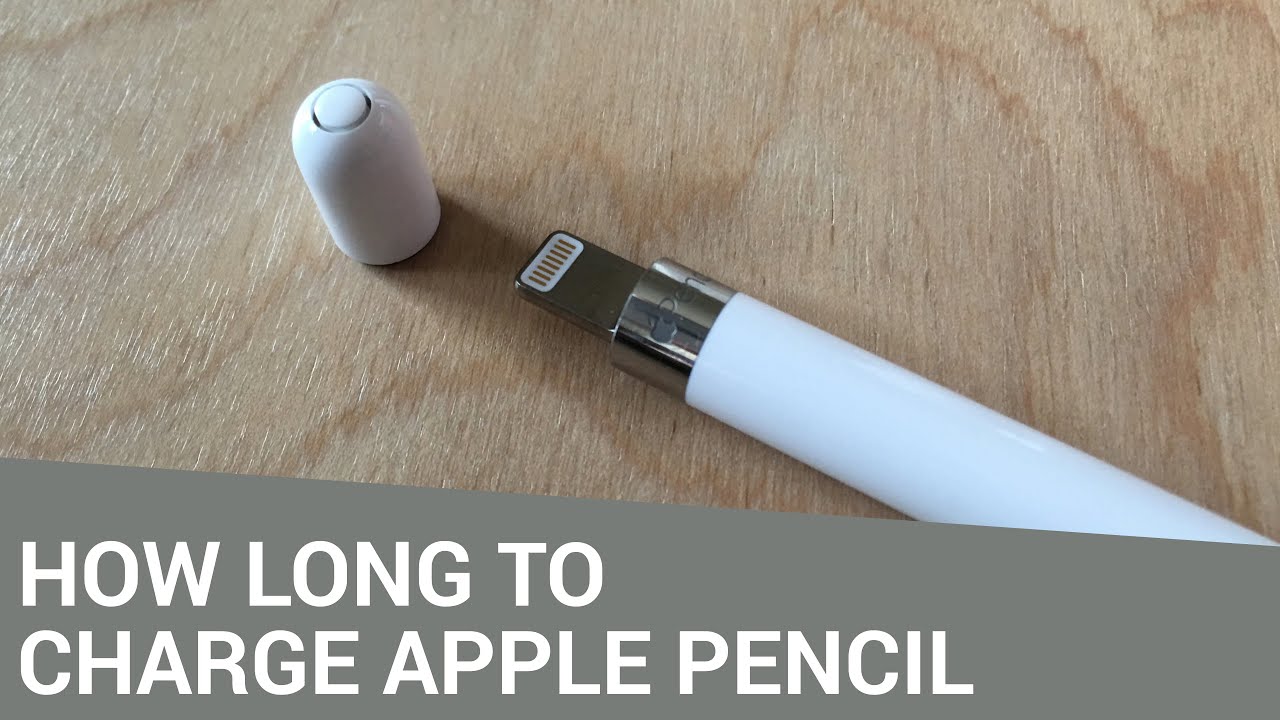
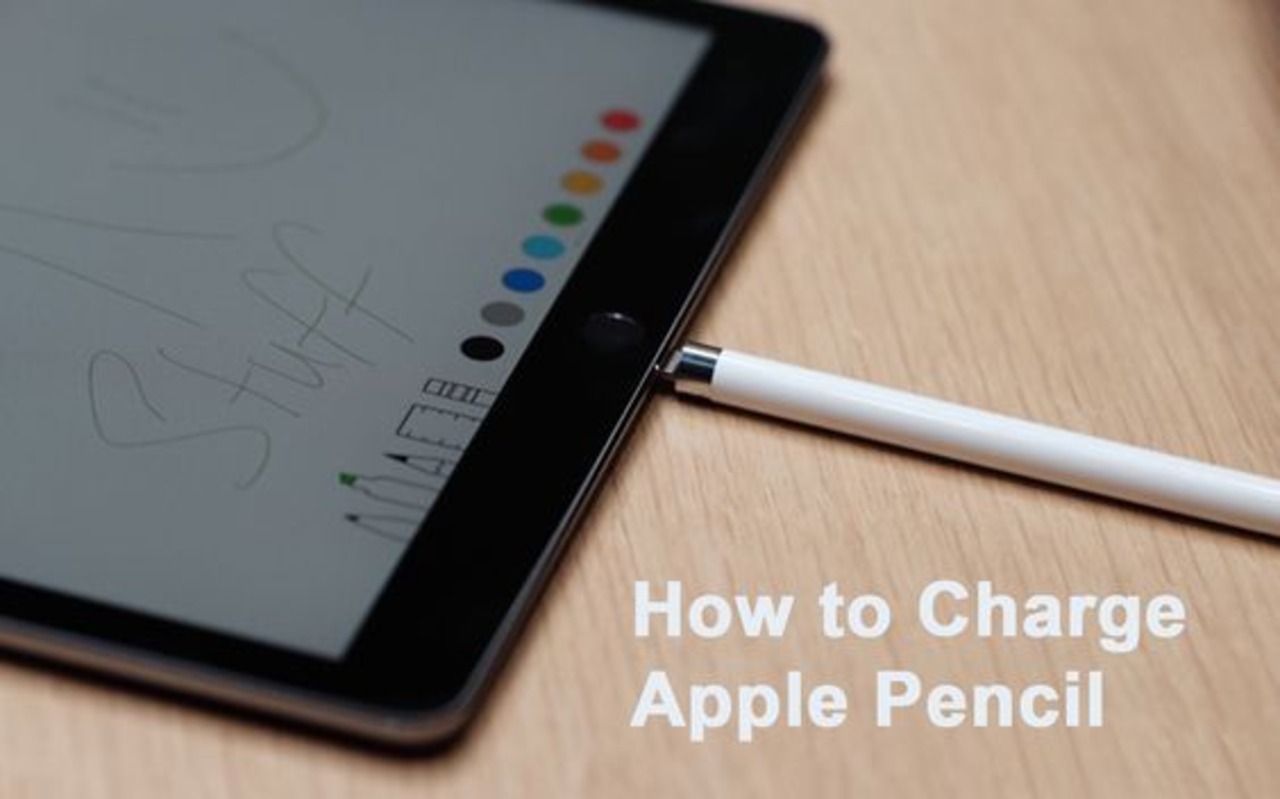
So, how long should you charge your Apple Pencil? The good news is, it’s remarkably quick! Both generations of the Apple Pencil offer fast charging capabilities. A mere 15 seconds of charging for the first generation Pencil (plugged into your iPad’s Lightning port) can give you approximately 30 minutes of use! The second generation, which magnetically attaches to the iPad, offers similar rapid charging speeds. Generally, a full charge for either Pencil takes around 30 minutes and provides roughly 12 hours of use. To check the battery level, simply glance at the Batteries widget on your iPad or, for the second generation, a notification will pop up when you attach it to the iPad.
Want to try it out at home? Here are a few tips: Start with free or low-cost apps like Sketches or Paper by WeTransfer to get a feel for the Pencil. Experiment with different brush types and textures to discover your preferred style. Don't be afraid to make mistakes – that's part of the learning process! And most importantly, have fun! Explore online tutorials and communities for inspiration and guidance. There are tons of free resources available to help you master the art of digital drawing and painting.
Ultimately, the Apple Pencil is more than just a tool; it's an extension of your creativity. It's a way to connect with your inner artist, to learn new skills, and to simply enjoy the process of creating something beautiful. Whether you're a seasoned professional or a complete beginner, the Apple Pencil offers a fun and accessible way to explore your imagination and bring your ideas to life. So, pick up that Pencil, charge it up, and get ready to unleash your creative potential. You might just surprise yourself with what you can create!