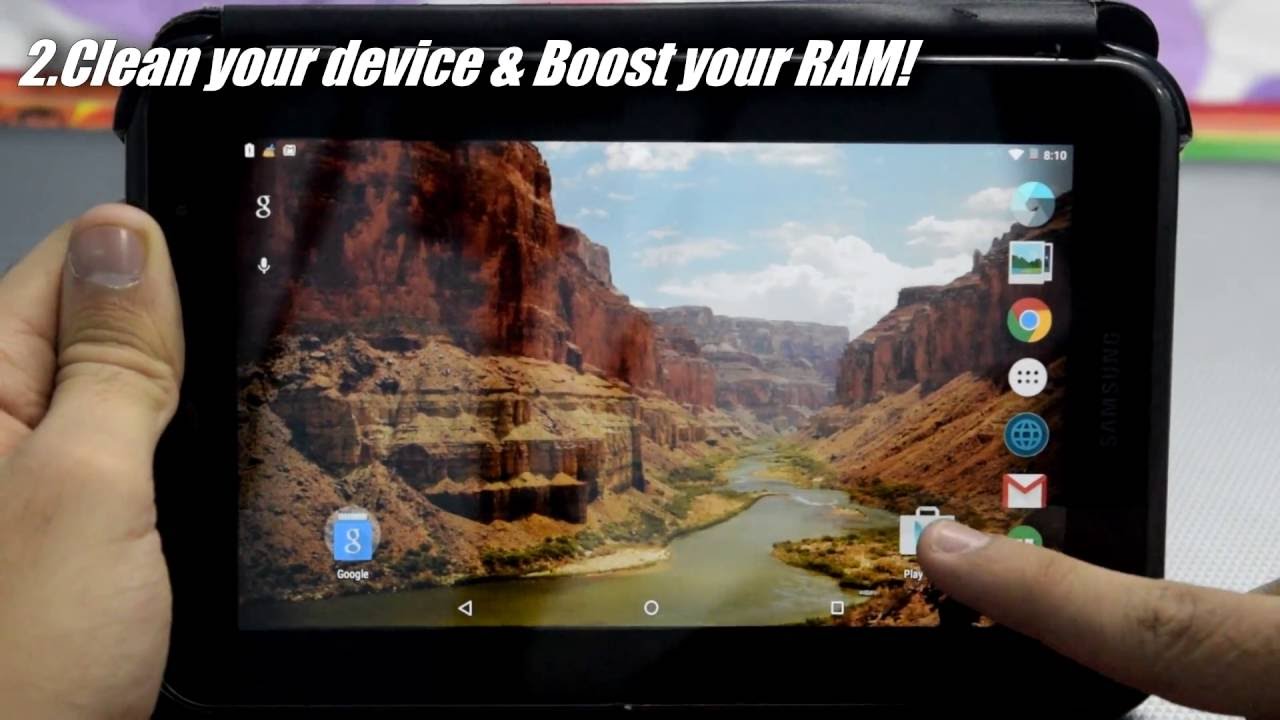
Is your tablet feeling a little…sluggish? Like it’s moving through molasses instead of zipping through apps? Don't worry, we've all been there. Your tablet is your portable entertainment hub. It's your movie screen on the go, your digital book, your game console for waiting rooms. A slow tablet can be seriously annoying. Let's give your trusty device a little boost!
Close Those Apps!
Think of your tablet's memory like a kitchen counter. The more stuff you leave out, the less space you have to actually cook! When you’re done using an app, swipe it away. Really close it. Don't just leave it lurking in the background, hogging resources. It's like throwing a party and then forgetting to tell your guests to leave. Shut. It. Down.
Sometimes, you need to force close an app. You know, the one that's stubbornly refusing to cooperate. Just go into your tablet's settings, find the "Apps" section, locate the misbehaving app, and tap "Force Stop." Problem solved!
Declutter Your Home Screen
A cluttered home screen can actually slow things down. All those widgets are constantly updating, draining your tablet's precious resources. Do you really need a weather widget on every single page? Probably not. Tidy things up! Delete the widgets you don't use. Organize your apps into folders. Give your home screen a minimalist makeover. You’ll be surprised at the difference it makes.
Think of it like this: Your home screen is your living room. You don’t want it piled high with junk, right? Keep it clean and organized. Your tablet (and your sanity) will thank you.
Free Up Storage Space
Is your tablet constantly nagging you about low storage space? That’s a major red flag. Your tablet needs room to breathe! Delete those old photos and videos you've been hoarding. Do you really need 50 blurry selfies? Probably not. Offload them to a cloud service or your computer. Get rid of apps you haven't used in ages. They're just taking up space. Treat your tablet to a digital deep clean!
Imagine your tablet's storage as a closet. Over time, it fills up with stuff you don't need. Time for a major purge! Get rid of those moth-eaten sweaters and those shoes you haven't worn in five years. Free up some space and let your tablet shine!
Clear the Cache
Apps often store temporary data called "cache." This is meant to make things faster, but over time, it can actually slow things down. Clearing the cache is like emptying the junk drawer in your kitchen. It’s full of random stuff you don’t need. Go into your tablet's settings, find the "Apps" section, select an app, and tap "Clear Cache." Repeat for all your frequently used apps. It’s surprisingly satisfying.
Think of the cache as a pile of dirty laundry. It accumulates over time and starts to smell. Clear it out regularly and keep your tablet fresh and clean!
Update Your Software
Software updates often include performance improvements and bug fixes. Keeping your tablet up-to-date is like giving it a regular checkup at the doctor. It ensures everything is running smoothly. Go into your tablet's settings and check for updates. Install them as soon as they're available. It's a quick and easy way to boost your tablet's performance. Plus, you'll get all the latest features!
Imagine your tablet's operating system as a car. Regular maintenance is essential to keep it running smoothly. Don't skip those oil changes! Keep your software up-to-date and enjoy a smoother ride.
Restart Your Tablet
Sometimes, the simplest solution is the best. Restarting your tablet can often clear up minor glitches and improve performance. It's like giving your tablet a little nap. Hold down the power button and select "Restart." It's a quick and easy fix that can make a big difference.
Think of restarting your tablet as hitting the reset button. It's a chance to start fresh and clear out any lingering issues.
Consider a Factory Reset (As a Last Resort!)
If all else fails, you can try a factory reset. This will erase all the data on your tablet and restore it to its original factory settings. It's like giving your tablet a brand-new start. But be warned! Back up your important data first! Photos, videos, documents, everything! Once you wipe your tablet, it's gone.
A factory reset is like moving to a new house. You have to pack up all your belongings and move them to the new place. But it's also a chance to get rid of all the clutter and start fresh!
So, there you have it! A few simple tips to make your tablet faster and more enjoyable to use. Now go forth and conquer the digital world with your newly optimized device! Enjoy your faster, smoother tablet experience!