Let's be honest, picking up your Android phone shouldn't feel like defusing a bomb, right? But sometimes, staring blankly at the screen wondering how to answer *that call* can feel a bit… awkward. Don't worry; we’ve all been there! Maybe you're elbow-deep in cookie dough, juggling groceries, or simply haven't upgraded from your trusty flip phone brain. This article is your friendly guide to answering your Android, no matter the situation.
The Classic Swipe: Your Go-To Method
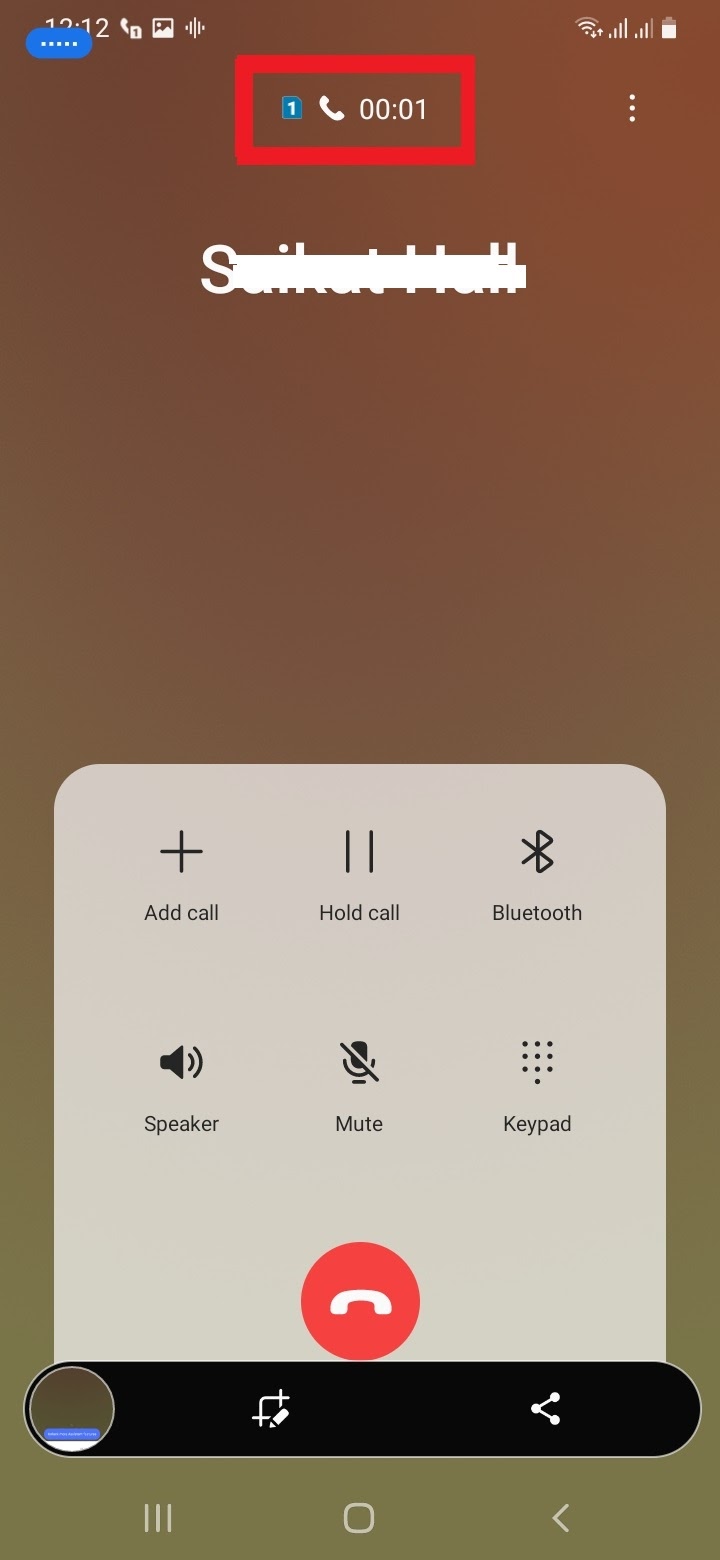
The most common way to answer an Android phone is the good old swipe. When a call comes in, you'll typically see one of two things:
- A big, obvious button to answer and another to decline (often green for "go" and red for "no").
- A slider you need to swipe in a particular direction. Usually, swiping up or to the right will answer, while swiping down or to the left will decline.
Think of it like choosing your adventure! Just swipe in the direction that screams "Hello!" Pro tip: If you’re using a phone with a physical home button, sometimes pressing that button also answers the call. But be warned, it might also just take you back to your home screen, leaving the caller hanging in the digital void!
Dealing with Different Android Skins: It's Not Always the Same
Now, here's where things can get a *little* tricky. Android is open-source, which means different manufacturers like Samsung, Google, and Xiaomi can tweak the look and feel. These customizations are called "skins." So, while the basic principle of swiping remains the same, the visual presentation might vary.
Imagine it like ordering a pizza. You can get a pizza from anywhere, but the toppings and crust might be different depending on where you order from. Android skins are like those different toppings and crusts. They don't change the fact that it's a pizza (an Android phone), but they do change the experience slightly.
The best way to learn your phone's specific quirks is to experiment! Ask a friend to call you while you’re watching TV. Try answering with different gestures. You won’t break anything, promise! And it's far better than accidentally declining a call from your potential new boss because you were trying to swipe it away like a notification.
Hands-Free Hero: Using Headphones and Bluetooth
Let's talk hands-free! Modern life is busy. Sometimes you're driving, cooking, or trying to wrangle a toddler. Answering with headphones or a Bluetooth device is a game-changer.
With headphones that have a built-in microphone, answering is usually as simple as pressing a button on the cord. Boom! Instant connection. Bluetooth headsets often have a similar button dedicated to answering and ending calls. Consult your device's manual (yes, I know, manuals are boring, but sometimes they're necessary evils) for the specifics.
Picture this: You're making a culinary masterpiece (or at least trying to), flour dusted across your face, when your phone rings. With a Bluetooth headset, you can answer the call without smearing dough across your screen. You're a multi-tasking ninja!
Troubleshooting: When Things Go Wrong
Okay, so sometimes, despite our best efforts, technology fails us. Here are a few common issues and potential fixes:
- The screen isn't responding: Try cleaning the screen with a soft cloth. Sometimes a smudge can interfere with the touch sensors. If that doesn't work, try restarting your phone. It's the digital equivalent of "have you tried turning it off and on again?"
- You accidentally decline the call: Don't panic! Just apologize profusely when you call back. Everyone makes mistakes.
- You can’t hear the caller: Check your volume! Sounds obvious, but it happens. Also, make sure your phone isn’t connected to a Bluetooth device you’re not using. The sound might be routing there.
Remember, Google is your friend! If you’re truly stumped, a quick search for "[Your Phone Model] answering calls" can often provide a solution. The Android community is vast and helpful.
Why Bother Learning? Because Connection Matters
At the end of the day, knowing how to answer your Android phone isn't just about being tech-savvy. It's about staying connected. It's about answering that call from your mom, hearing good news from a friend, or landing that dream job. It's about being present in a world that often feels disconnected. So, take a few minutes, practice answering, and become a master of your Android device. Your connections will thank you for it! And who knows, mastering this skill might just impress your grandma!