Okay, so you want to conjure something into existence from the ether using the magic of 3D printing? Excellent choice! You’ve decided to enter a world of possibilities limited only by your imagination (and maybe your budget… and also physics. But mostly imagination!). Don't worry, it's not as intimidating as building a rocket ship (unless you are building a rocket ship, in which case, Godspeed!). Let’s break down how you turn your mental marvels into tangible trinkets, shall we?
Step 1: The Idea – From Brain to Blueprint
First, you need an idea. This is arguably the hardest part. I mean, what haven’t we 3D printed at this point? Houses? Prosthetic limbs for ducks? Edible pizza? (Okay, maybe not edible pizza that tastes good, but we're getting there!). Seriously, brainstorm! Need inspiration? Look around! Is your coffee mug tragically boring? Does your cat deserve a tiny crown? The world is your oyster (which, incidentally, you could 3D print, but I wouldn’t recommend eating it).
Once you’ve got your million-dollar idea (patent pending, obviously), you need to translate it into a 3D model. Think of it like giving a sculptor instructions. You can’t just say, "Make me a thing!" You gotta be specific. Now, you have a few options here, depending on your tech-savviness.
Option A: The Digital Da Vinci. If you’re a whiz with computer-aided design (CAD) software like Tinkercad (free and beginner-friendly), Fusion 360 (more powerful, also free for personal use), or even Blender (free and open-source, but with a steeper learning curve, like learning to ride a unicycle uphill while juggling flaming torches), then go for it! Sculpt your masterpiece directly. You'll feel like a digital Michelangelo, minus the back pain (probably). Fun fact: The first ever 3D printed object was a cup, back in 1984. Bet Michelangelo is kicking himself he didn't think of that.
Option B: The Found Object Frenzy. Already designed something? Great! There are websites like Thingiverse and MyMiniFactory brimming with free 3D models ready for you to download. Seriously, it’s like a digital bazaar of awesome. You can find anything from phone stands to articulated dragons to replacement parts for that weird widget on your washing machine. Just be sure to check the license – some models are free to use, others require attribution, and some are strictly for personal use. Don't want to end up on the 3D printing FBI's most wanted list!
Step 2: From File to Fantastic – Preparing Your Model
Alright, you’ve got your 3D model – congratulations! But you can't just shove that file into a printer and expect magic to happen. Well, you can try, but you'll probably end up with a melted plastic monstrosity. You need to slice your model.
Slicing software (like Cura or PrusaSlicer) takes your 3D model and chops it into hundreds (or even thousands!) of horizontal layers. Think of it like a digital chef carefully preparing a lasagna. The software then generates instructions (G-code) that tell the 3D printer exactly how to lay down each layer. You get to choose things like layer height (thinner layers = higher detail but longer print time), infill density (how solid you want the inside of the object to be), and support structures (temporary scaffolding to hold up overhangs – think of it as training wheels for your 3D printer).
Pro Tip: Don't be afraid to experiment with slicing settings! There's a whole rabbit hole of tweaking and optimizing to be explored. Just don't blame me if you spend the next three weeks obsessively calibrating your printer. Seriously, it’s addictive.
Step 3: The Moment of Truth – Printing Your Creation
Now for the fun part – the actual printing! You have a couple of options here too, depending on your resources and desire for instant gratification.
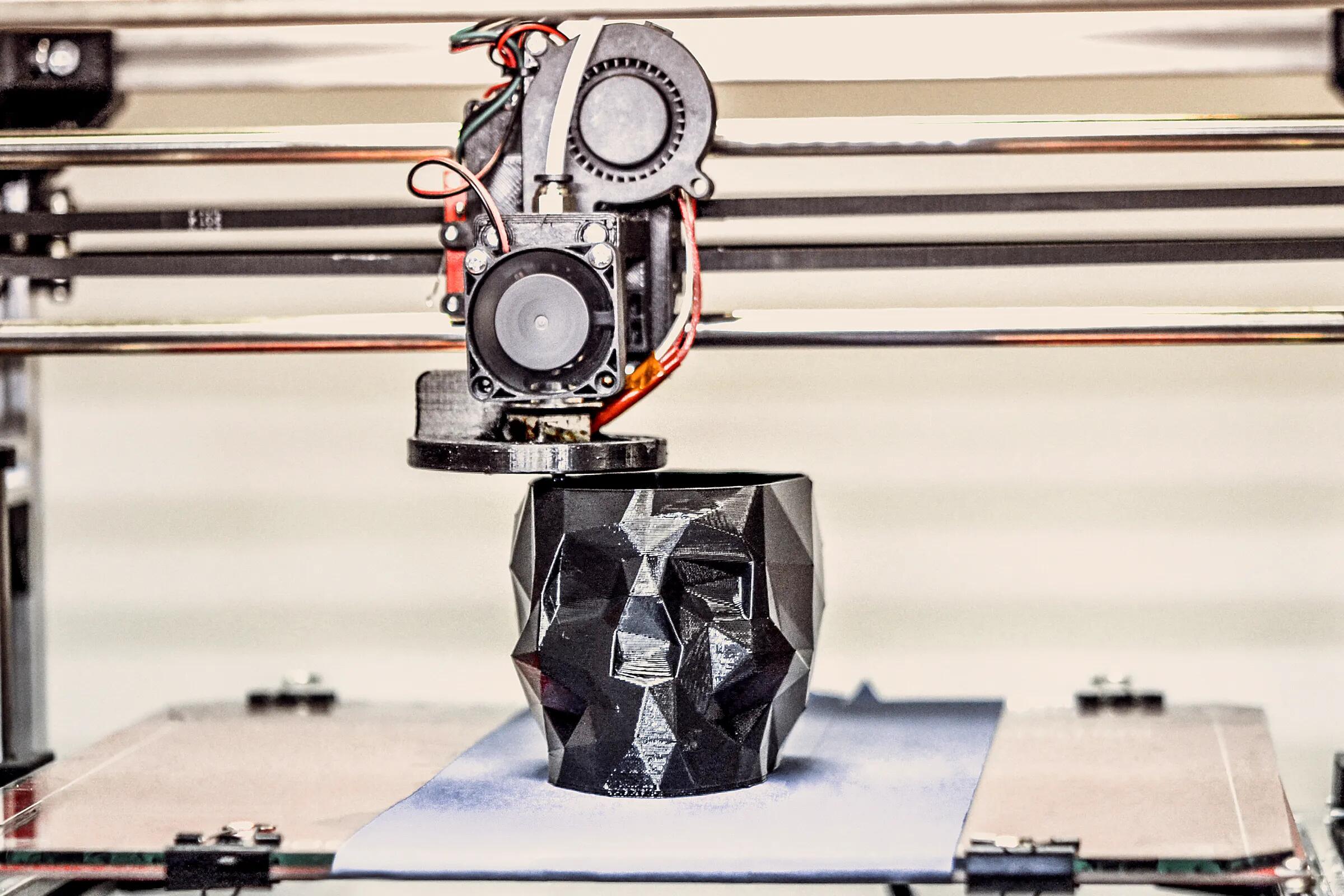
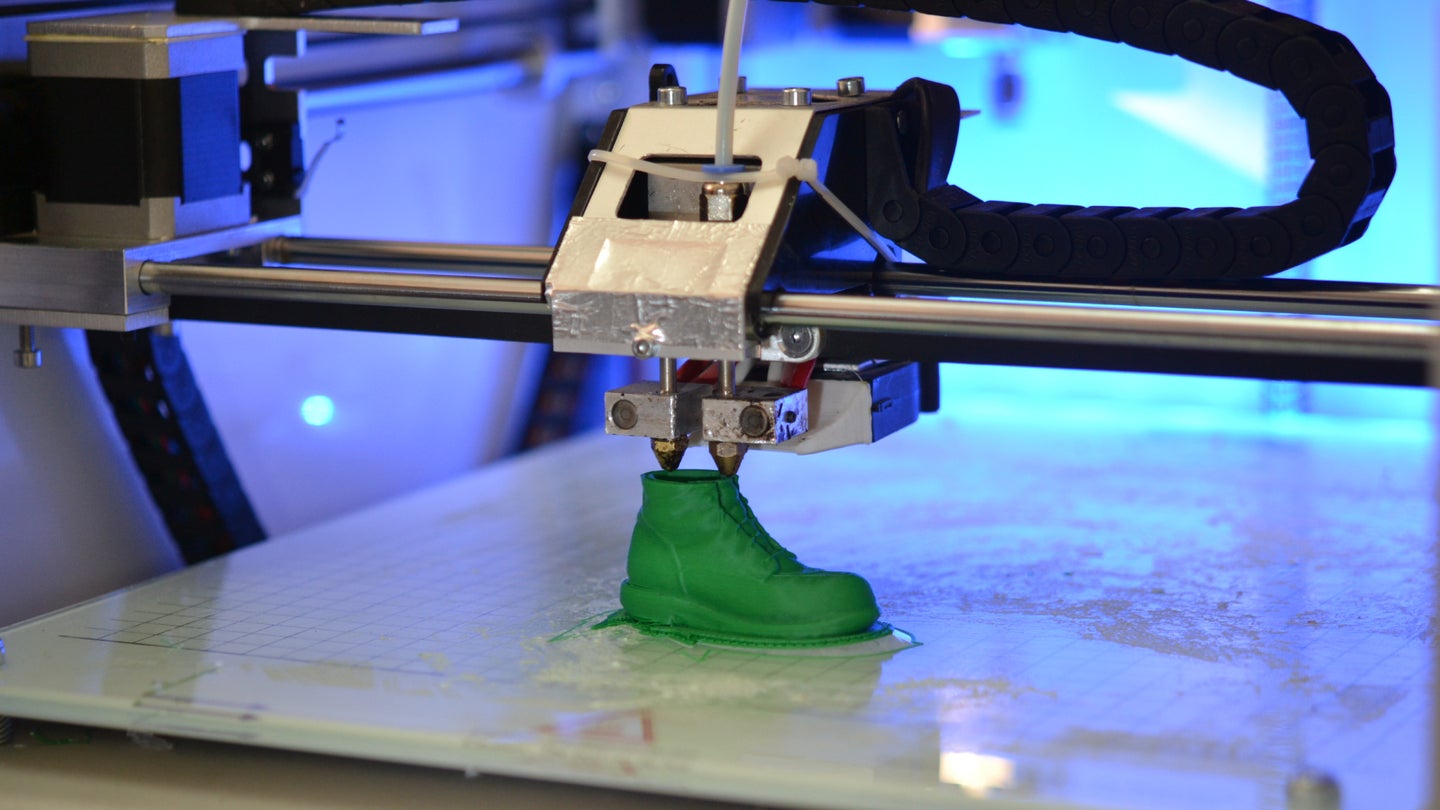
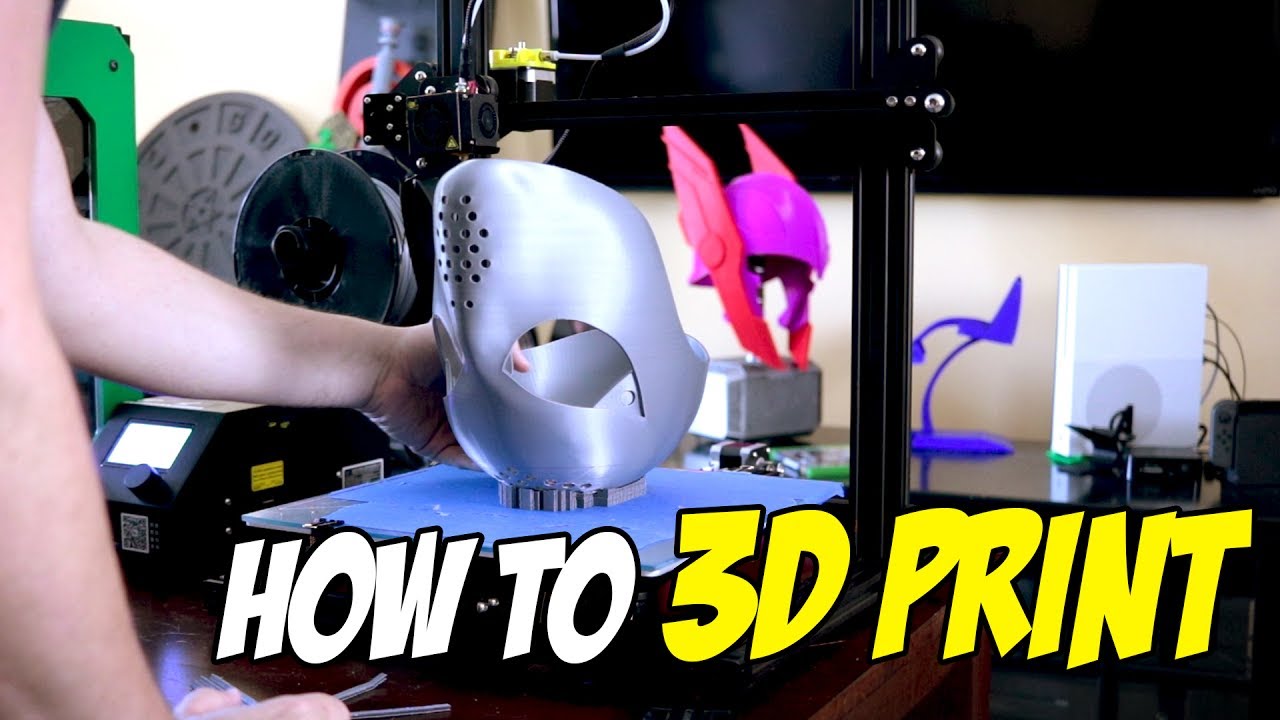
Option A: The Homebrew Hero. If you're feeling ambitious (and have some disposable income), you can buy your own 3D printer. Prices range from a couple hundred bucks for a basic entry-level model to thousands for a professional-grade machine. Be warned: owning a 3D printer is like owning a pet. It requires care, feeding (filament!), and occasional temper tantrums. But the satisfaction of creating your own stuff on demand is undeniable. Plus, you can finally print that life-size replica of your cat that you've always dreamed of.
Option B: The Outsourcing Overlord. Don't want the hassle of owning a printer? No problem! There are plenty of 3D printing services online (like Shapeways or Sculpteo) that will print your model for you. Just upload your file, choose your material (plastic, metal, ceramic, even chocolate!), and they'll ship you the finished product. It's like ordering pizza, but instead of pizza, you get a custom-designed phone case. Win-win!
Final Thought: 3D printing is a constantly evolving technology. Don't be afraid to experiment, make mistakes (you will!), and learn from the community. And remember, the most important ingredient is a little bit of imagination! Now go forth and create!