Let's face it, we've all been there. That dreaded low battery notification pops up on your phone just when you need it most. Whether you're navigating a new city, capturing memories at a family gathering, or just trying to avoid awkward silence on your commute, a portable charger is your best friend. But how do you actually keep your power bank powered up? It's easier than you think, and knowing how to charge your portable charger correctly will save you headaches and keep your devices buzzing!
The beauty of portable chargers is their versatility. For beginners, it's about having that safety net – knowing you won't be stranded with a dead phone. For families on vacation, a portable charger can be a lifesaver, allowing everyone to stay connected and entertained without fighting over wall outlets. And for hobbyists like photographers or outdoor enthusiasts, a fully charged power bank is essential for keeping cameras, GPS devices, and other gadgets running throughout long days of adventure. Think of it as carrying an extra slice of digital freedom in your pocket!
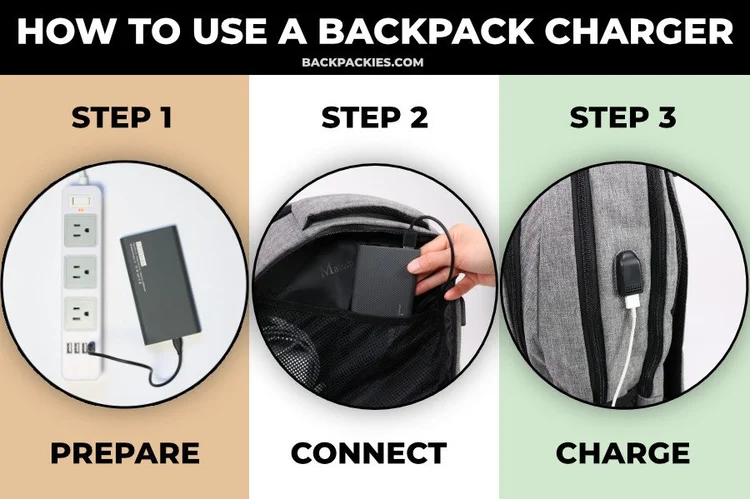
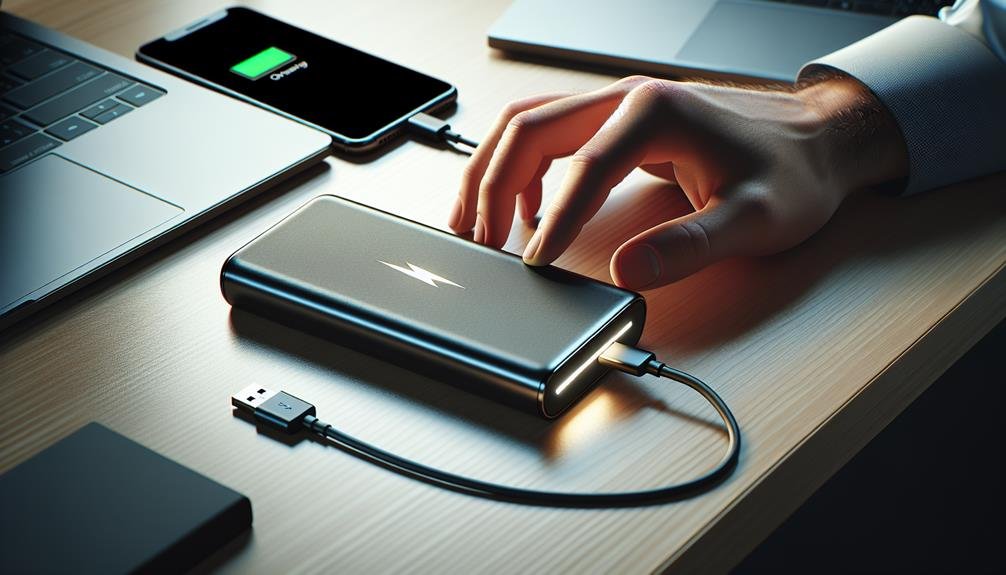
The process is generally the same, regardless of the type of portable charger you have. Most use a USB cable to recharge. The charger itself will have a port – usually a Micro-USB or USB-C port – where you plug in one end of the cable. The other end goes into a power source. That power source can be a wall adapter (like the one you use for your phone), a computer's USB port, or even a car charger. Some newer portable chargers also support wireless charging, allowing you to simply place them on a compatible charging pad.
There are a few variations to keep in mind. Some portable chargers come with their own dedicated wall adapter, which is usually the fastest way to recharge them. Others rely on you using your existing phone charger. The charging speed will depend on the power output of both the charger and the power source. A higher amperage (A) output means faster charging. Also, keep an eye on the indicator lights on your portable charger. These lights will usually blink while charging and then turn solid (or change color) when fully charged. Refer to your portable charger's manual for specific information about its indicator lights.
Here are some simple, practical tips to get started:
- Read the manual: It might seem obvious, but every portable charger is slightly different. The manual will provide specific instructions and safety information.
- Use the right cable: Using the cable that came with your portable charger is generally the best bet, but any high-quality USB cable should work.
- Don't leave it charging indefinitely: Once it's fully charged, unplug it! Leaving it plugged in for extended periods can degrade the battery over time.
- Store it properly: Keep your portable charger in a cool, dry place when not in use. Avoid extreme temperatures.
Charging your portable charger doesn't have to be a mystery. With a little understanding and these simple tips, you'll be able to keep your devices powered up and ready for anything. It's all about knowing you have that extra boost of energy available, offering peace of mind and allowing you to enjoy your experiences without the stress of a dying battery. Go forth and conquer, powered by your trusty portable charger!