So, you're itching to join the 3D printing revolution? Awesome! Forget those intimidating, clunky CAD programs of yesteryear. We're living in a golden age of user-friendly design tools, making it easier than ever to bring your wildest digital creations to life. Think less "complex engineering software" and more "digital LEGOs."
Why Easy CAD Matters
Let's be honest, the learning curve for some CAD software can feel like scaling Mount Everest in flip-flops. Nobody wants to spend weeks mastering a program before they can even print a simple phone case. Easy CAD empowers you to focus on the fun part: designing! It's about accessibility, creativity, and getting tangible results quickly.
Consider it the difference between learning to play guitar on a complex six-string versus starting with a ukulele. Both make music, but one allows for immediate gratification while building a solid foundation.
Top Picks for Beginner-Friendly CAD
Ready to dive in? Here are a few of our favorite easy-to-learn CAD programs that won't make you want to throw your computer out the window:
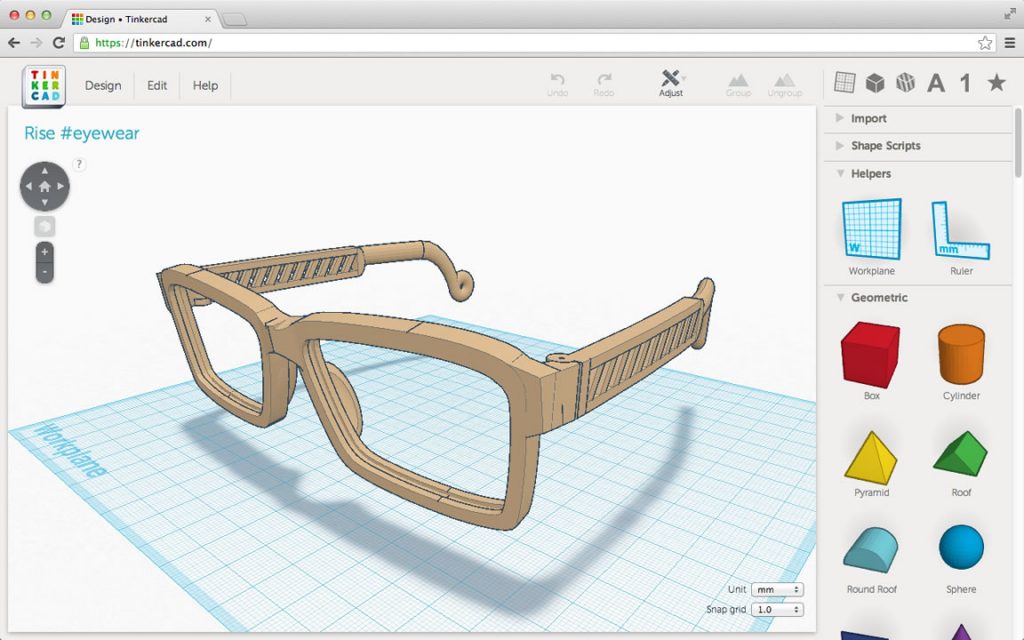
- Tinkercad: The undisputed champion of beginner CAD. It's free, browser-based, and uses a simple drag-and-drop interface. Perfect for creating basic shapes and combining them into more complex designs. Think of it as the Duplo blocks of the digital world.
- BlocksCAD: If you're familiar with Scratch (that visual programming language often used to teach kids coding), BlocksCAD will feel right at home. It uses a similar block-based approach to create 3D models. It’s great for learning the fundamentals of design and geometry.
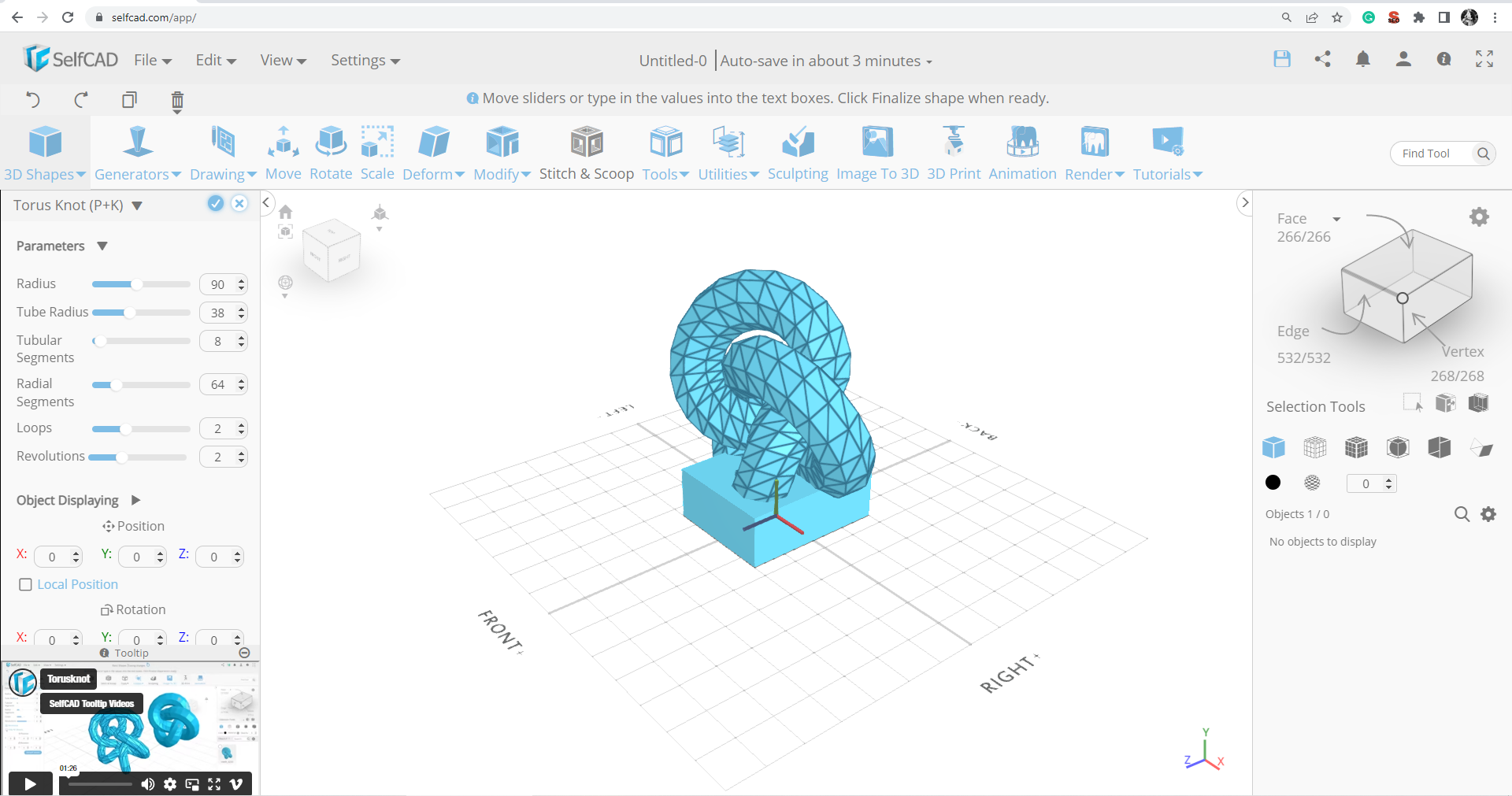
- SelfCAD: SelfCAD offers a more comprehensive set of tools while still maintaining a user-friendly interface. It's a great step up from Tinkercad and includes features like sculpting tools and basic animation. It's often seen as the "Photoshop Elements" of 3D modeling.
Tips for a Smooth Start
Okay, you've chosen your software. Now what? Here are some practical tips to get you started on the right foot:
- Start small: Don't try to design the Millennium Falcon on your first try. Begin with simple projects like keychains, phone stands, or cookie cutters. Mastering the basics is key.
- Utilize tutorials: YouTube is your best friend! Search for tutorials specific to your chosen software. There's a wealth of knowledge out there, waiting to be tapped.
- Embrace failure: Not every print will be perfect. That's okay! 3D printing is an iterative process. Learn from your mistakes and keep experimenting. Remember Thomas Edison's famous quote about the lightbulb: "I have not failed. I've just found 10,000 ways that won't work."
- Join a community: Online forums and communities like Reddit's r/3Dprinting are invaluable resources for troubleshooting, inspiration, and sharing your creations.
Beyond the Basics: Leveling Up Your Skills
Once you've conquered the basics, consider these next steps to further refine your 3D printing prowess:
- Explore different software: As you become more comfortable, experiment with other CAD programs that offer more advanced features. Blender (while more complex) is a powerful free option.
- Learn about design principles: Understanding concepts like proportion, balance, and form will elevate your designs. Think of it as learning the rules of composition in photography.
- Master slicing software: Slicing software is what translates your 3D model into instructions that your printer can understand. Experiment with different settings to optimize your prints.
The Creative Possibilities are Endless
3D printing isn't just about gadgets and gizmos. It's a tool for creative expression, problem-solving, and even social good. Imagine designing custom prosthetic limbs, creating educational tools for children, or prototyping innovative solutions to environmental challenges. The possibilities are truly limitless.
Remember the scene in *Back to the Future II* where Doc Brown 3D prints a replacement part for the DeLorean? That future is now. And it's easier than ever to participate.
3D printing is increasingly being used to create personalized products such as phone cases or jewelry. The power to create personalized objects reflects the human desire for self-expression and individualization.
A Final Thought
In a world increasingly dominated by digital experiences, 3D printing offers a tangible connection to the creative process. It's a reminder that we can still build, create, and bring our ideas to life in the physical realm. So, fire up that CAD software, unleash your inner designer, and start printing! The world needs your creations.