Picture this: You're all set for movie night. Snacks? Check. Comfy blanket? Check. Brand new USB-C cable connecting your laptop to the big screen? ...Uh oh.
Turns out, that innocent-looking USB-C cable might be a wolf in sheep's clothing. It might charge your phone like a champ, but when it comes to sending that epic space battle across to your TV, it just... shrugs. Does nothing. Leaves you staring blankly at a "No Signal" message. The betrayal! The DRAMA!
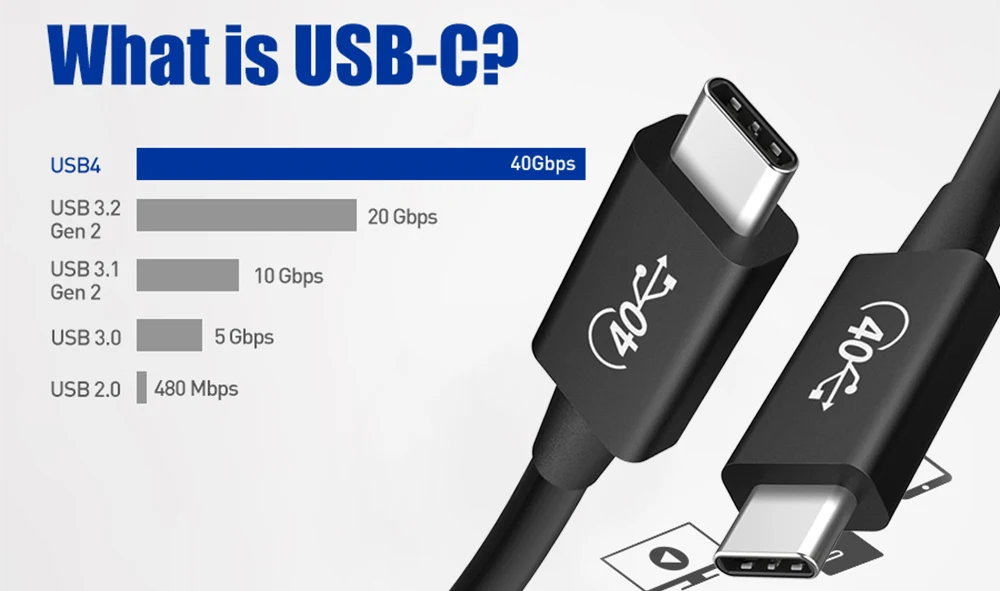
The shocking truth? Not all USB-C cables are created equal. It's like finding out that not every cat is a good cuddler – some just want to judge you from afar. Similarly, some USB-C cables are strictly for power and data, like transferring pictures from your phone to your computer (remember when we used to do that ALL the time?). Others, the fancy ones, are capable of carrying video signals too.
The USB-C Cable Mystery
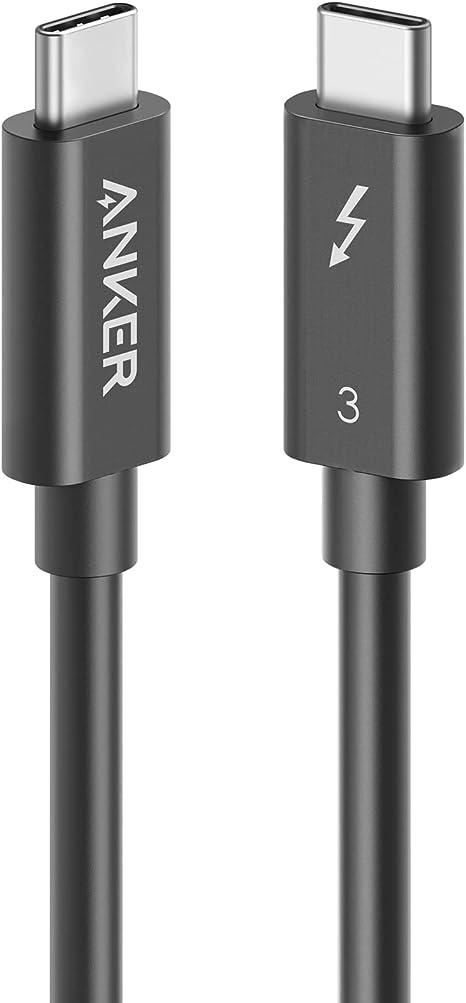
So, how do you tell the difference? Well, short of having X-ray vision, it's not always obvious. It's like trying to guess someone's personality just by looking at their shoes. Some clues can help, though. Look closely at the packaging the cable came in. Did it mention DisplayPort Alternate Mode or Thunderbolt? These are good signs! If the packaging just boasts about how fast it charges your device, then video probably isn't its forte.
Another tip: consider the price. A bargain-basement USB-C cable that costs less than your morning coffee is less likely to support video. The ones that do video are usually a bit more expensive, reflecting the extra technology packed inside. Think of it as the difference between a bicycle and a motorcycle – they both get you places, but one has a lot more going on under the hood.
The lack of universal video support in USB-C cables can lead to some truly comical situations. Imagine trying to give a presentation at work, only to discover your fancy new cable is only good for charging your boss's phone. Talk about a power move… gone wrong!
A World of Adapters and Dongles (Oh My!)
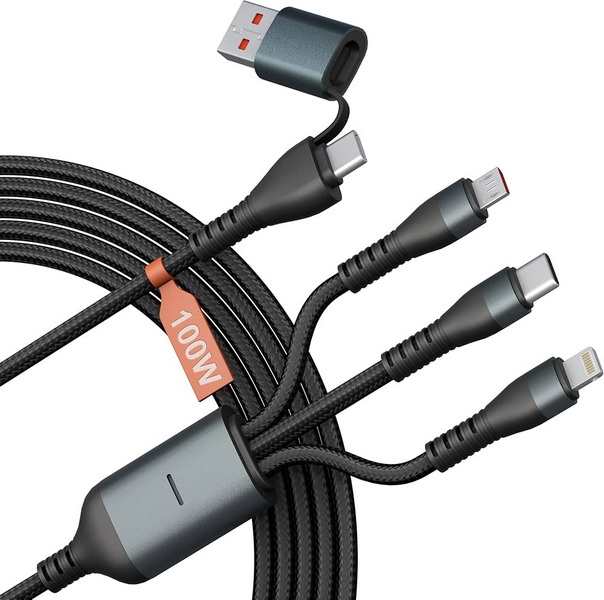
But fear not, movie lovers and presentation givers! Even if your current USB-C cable isn't video-capable, there are ways to work around it. This is where the magical world of adapters and dongles comes in. These little gadgets can convert the USB-C signal into something your TV or monitor can understand, like HDMI. It's like learning a new language so you can communicate with someone who speaks a different tongue. You might need a translator (the dongle), but you can still get your message across!
Think of it like this: your laptop is a charismatic but shy individual. It *wants* to show your movie to the big screen, but it needs a little help from a *USB-C to HDMI adapter* – the extroverted friend who knows how to make connections.
A Love Story (Sort Of)
The relationship between USB-C and video is a bit like a budding romance. It has its awkward moments, misunderstandings, and occasional frustrations ("Why won't you just show the picture?!"). But ultimately, when it works, it's beautiful. High-definition movies, seamless presentations, and shared gaming experiences – all thanks to a tiny, rectangular port and a cable that (hopefully) knows what it's doing.
So, the next time you reach for a USB-C cable, remember: not all heroes wear capes… and not all cables carry video. Do a little research, check the packaging, and maybe even perform a test run before your big movie night. Your friends (and your sanity) will thank you.
And remember, the universe is trying to tell you something if your charging cable won't display video. Maybe it's time to dust off that old DVD player. Or, you know, just buy the right cable. Happy viewing!