Ever dreamt of conjuring a miniature Eiffel Tower out of thin air? Or maybe designing the ultimate, personalized phone case that screams "YOU"? Well, my friend, you're probably eyeing up a 3D printer! But before you dive headfirst into the whirring, plastic-smelling wonderland, you might be wondering: Do these magical machines come with the secret sauce… the software?
The Short Answer: YES! (Usually!)
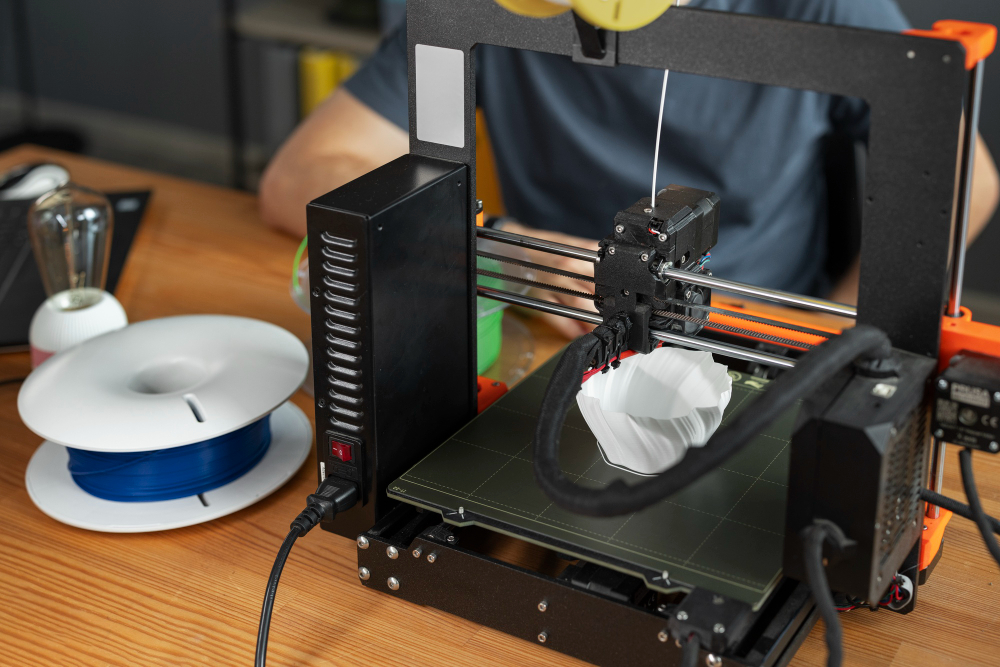
Think of buying a 3D printer like buying a video game console. The console itself is cool and all, but without games, you're just staring at a fancy brick. Similarly, a 3D printer needs instructions – digital blueprints, if you will – to know what to build. That's where the software comes in! Most 3D printers DO come bundled with some basic software to get you started. It's like a "Greatest Hits" compilation of 3D printing, designed to let you print some pre-made models and learn the ropes.
The Software Spectrum: From "Easy Bake Oven" to "NASA Mission Control"
Now, don't expect all bundled software to be created equal. Some are super user-friendly, like the "Easy Bake Oven" of 3D printing software. They're designed for beginners, with simplified interfaces and pre-loaded designs. You can tweak a few settings (maybe make your Eiffel Tower a little taller, or change its color), but overall, it's pretty straightforward. These are usually perfect for printing trinkets, toys, and small household items.
Then you have the more advanced options. Think of these as "NASA Mission Control" for your 3D printer. They offer a HUGE amount of control over every aspect of the printing process. We're talking temperature, speed, layer height, infill density… the works! This is where you can really fine-tune your prints for optimal quality and experiment with different materials. It's also where you can start designing your own models from scratch (or importing them from other sources).
What kind of software can you expect?
Typically, the software that comes with your 3D printer will fall into a few key categories:
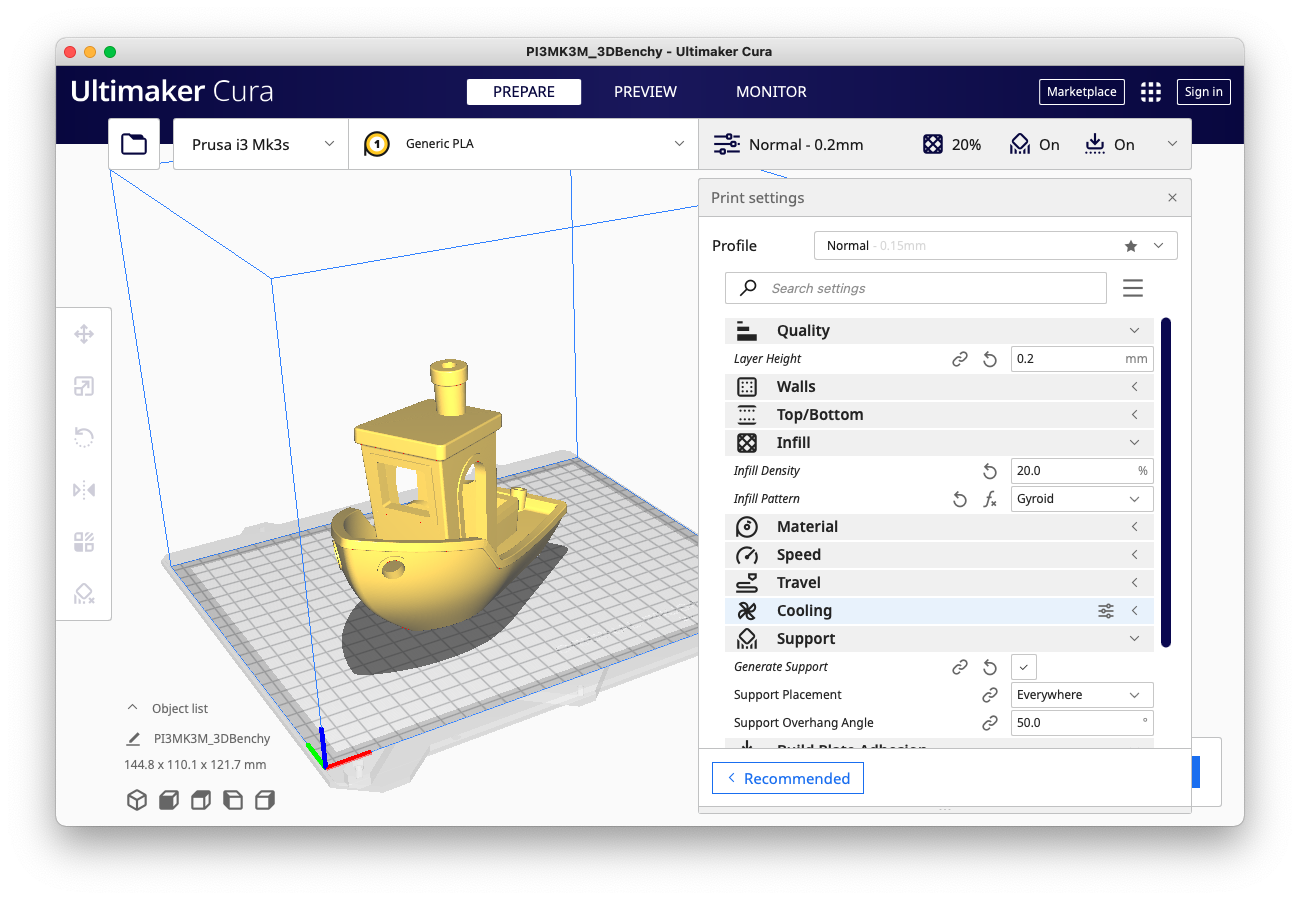
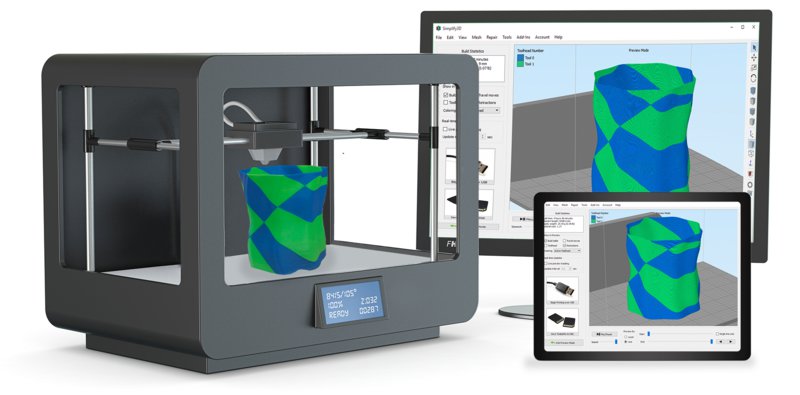
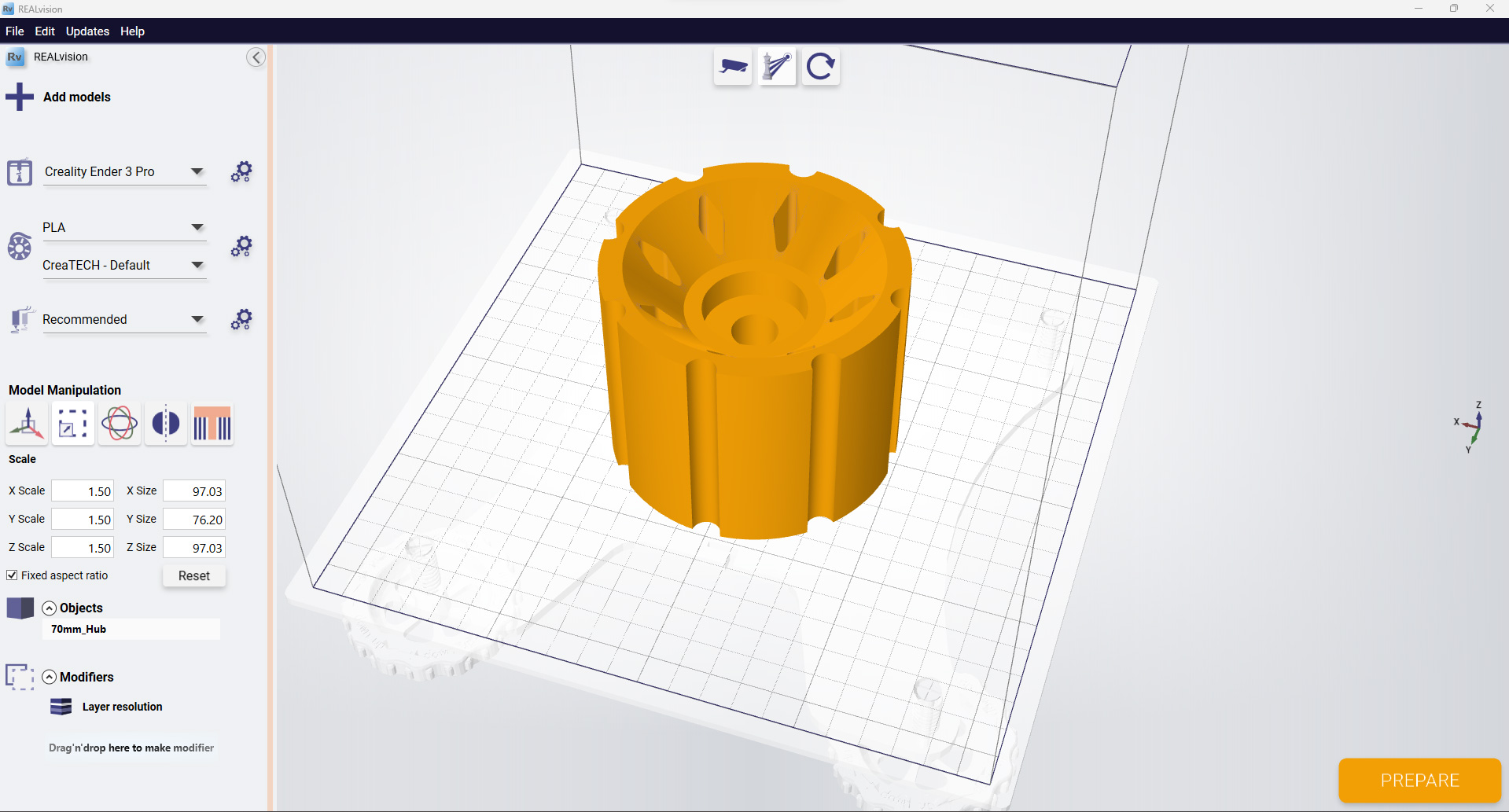
- Slicing Software: This is the big kahuna! Slicing software takes your 3D model and "slices" it into thin layers, generating the instructions (G-code) that your printer needs to follow. Think of it like a chef carefully slicing vegetables for a complicated dish. Popular examples (that you might even find bundled with your printer) include Cura, Simplify3D, and PrusaSlicer.
- Basic Modeling Software: Some printers might include a very basic 3D modeling program. These are usually pretty limited, but they can be a great way to dip your toes into the world of design. Think TinkerCAD.
- Printer Control Software: This software lets you directly control your printer, monitor its progress, and adjust settings on the fly. It's the "dashboard" of your 3D printing experience.
But What If My Printer Doesn't Come With Software?! (Don't Panic!)
Okay, okay, so maybe you bought a super budget-friendly printer, or a used one, and it didn't come with any software. Don't despair! The 3D printing community is incredibly generous, and there's a TON of free and open-source software available online. Seriously, you could spend weeks exploring all the options!
Think of it like discovering a hidden treasure trove of digital design tools. There are programs for every skill level, from beginner-friendly interfaces to professional-grade CAD software. You can download Cura, TinkerCAD, or other free software, and start printing awesome stuff!
Pro Tip: Do Your Research!
Before you buy a 3D printer, take a little time to research what software it comes with. Read reviews, watch videos, and see what other users are saying. Is the software user-friendly? Is it powerful enough for your needs? Is it compatible with your operating system? This little bit of homework can save you a lot of headaches down the road.
So, Are You Ready to Print?!
The bottom line is this: 3D printers generally DO come with software, but the quality and features can vary. Whether you get a printer with bundled software or need to find some free options online, the important thing is to get started! Embrace the learning curve, experiment with different settings, and don't be afraid to make mistakes. Because who knows? Maybe you'll be the one designing the next must-have gadget, or printing the key to solving a global crisis (okay, maybe not, but dream big!). Now, go forth and print! And remember, if all else fails, just blame the G-code.