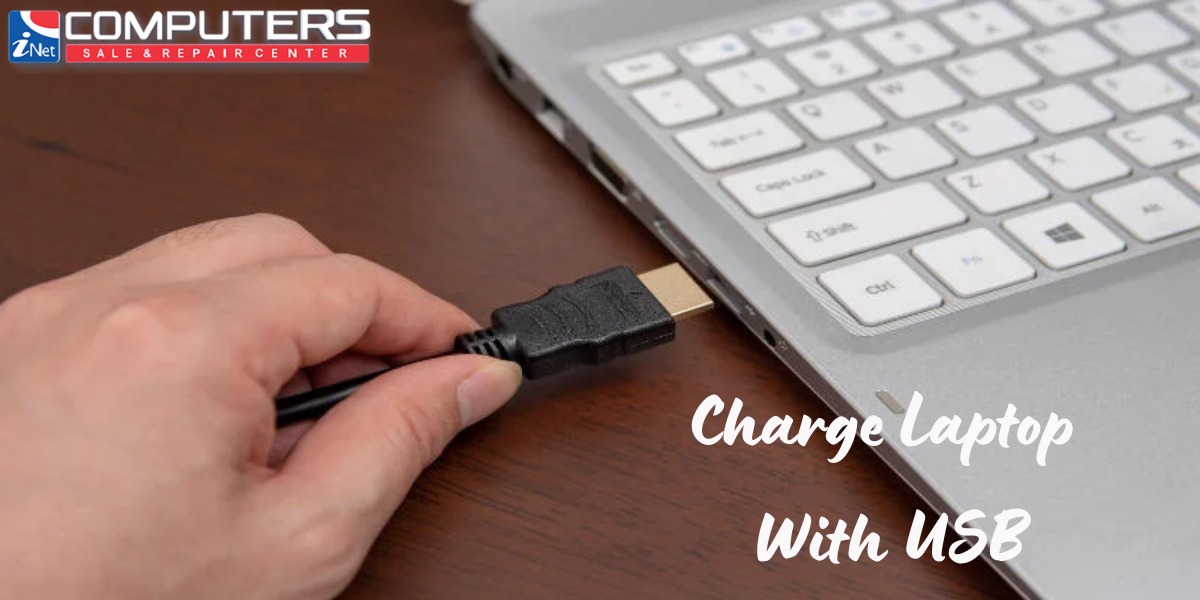
Okay, friends, buckle up! We're diving headfirst into the magical world of charging your laptop with a USB cable. Prepare to be amazed! (Or at least mildly interested. We aim to please.)
The USB Charging Dream: A Reality (Sort Of)
Imagine this: You're chilling in your local coffee shop, sipping a latte, and your laptop battery starts flashing that dreaded "low battery" warning. Panic sets in! You rummage through your bag, desperately searching for that bulky, proprietary charger that's probably tangled beyond recognition. But WAIT! A glimmer of hope! You remember you have a trusty USB-C cable nestled in your pocket, the very same one you use to charge your phone. Could it be? Could you actually ditch the brick and charge your laptop with a USB cable? The answer, my friends, is a resounding... well, it depends!
See, not all USB ports are created equal. Think of it like this: You wouldn't try to fill a swimming pool with a garden hose, would you? (Okay, maybe you would try, but it would take, like, a week). Some USB ports are like that tiny garden hose, delivering just a trickle of power. Others are more like a firehose, ready to pump some serious juice into your laptop.
So, How Do I Know If My Laptop Can Charge with USB?
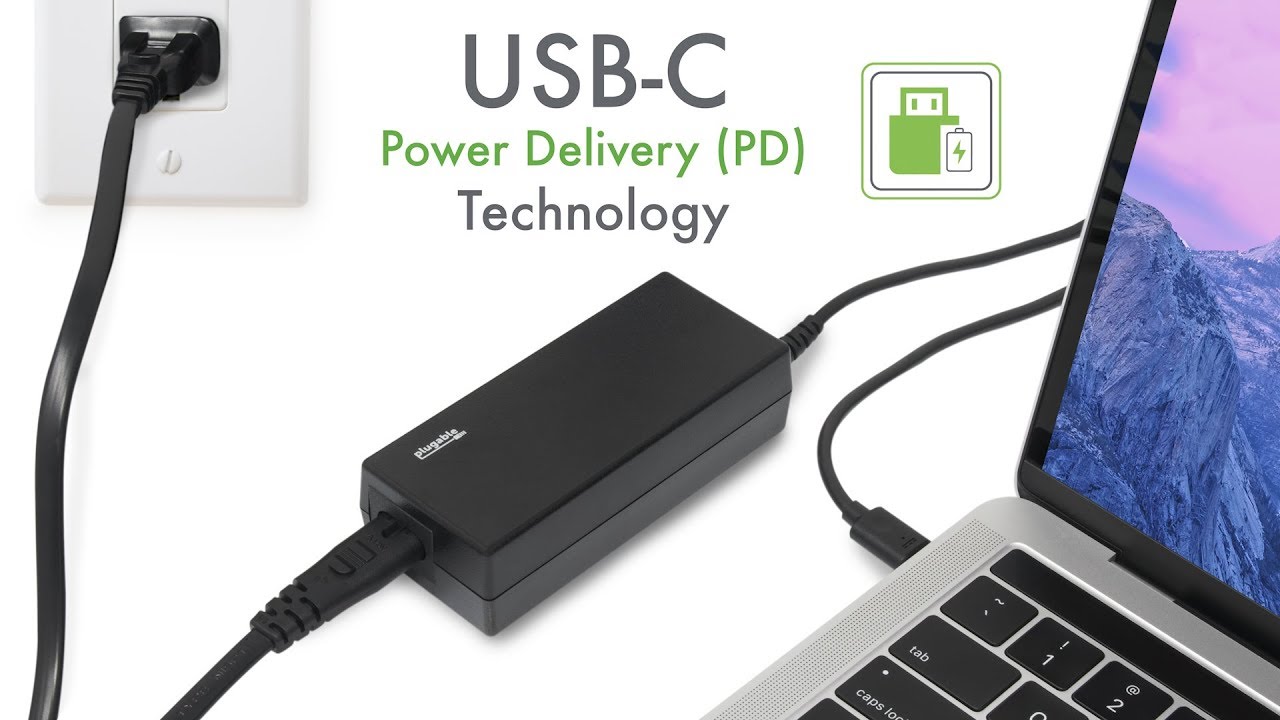
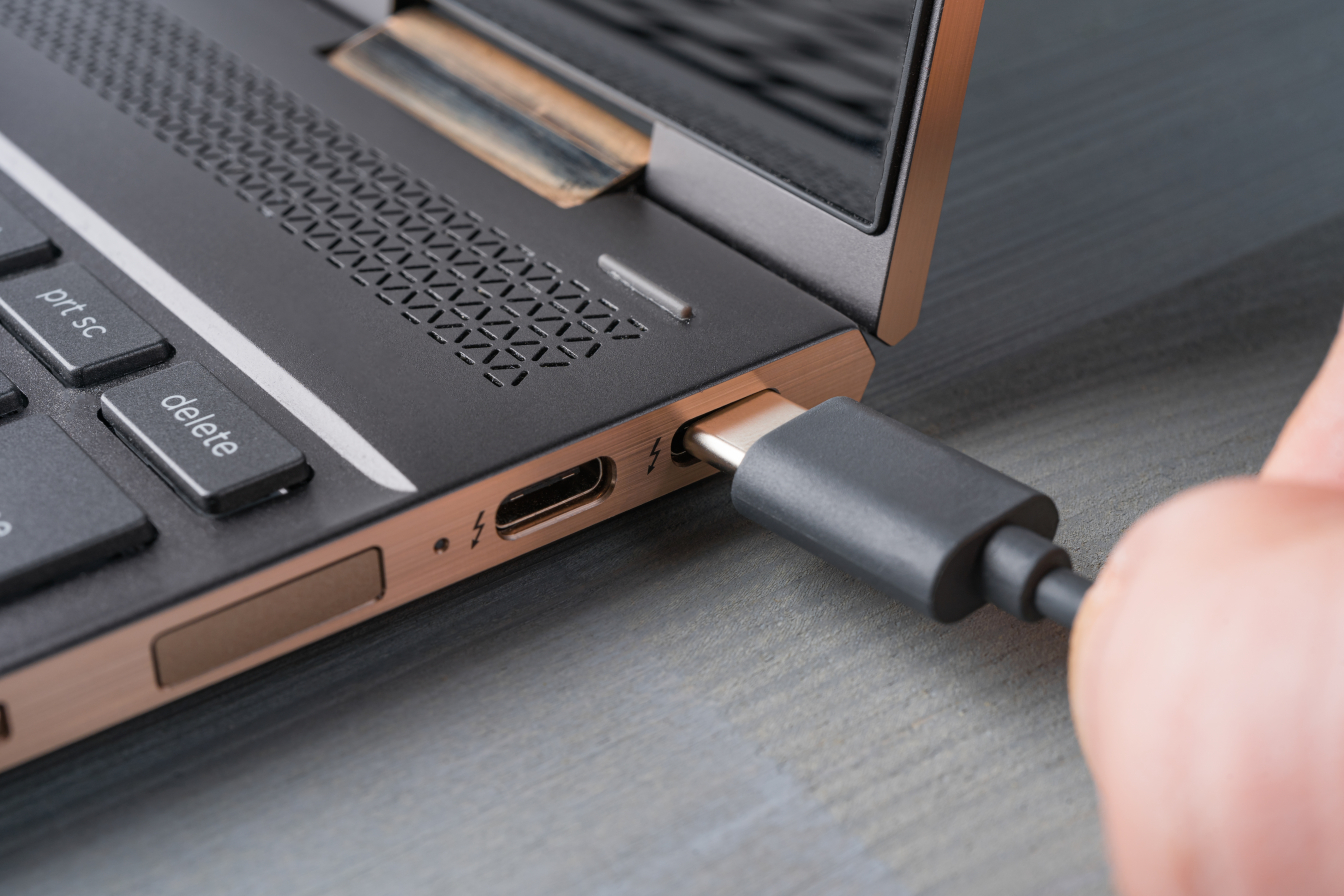
This is the million-dollar question! The key phrase you're looking for is USB-C Power Delivery (PD). If your laptop and your USB-C port both support Power Delivery, then you're in business! Look for the USB-C port on your laptop. Many manufacturers will label these ports with the  symbol (or something similar).
But even if your laptop does have a USB-C PD port, it's not a guaranteed home run. You also need a charger and cable that can deliver enough power. Using a wimpy phone charger to power your ravenous gaming laptop is like trying to fuel a rocket ship with AA batteries. It's just not gonna happen.
Check your laptop's manual or the manufacturer's website for the wattage required. This is usually expressed in watts (W). Then, make sure your charger and cable can handle that wattage. A 60W charger and cable are generally a good starting point for many laptops, but some power-hungry beasts might require 100W or more.
The Joy of Portable Power (and the Occasional Disappointment)
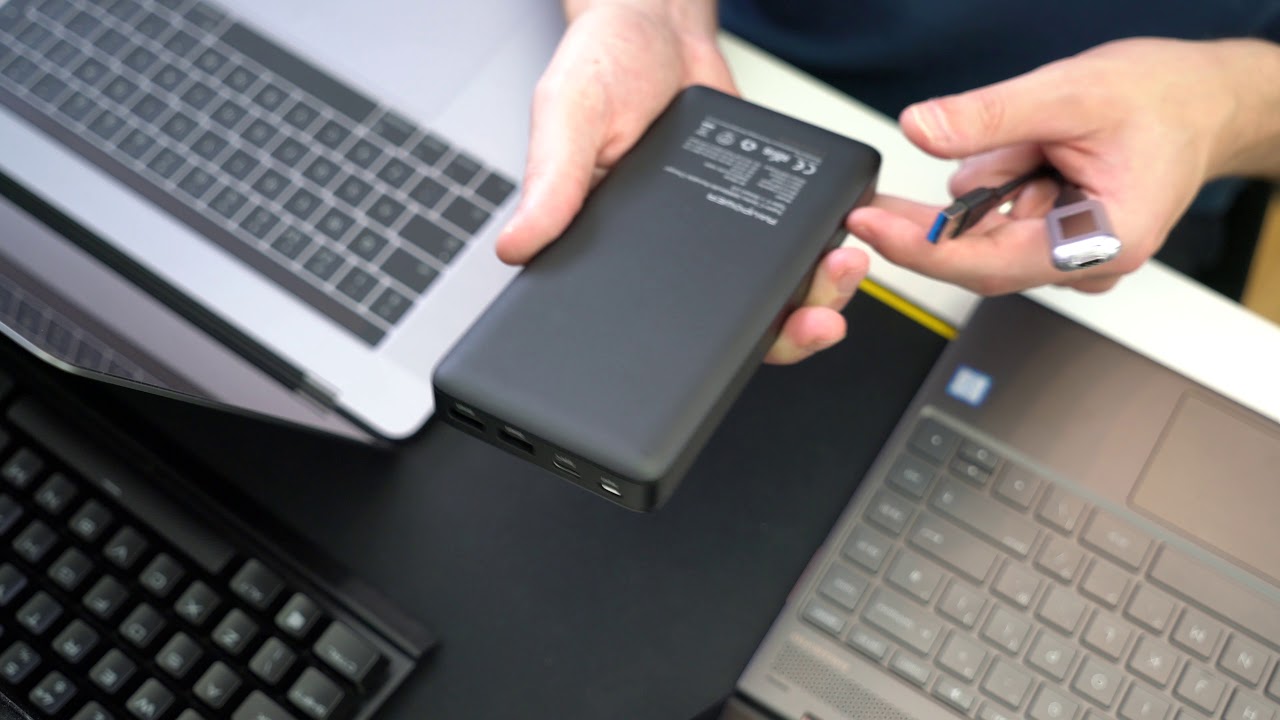
When it works, USB-C PD charging is a game-changer! Imagine the freedom of traveling with just one charger for your phone, tablet, and laptop. It's like simplifying your life by at least 75%! (Okay, maybe 25%, but it feels like 75%).
However, be prepared for some potential pitfalls. Sometimes, even with the right wattage, your laptop might charge slower than usual. Or, it might only charge when the laptop is turned off or in sleep mode. It's all part of the adventure! Think of it as a learning experience... a slightly frustrating learning experience.
And remember, older laptops with traditional barrel-shaped charging ports? Sadly, they're usually stuck with their proprietary chargers. No USB magic for them! It's like trying to fit a square peg into a round hole. Don't even bother. (Okay, you *could* try, but I'm not responsible for any damage you inflict on your poor laptop).
The Bottom Line: Embrace the USB Future (with Caution)
Charging your laptop with a USB cable is becoming increasingly common, and it's a fantastic convenience when it works. Just remember to do your research, check your wattage, and don't expect miracles. If you can navigate the quirks and potential limitations, you'll be rewarded with a lighter bag, a cleaner desk, and the smug satisfaction of knowing you're living in the future (or at least a slightly more convenient version of the present).
So go forth and conquer the world of USB charging! And if all else fails, there's always that bulky, proprietary charger lurking in the depths of your bag. Just kidding! Hopefully.