Ever tried assembling IKEA furniture without the instructions? Yeah, that's kind of what 3D printing is like without the right CAD software. You might end up with something… vaguely resembling a table… or a very abstract pile of plastic. Choosing the right CAD software is crucial, like finding the perfect pair of socks that don't slide down into your shoes. It just makes everything better.
But with so many options out there, how do you pick the one that won’t make you want to throw your computer out the window? Let’s break it down, nice and easy, no tech jargon overload promised.
Free and Fantastic: For the Casual Creator
Alright, so you're not trying to design the next Mars rover (yet!). Maybe you just want to whip up a custom phone case or a funky-shaped cookie cutter. That’s totally cool! There are some amazing, completely free options to get you started. Think of them as the "Netflix free trial" of CAD software – enough to get hooked without breaking the bank.
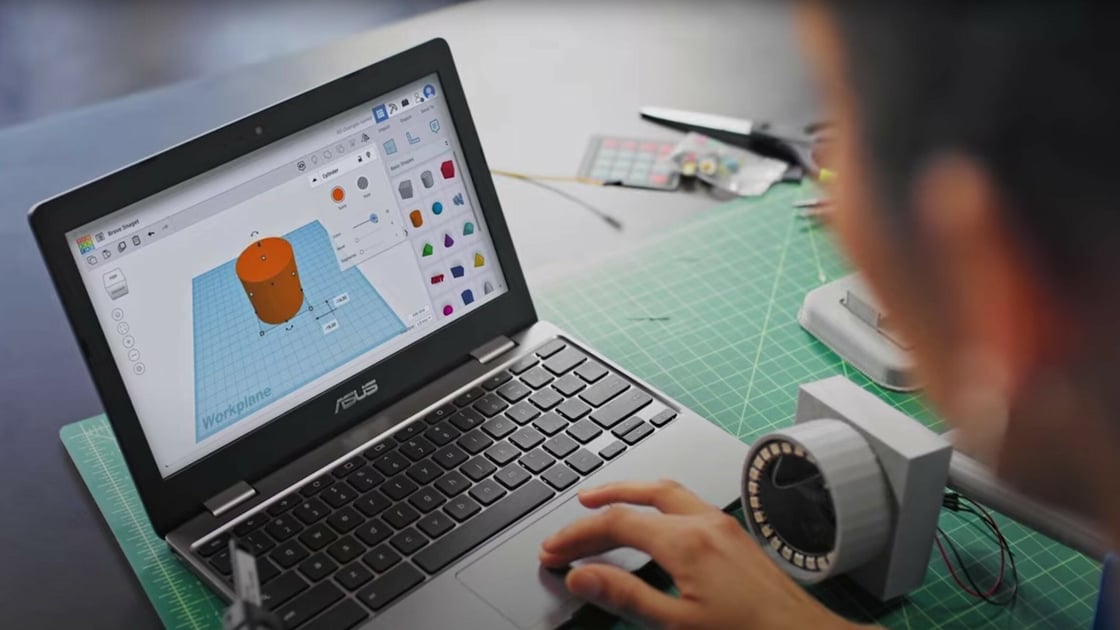
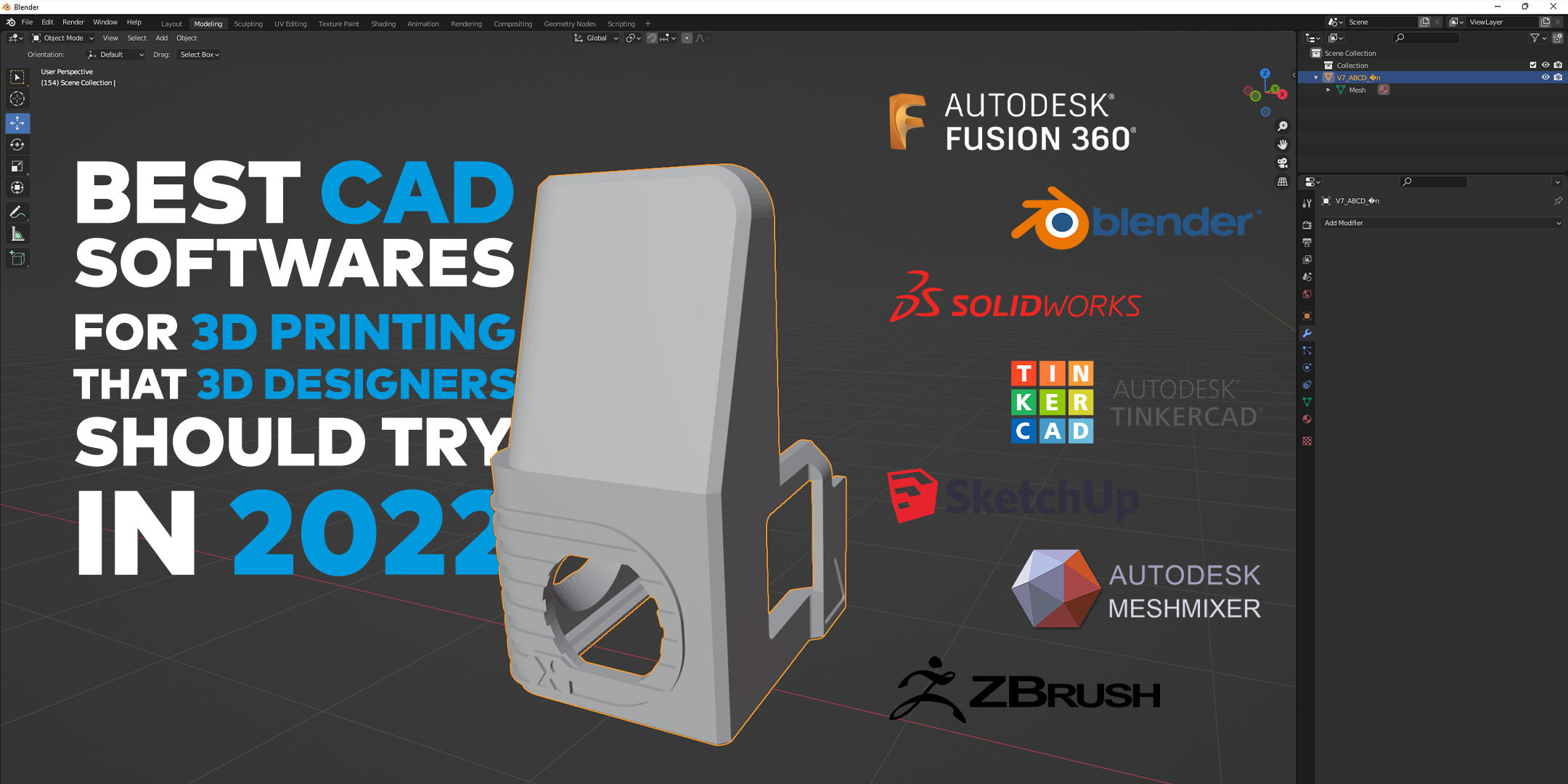
Tinkercad is like the Play-Doh of the 3D printing world. It's super intuitive, browser-based, and perfect for beginners. You're literally dragging and dropping shapes together. Seriously, if you can use a mouse, you can use Tinkercad. It's great for simple projects and teaching kids (or adults who act like kids, no judgment here!). I once used it to design a replacement knob for my oven after my cat decided the original one was a chew toy. Worked like a charm!
FreeCAD is the slightly more "grown-up" free option. It's open-source, which basically means it's a community project and constantly being improved. It's a bit more complex than Tinkercad, but still very manageable for beginners and powerful enough for intermediate projects. Think of it as learning to ride a bike with training wheels that eventually come off. You can build some seriously impressive things with it, and the community support is fantastic.
Stepping Up Your Game: Intermediate Options
So, you’ve conquered the basics and now you’re dreaming of designing elaborate cosplay armor or intricate mechanical components. You're ready for the "level-up" stage! This is where things get a little more… involved. Don't worry, it's still fun, just like learning a new dance move that looks complicated but feels amazing once you nail it.
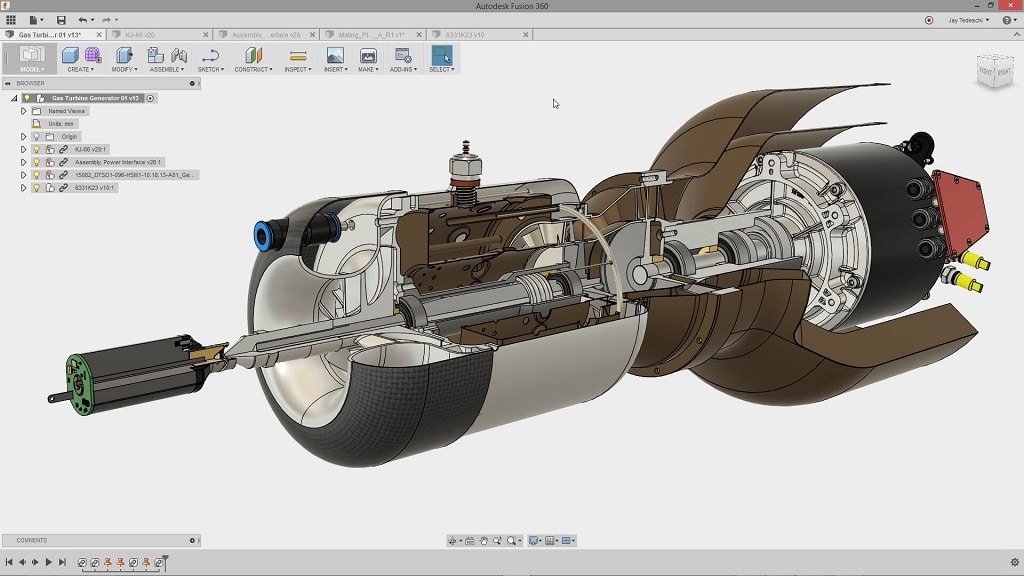
Fusion 360 is a popular choice for a reason. It's a powerful, cloud-based CAD/CAM software that’s surprisingly affordable (especially for hobbyists and startups). It has a ton of features, including parametric modeling (which basically means you can easily change dimensions and the entire design updates automatically – it’s like magic!). Fusion 360 is the "multi-tool" of the 3D printing world, capable of handling just about anything you throw at it.
SketchUp is another popular option, known for its ease of use and intuitive interface. It's particularly good for architectural designs and visualizing spaces. It's like building with digital LEGOs, but on a much grander scale. You can even design your dream house and then 3D print a miniature model of it! Now that’s what I call commitment.
The Pro Zone: When You Mean Business
Okay, so you're not just designing things for fun anymore. You're a serious designer, an engineer, or an entrepreneur, and you need the big guns. These software packages are like having a team of expert designers at your fingertips – powerful, versatile, and capable of handling the most complex projects.
SolidWorks is an industry standard for a reason. It's incredibly powerful and feature-rich, capable of handling everything from designing intricate mechanical parts to simulating stress tests. Think of it as the "Swiss Army knife" of CAD software, but one that could probably build a real spaceship. It has a steeper learning curve than the other options, but the rewards are well worth it if you're serious about 3D printing.
Rhino 3D is a powerhouse when it comes to creating complex, organic shapes. Think sleek car bodies, intricate jewelry designs, or the kind of sculptures you see in modern art museums. If you're looking for a tool that can handle complex curves and surfaces, Rhino 3D is definitely worth considering. It's like sculpting with digital clay, allowing you to create truly unique and beautiful designs.
Final Thoughts: Pick What Feels Right
Ultimately, the best CAD software for 3D printing is the one that *you* find the most comfortable and effective. Download some free trials, watch some tutorials, and don’t be afraid to experiment. Just like finding the perfect pair of jeans, it might take a little trial and error, but once you find the right fit, you’ll be creating amazing things in no time!