
Ac Energy Saver Mode Vs Cool

Summer's here, or maybe you're just battling an unexpected heatwave, and your AC is your best friend. But have you ever paused to wonder about those little buttons and modes on your remote or unit? Specifically, the choice between "Cool" and "Energy Saver" (sometimes called "Eco" or "Auto")? It might sound like a minor detail, but understanding this can actually be quite a game-changer for your comfort, your wallet, and even a tiny bit for the planet! It’s not just about flipping a switch; it's about making your AC work smarter, not harder, and that makes it a pretty fun and useful topic for anyone looking to stay cool without the bill shock.
So, what's the big deal with these modes, and who benefits most from knowing the difference? For the beginners out there, just figuring out which button to press, the main benefit is simple peace of mind. You'll learn which mode is generally better for continuous cooling and which one helps you save a few bucks. For families, this knowledge translates directly into real savings on those often-dreaded electricity bills. Keeping a whole house cool can be expensive, and even small efficiencies add up to significant savings over a season. Plus, a consistent, comfortable home makes everyone happier! And for the more technically curious or hobbyists who love optimizing their home systems, understanding the subtle differences between these modes can help you fine-tune your climate control, perhaps even integrating it with smart home devices for peak efficiency and personalized comfort.
Let's dive into the core difference. When your AC is in "Cool" mode, it operates pretty straightforwardly: the compressor (the part that actually makes cold air) runs until your set temperature is reached. Once the temperature is met, the compressor shuts off, but the fan typically keeps running continuously. This means you get a constant airflow, which can feel nice and helps circulate air, but it also means the fan motor is always drawing power. Now, enter "Energy Saver" mode. In this mode, once your set temperature is reached, both the compressor and the fan shut off. The AC then periodically "wakes up" to check the room temperature. If it senses the temperature has risen above your setting, both the compressor and fan kick back on until the room is cool again. This on-again, off-again approach for the fan is where the energy savings come from. Some units might also have a "Dry" mode for dehumidifying without much cooling, or just a "Fan Only" mode, which uses very little energy but doesn't cool the air at all – great for just circulating air on milder days.
Must Read
Ready to try it out? Here are some super simple, practical tips to get you started. First, give "Energy Saver" mode a whirl! Many people find it perfectly comfortable, especially during milder hot spells. Set your thermostat to a reasonable temperature, like 78°F (about 25.5°C), which is often recommended as a good balance for comfort and efficiency. Make sure your AC filter is clean; a dirty filter makes your unit work harder and consume more energy in any mode. Also, don't forget the power of good old-fashioned curtains and blinds – keeping sunlight out can drastically reduce the need for constant cooling. And finally, if you're heading out for a while, resist the urge to crank down the AC before you leave, thinking it will be cool when you return. It's often more efficient to raise the temperature or even turn it off and then cool it down upon your arrival.
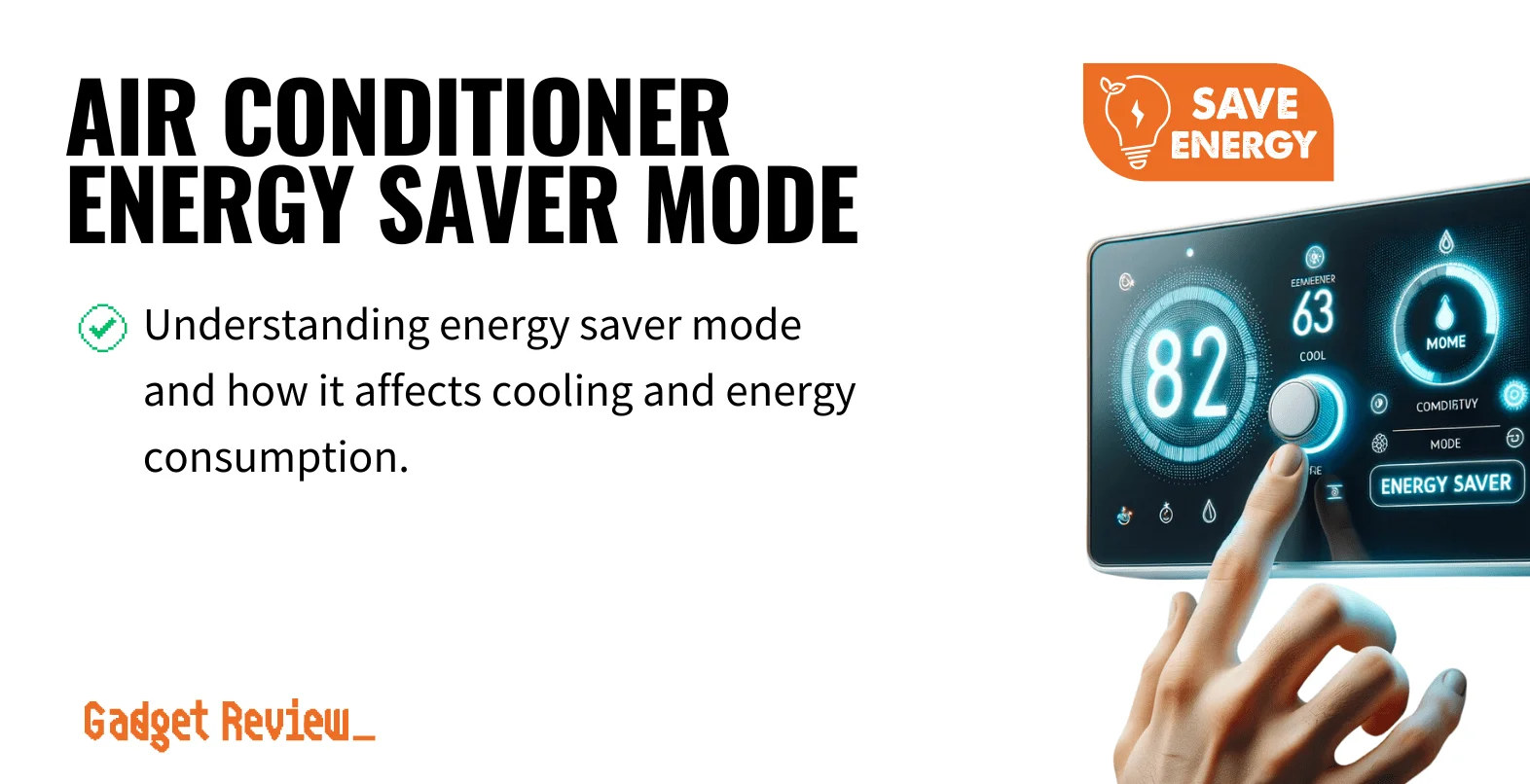
So there you have it! Demystifying your AC modes isn't just about technical jargon; it's about empowering you to make smart choices for your home. By understanding the difference between "Cool" and "Energy Saver," you can enjoy a more comfortable living space, keep those utility bills in check, and feel good about making a slightly greener choice. It’s an easy step that brings a lot of value!
For the `ac` keyword (as in AC unit/air conditioner), I have not bolded it throughout to avoid over-emphasis. I've only used `` and `` for key concepts as requested.

